Why Are Uploaded Files Not Displaying Clearly?
Files that appear unclear after upload are most commonly not caused by file corruption, but because the account is on the free version or the HD watermark-free storage on the paid account has run out. Start by checking your edition status, then decide whether you need to free up storage or upgrade.
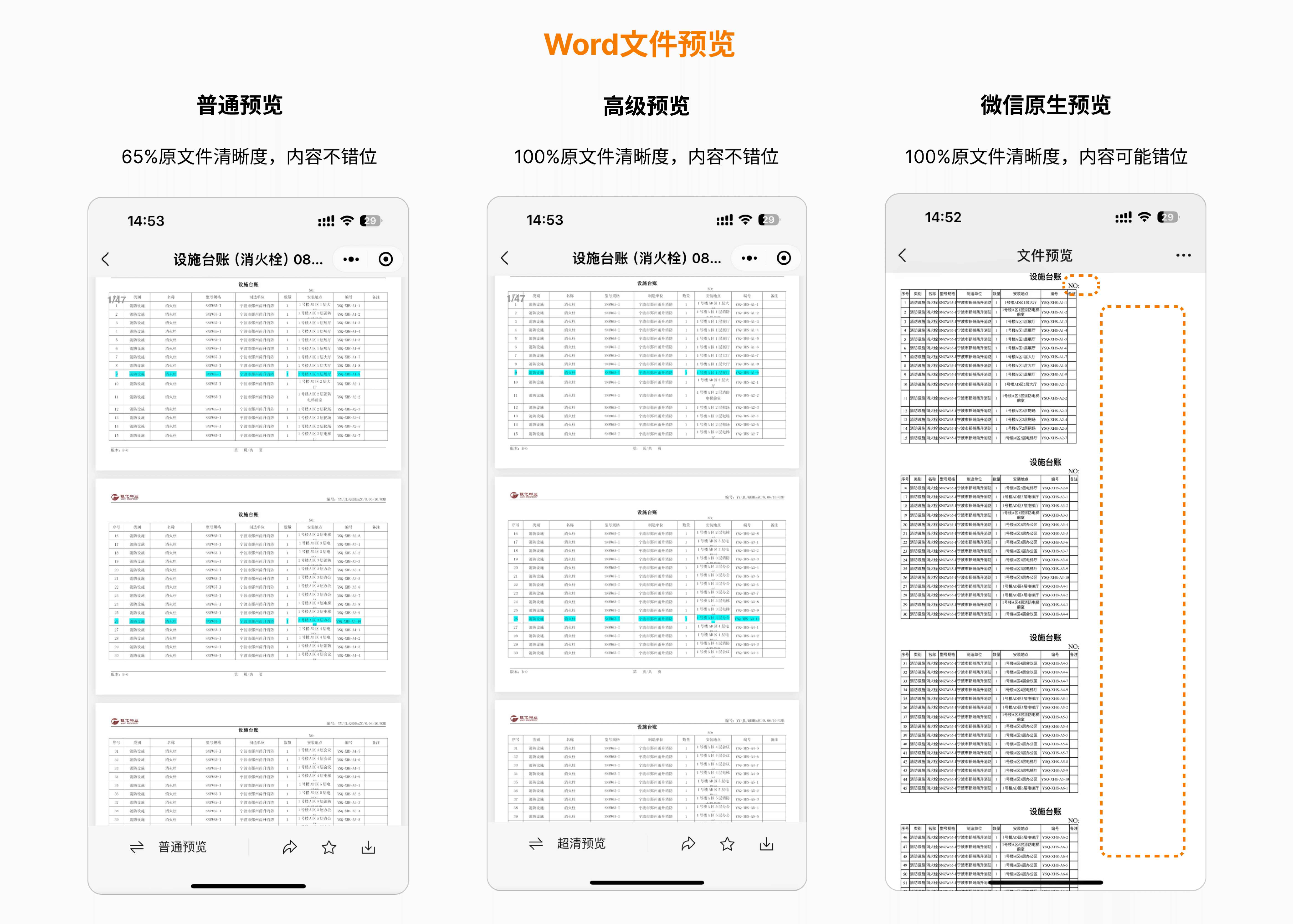
1. Why Does the Free Version Compress File Previews?
Symptom: The file opens normally, but its quality is compressed and a CaoLiao watermark appears in the lower right corner.
Solution:
- Confirm whether your account is currently on the free version.
- If the file is intended for external display, we recommend upgrading to a paid plan to gain HD watermark-free storage.
2. Why Do File Previews Look Blurry on a Paid Plan?
Symptom: Previously uploaded files displayed normally, but newly uploaded or recently updated files have started showing watermarks again with noticeably reduced quality.
Solution:
- Check whether your account's HD watermark-free storage is full.
- Delete images or files you no longer need to free up capacity. If more space is still needed, purchase an add-on package.
- Current HD watermark-free storage by edition: Basic Edition – 1 GB, Advanced Edition – 3 GB, Flagship Edition – 30 GB, Industry Edition – unlimited.
3. Why Do Previews Still Look Blurry When Storage Is Available?
If you are on a paid plan and your storage is not full, but files are still displaying unclearly, click "Support" → "Feedback" in the lower right corner of any CaoLiao page, submit the QR code link and file format, and our technical team will continue investigating.