A4 Layout Printing Guide
A4 layout printing is primarily for self-printing. Once you set the layout rules, the system automatically arranges your QR code labels according to those rules — ready to export and use, saving you manual layout effort.
This is a convenient option for temporary use, small-scale pilots, or situations where aesthetics are not critical.
CaoLiao also summarizes material selection, pricing references, and deployment tips for different QR code label scenarios. Use the navigation to find your scenario and view detailed content. Learn about the QR Code Label Printing Deployment Guide
I. Choosing a Layout Method
The system provides two layout methods. See details below:
1. Regular A4 Paper
- Print with regular A4 paper + a standard printer.
- Comes with cut lines — just trim along the cut lines after printing.
- Trimmed labels can be applied with transparent tape, laminated, or inserted into matching card sleeves.
2. A4 Die-Cut Adhesive Sticker
- Requires matching A4 die-cut adhesive paper + laser printer.
- After printing, no trimming needed — peel and stick directly.
Important!!
- This die-cut adhesive has average color fastness and is not suitable for large color-block labels.
- No surface lamination — poor water and abrasion resistance. Not suitable for frequently rubbed or wiped surfaces and not suitable for outdoor use.
- Average adhesion: Prone to peeling on rough, leather, oily, or high-temperature surfaces.
- Cannot use an inkjet printer — may cause ink smearing or flaking.
This die-cut adhesive is significantly different from professionally printed adhesive stickers from a print shop. It is only suitable for pilot-phase temporary use or short-term single-use.
II. Production Methods and Results
1. Regular A4 Paper — Trim and Stick
- Trim along the cut lines and apply with wide transparent tape. Suitable for low-aesthetics needs such as fire extinguishers.
- Before applying: Clean the surface to ensure it is free of dust and debris.

2. Regular A4 Paper — Trim + Card Sleeve
- Buy a card sleeve, trim the paper, and insert it into the sleeve for use.
- Card sleeves come in many types, sizes, and materials. Make sure the sleeve is wider and taller than the paper size.
- To attach to equipment surfaces, use 3M double-sided tape.

3. Regular A4 Paper — Trim + Lamination
- Durable, convenient, and affordable. Laminated labels are waterproof, stain-resistant, and resistant to oxidation and discoloration. Apply with 3M double-sided tape.
- Recommend matte lamination film or frosted lamination film — no glare, easier to scan.

4. A4 Die-Cut Adhesive Sticker (Silver Material)
- Silver PET material, tear-resistant.
- No lamination — average water resistance, not sun-resistant. Not suitable for outdoor use. Frequent wiping causes ink smearing.
- Average adhesion — prone to peeling on rough, high-temperature, or low-temperature surfaces.
- Under normal use, labels last a few months to 1 year.
- Not recommended for long-term or large-scale use — high likelihood of peeling and reprinting is inconvenient.
View die-cut paper printing tutorial and FAQs

5. A4 Die-Cut Adhesive Sticker (Coated Paper Material)
- White, coated paper material — tears very easily.
- Not waterproof, not sun-resistant — frequent wiping causes ink smearing.
- Peels or degrades in rough, high-temperature, or low-temperature environments.
- Although inexpensive, durability is poor. Unless for single-use purposes, this is not recommended.

III. Consumables Recommendations
Transparent Hard Sleeve
- Search keyword: "Transparent hard sleeve"
- Purchase link 1
- Purchase link 2
- Purchase link 3
- Purchase link 4
Additional notes:
- "丝" (sī) is a unit of thickness — a larger number means a thicker and stiffer sleeve.
- Regardless of thickness, do not bend — it may crack.

Waterproof Soft Sleeve
- Search keywords: "Waterproof soft sleeve," "Waterproof card sleeve"
- Purchase link 1
- Purchase link 2
- Purchase link 3
- Purchase link 4
Additional notes:
- Flexible material that can be bent.
- Built-in hanging hole — compatible with cable ties for mounting on equipment.

Self-Adhesive Card Sleeve
- Search keywords: "Self-adhesive card sleeve," "Adhesive-backed card sleeve"
- Purchase link 1
- Purchase link 2
Additional notes:
- Flexible material that can be bent.
- Built-in adhesive backing for easy use, but the opening is relatively large and aesthetics are average.

Framed Hard Sleeve
- Search keywords: "Card-K-Shi hard sleeve," "Magnetic hard sleeve"
- Purchase link 1
- Purchase link 2
- Purchase link 3
Additional notes:
- If the size fits, the frame covers the cut lines — small trimming errors are invisible, and the result is neater and more polished than a fully transparent sleeve.
- Available in three types: magnetic, adhesive-backed, and neither. Choose based on your needs. (Testing shows the built-in adhesive is average — can be ignored.)

Acrylic Label Plate
- Search keywords: "Acrylic card slot," "Acrylic label plate"
- Purchase link 1
- Purchase link 2
Additional notes:
- Recommend the double-layer slot style; use 3M transparent nano tape for the adhesive backing.
- Single-layer style is not recommended — the adhesive surface is too small and prone to falling off.
- The magnetic corner attachment style is not recommended — insufficient magnetism and prone to falling.

Double-Sided Tape
-
Search keywords: "3M strong adhesive," "3M foam tape," "3M nano tape"
Additional notes:
- Only recommend 3M tape — other cheaper brands are not strong enough.
- For small areas, apply tape at the center. For large areas like A4, apply at the four corners.
Matte Lamination Film
Search keywords: "Matte lamination film," "Frosted lamination film"
Additional notes:
- "mic" is the unit of thickness — a larger number means thicker film.
- Most lamination films have no special requirements for laminators. Confirm with the vendor when purchasing.
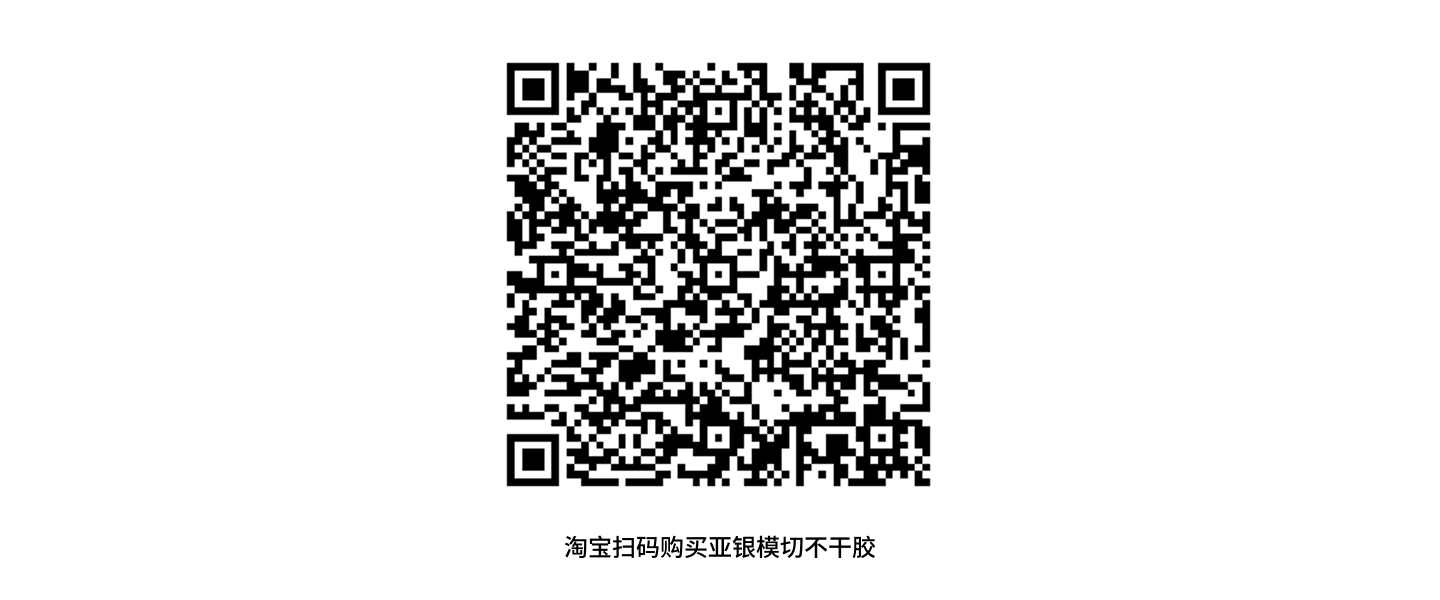
Silver Die-Cut Adhesive Sticker
Purchase on Taobao by scanning the QR code below. Please buy the die-cut paper matching your downloaded file's specifications.
Friendly reminder:
- All stores above have no financial relationship with CaoLiao (except the silver adhesive sticker). All consumables have been purchased and tested by us — you can buy directly or search using the keywords provided.
- If you purchase based on our recommendation and find the quality unsatisfactory, please contact us promptly and we will remove the link immediately.
- If you have a better implementation approach or higher-quality consumables to recommend, please let us know so we can help more users deploy successfully.
CaoLiao Print Service
If you want to create custom QR code labels in adhesive sticker, acrylic, stainless steel, or other materials, you can use the CaoLiao print-on-demand service. No file download needed — orders ship at the earliest the same day. For details, see CaoLiao Print Service.
If you have any questions about this content or would like further discussion, feel free to post in our community. We welcome your participation and feedback! Visit the Community