Adding a Mini Program Admin
Prerequisite:
This must be performed by the WeChat Public Account admin who originally activated the Mini Program. WeChat Public Account operators are not supported.
Step 1: Open Mini Program Assistant
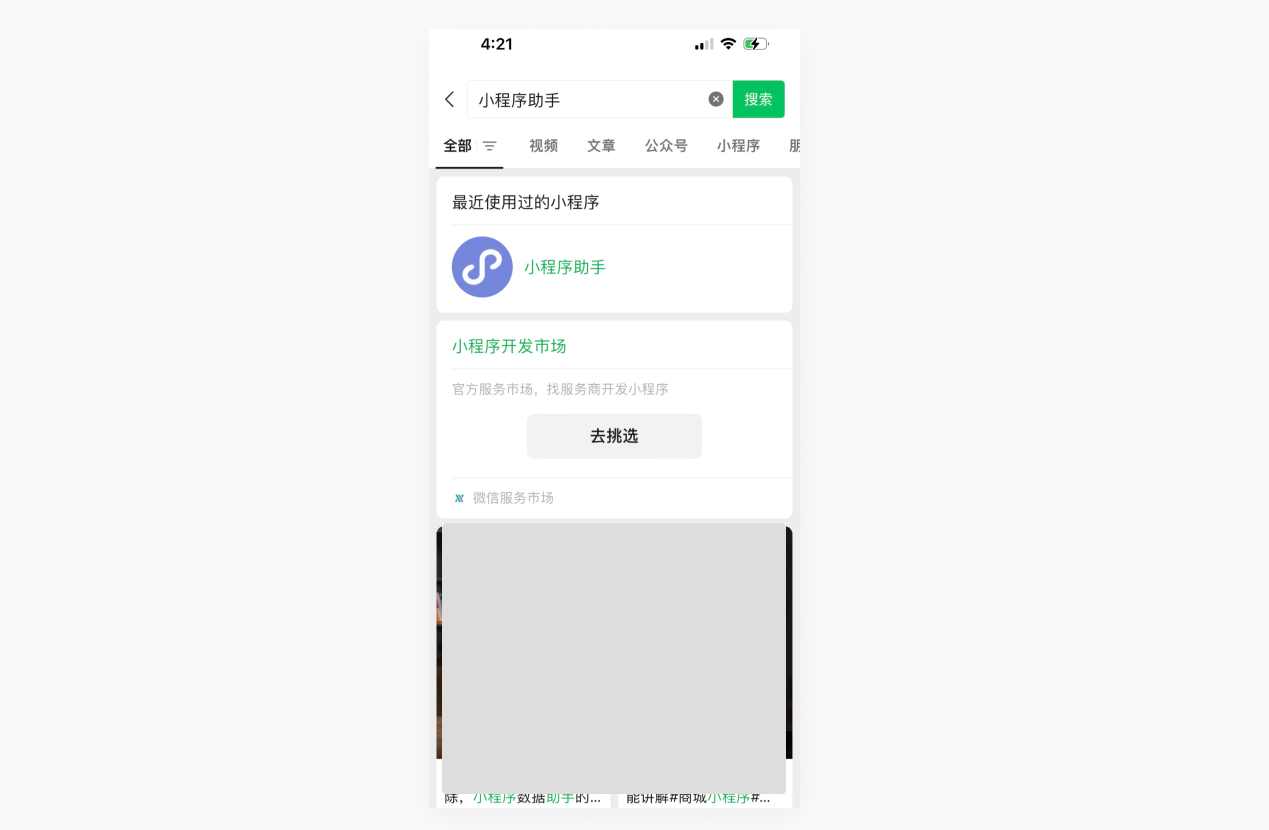
Search for 小程序助手 (Mini Program Assistant) in WeChat and open it.
Step 2: Select the Mini Program
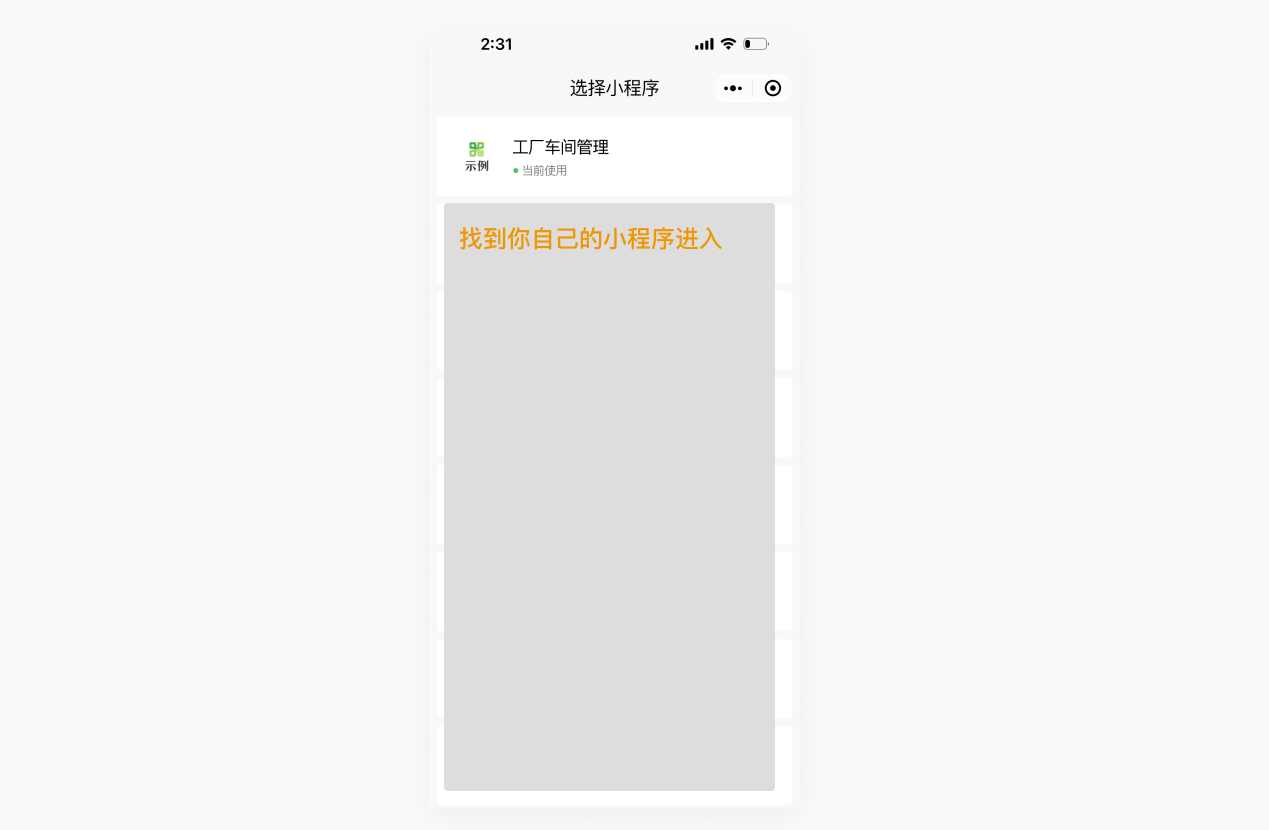
Select your exclusive WeChat Mini Program to enter it. If it does not appear in the list, you are not the admin of the linked WeChat Public Account. This action must be performed by the admin of the associated WeChat Public Account.
Step 3: Go to the Basic Info Page
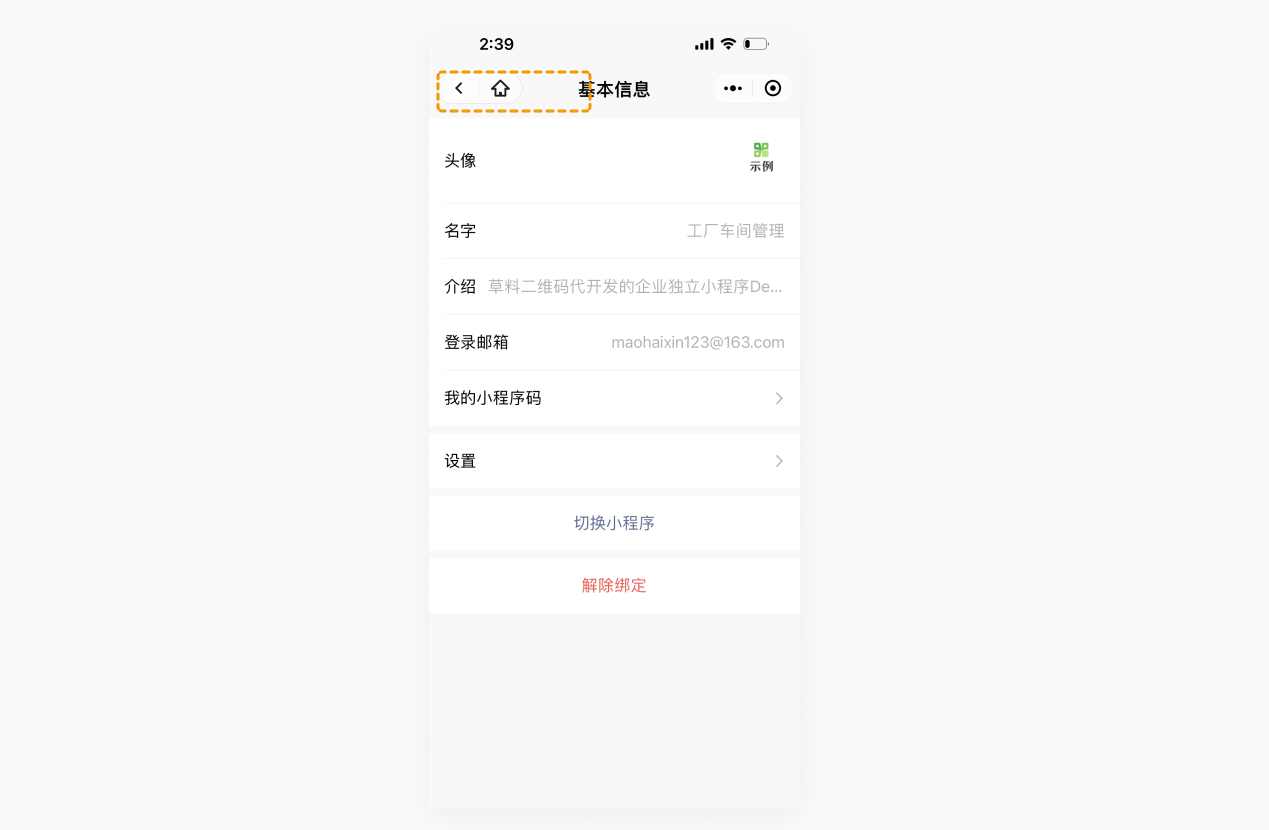
Tap the Mini Program name in the top-right corner to access the Mini Program's Basic Info page.
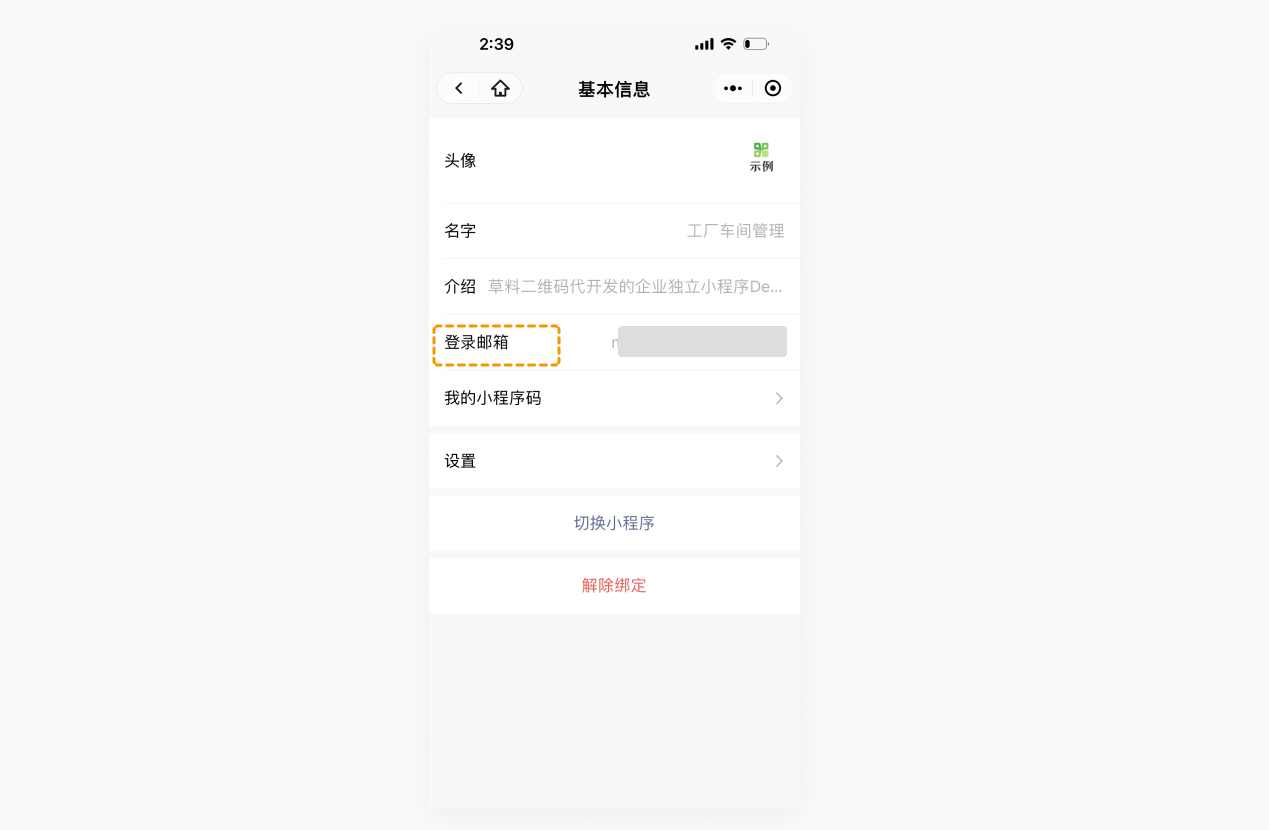
Step 4: Set the Admin Email Address
Select Login Email to set the admin's email address.
Note: The email address you set must not be linked to any personal WeChat account, WeChat Public Account, Mini Program, or WeChat Open Platform account. If you receive a message saying the email is already in use, please use a different email address.
Step 5: Log in to the Mini Program Management Console
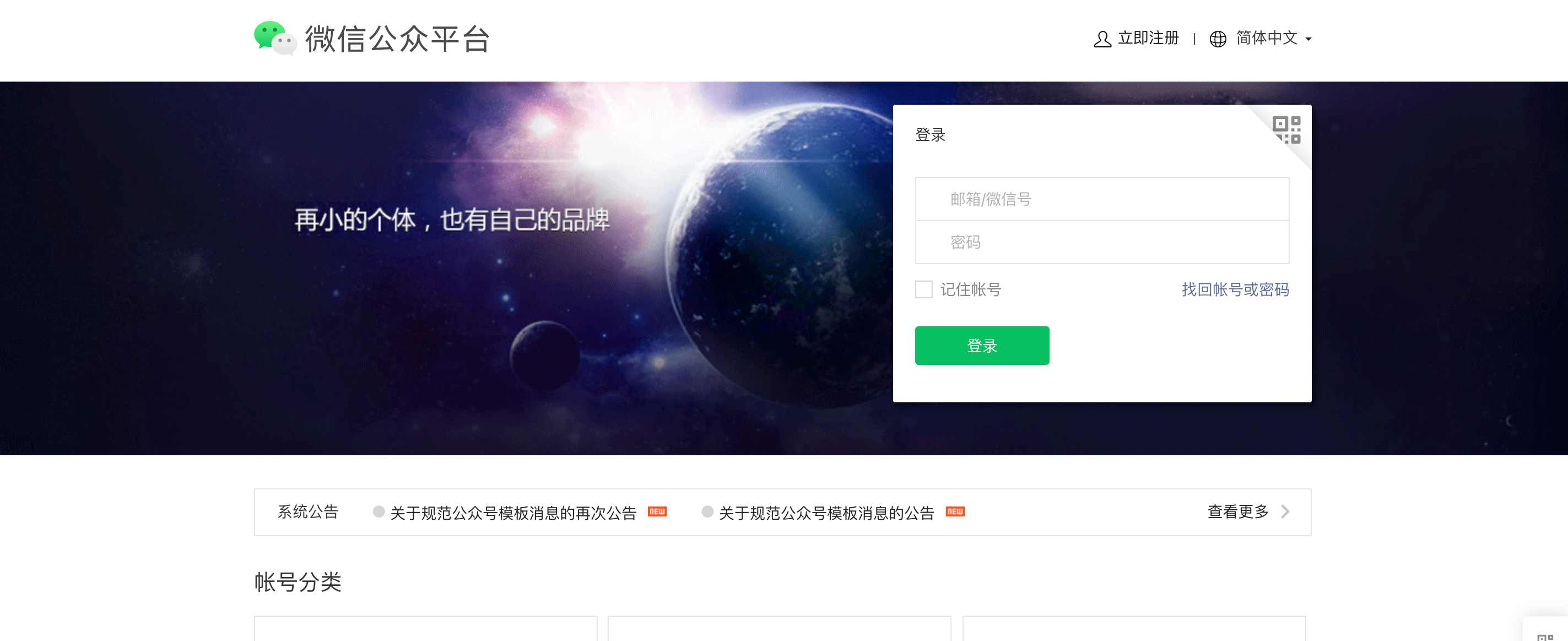
Open WeChat Public Platform and log in with the Mini Program admin email account.