Basic Field Default Value Settings
In everyday business scenarios, bulk QR code generation often requires filling in large amounts of repetitive text content, such as product model, department name, or channel label. We have added a "basic field default value" setting in the bulk template. Once configured, the default value is automatically pre-filled during generation, eliminating the need for manual entry and greatly improving generation efficiency.
1. What It Does
- Core feature: Set a default value for text-type basic fields when editing the template. During subsequent bulk generation, that field will be automatically pre-filled with the default value. Users can modify it as needed or use it directly.
- Supported field types: Currently only text-type basic fields are supported, including single-line text, multi-line text, and number.
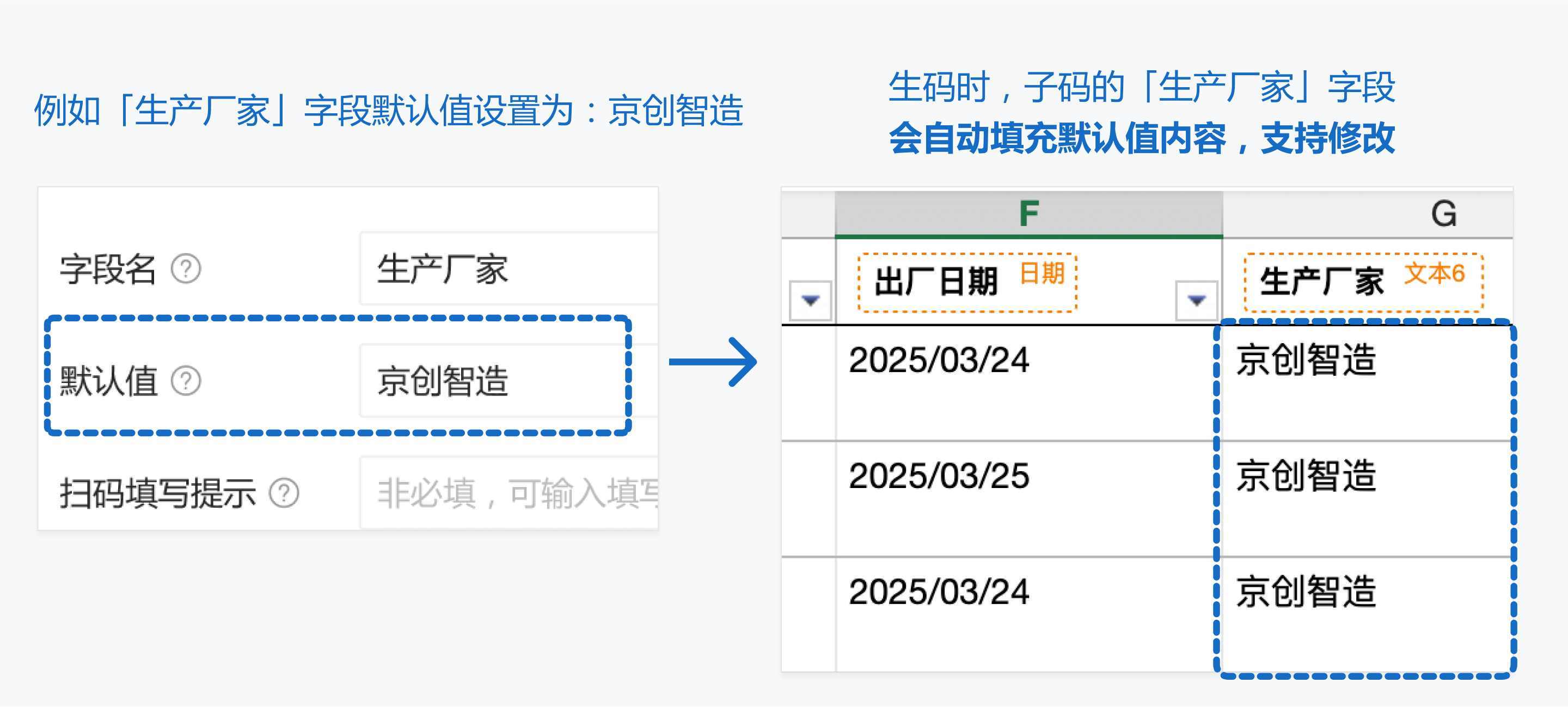
- Best use cases: Suitable for scenarios where some fields have the same value across all sub-codes in the batch — for example, the "manufacturer" field in a product scenario or the "monitoring organization" field in a test report.
2. How to Set
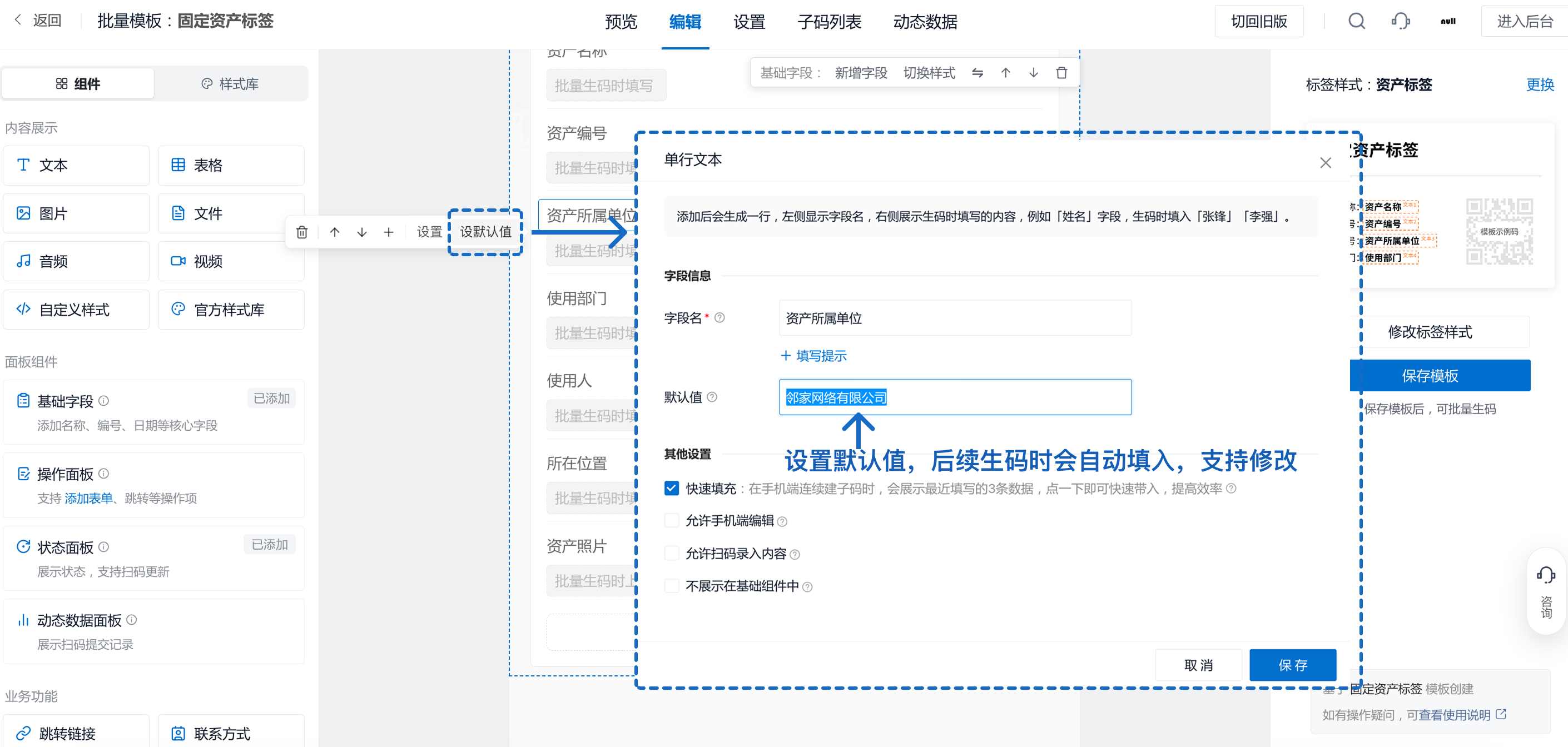
On the bulk templates editor page, open the settings dialog for a text-type basic field, enter the default value, and save.