Auto-Fill
1. Feature Overview
When a submitter who has previously filled in the form fills it in again, they can tap the Quick Fill button to instantly populate the form with the content from their last submission — avoiding repetitive data entry and greatly improving efficiency.
In addition, images and videos with fraud prevention enabled will not be auto-filled; the submitter must re-upload a fresh photo or video to ensure data freshness and authenticity.
Notes:
- Images, videos, and files will not be auto-filled
- Date and time fields will be automatically updated to the current date and time
- Location fields will be automatically updated to the current location

2. How to Enable
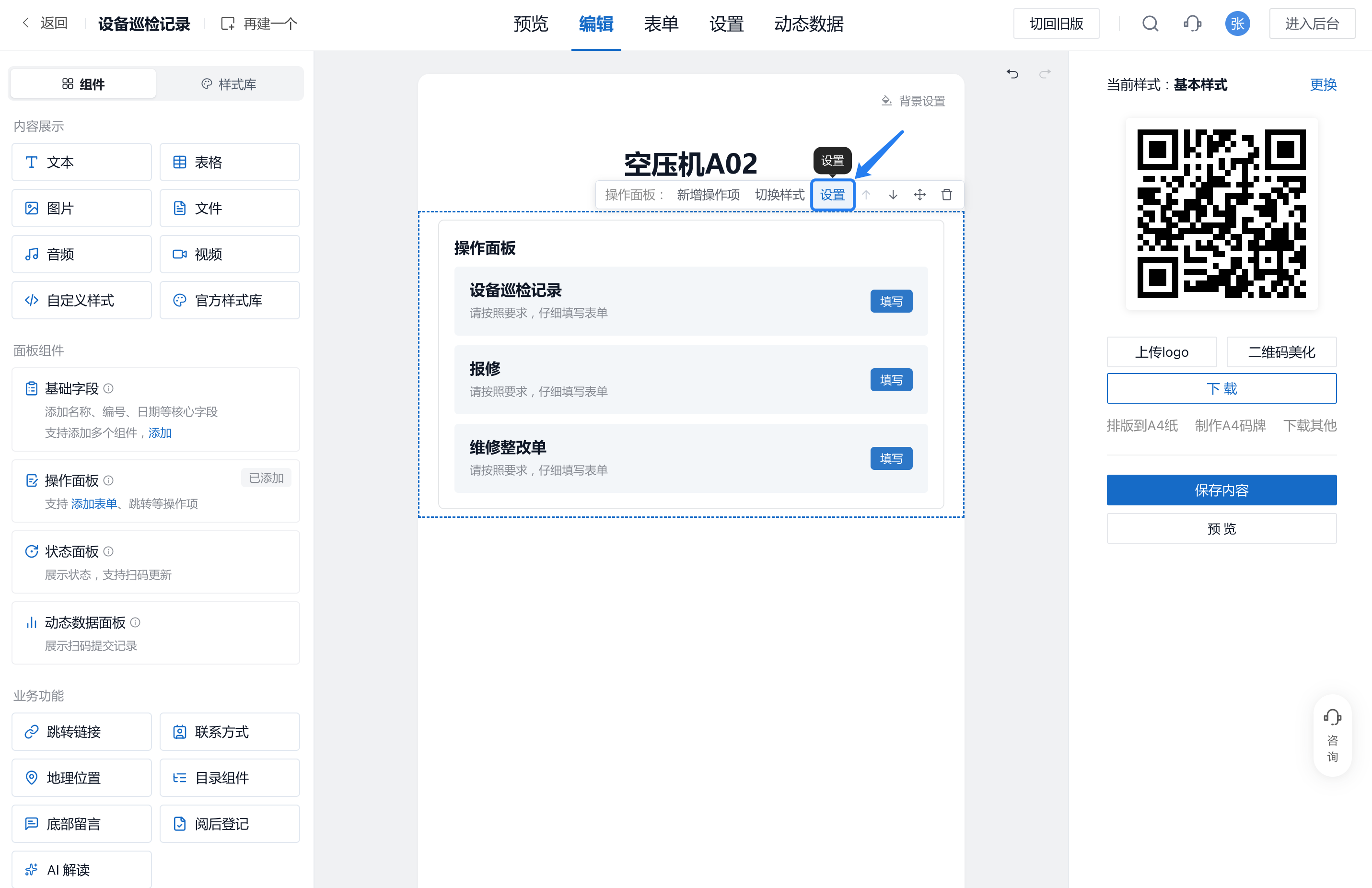
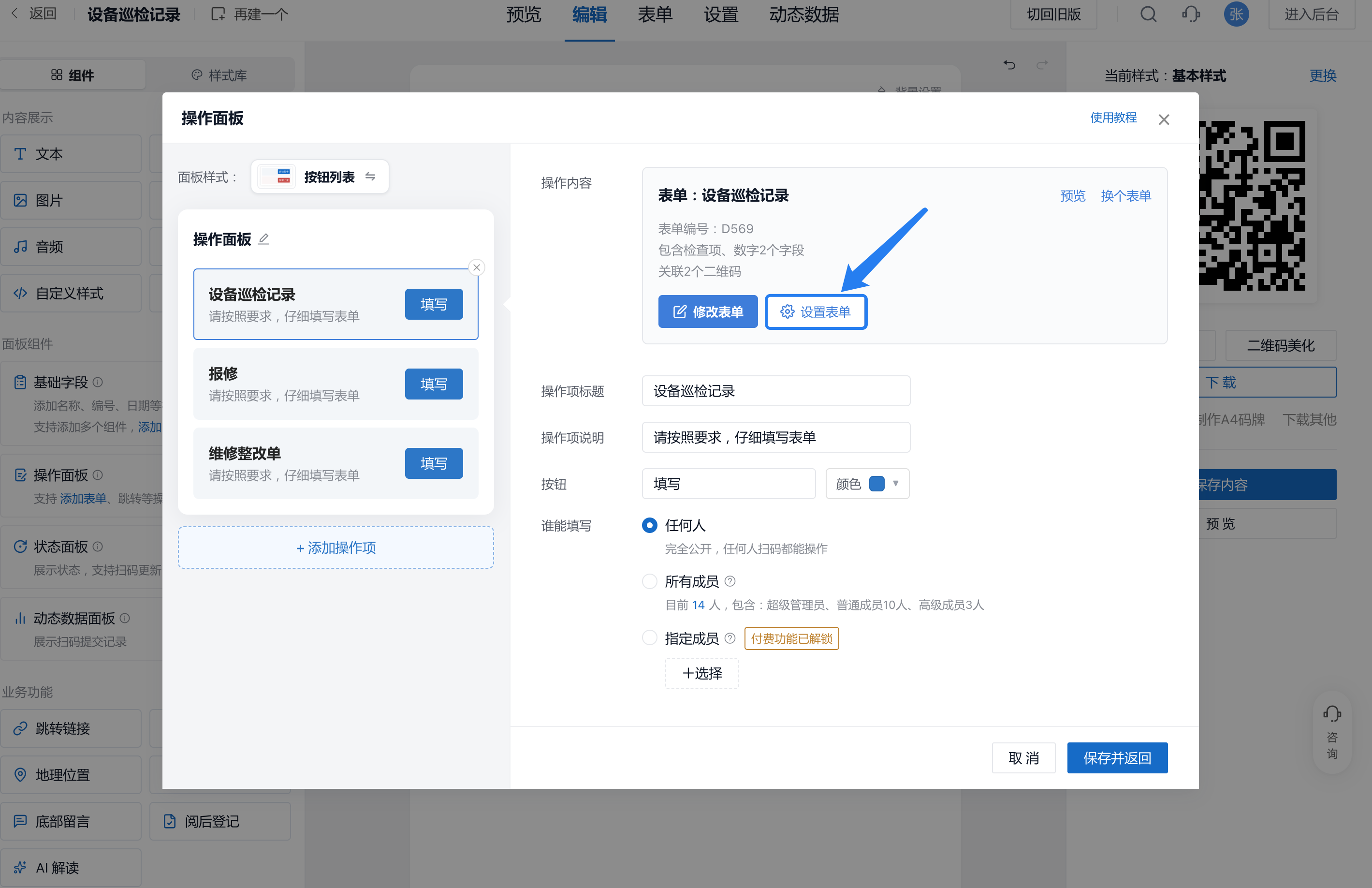
In the dynamic QR code editor, click Settings in the control panel, then click Form Settings on the target form and enable auto-fill in the settings interface.
Two auto-fill button styles are available: a circular button and a bottom floating button.
