Summary Data Print Settings
1. Feature Overview
To meet enterprise needs for data archiving and printing, the system supports a summary data print feature. This feature exports all submitted form data into a single PDF for subsequent paper-based review, signing, or stamping.
To export each form record as a separate PDF file, see Single Record Export Format.
The system supports several export modes:
- Export all data;
- Summarize data by month or natural week.

You can also customize the print header, visible fields, and column widths to produce files better suited for actual printing needs.
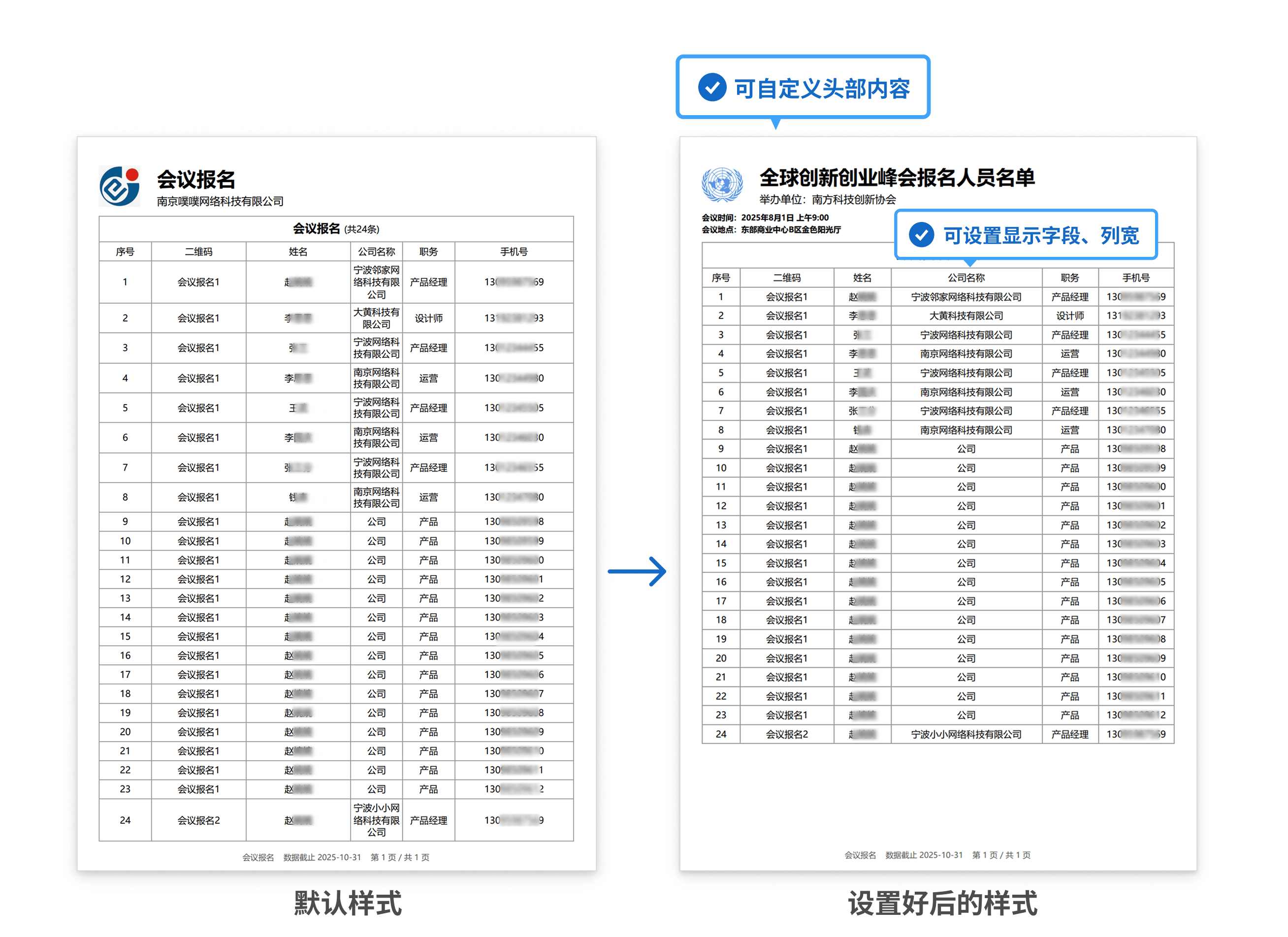
2. Setup Tutorial
After logging into the workbench, navigate to the desired QR code (both single and bulk QR codes are supported), click Dynamic Data, then go to the Print View to configure settings. The same Print View entry is also available in the form's Data & Statistics page.

Note: If the same form is used across multiple QR codes, any settings you configure — regardless of which entry point you use — will apply consistently when exporting print files for all QR codes that use this form.
3. Exporting Summary Data
Desktop


If the form is linked to a bulk QR code, the summary PDF exported from the form page does not include the QR code's variable content. To export a PDF that includes each sub-code's variable content, export from the bulk QR code's dynamic data page — the system will generate one PDF per sub-code, with each PDF starting with that sub-code's variable content.
Mobile

4. FAQ
-
If a QR code has multiple forms, can I export a summary PDF for only some of the forms? Currently, filtering by individual form is not supported when exporting from a QR code. You can either export all forms under that QR code at once, or go to the target form's page and export only that form's data.
-
Export limit: To ensure system performance and data processing stability, each export is limited to a maximum of 1,000 records. If your data exceeds 1,000 records, use the filter on the data page to export in batches.
For example, if a year of data exceeds 1,000 records and you need all of it, filter the first half of the year and export once, then filter the second half and export again.
