Put Your Business Introduction in One Code
Customers Scan to View
Turn your company, store, or project introduction into one code, printed on cards and materials.
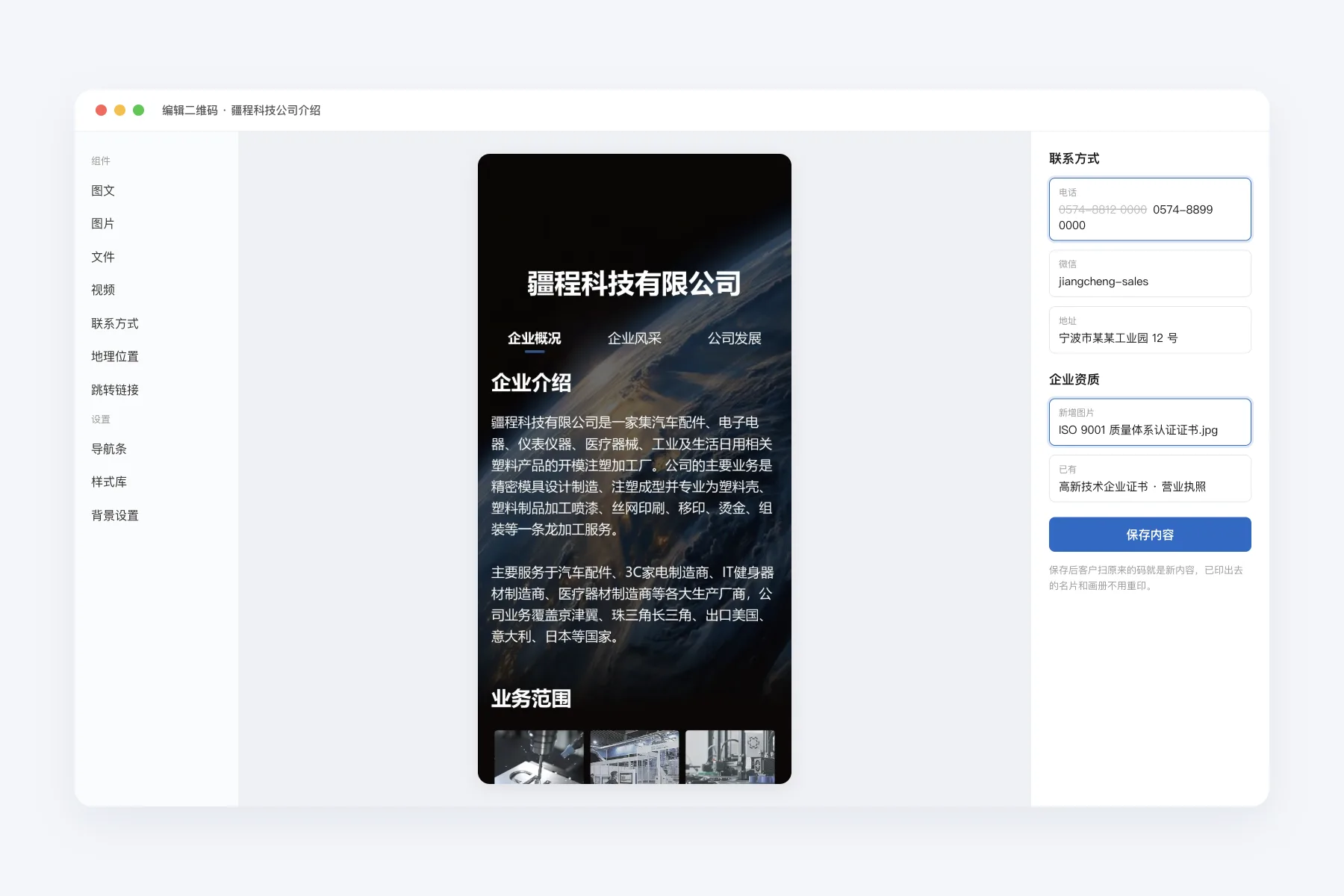
Update content in the workbench without replacing printed codes.
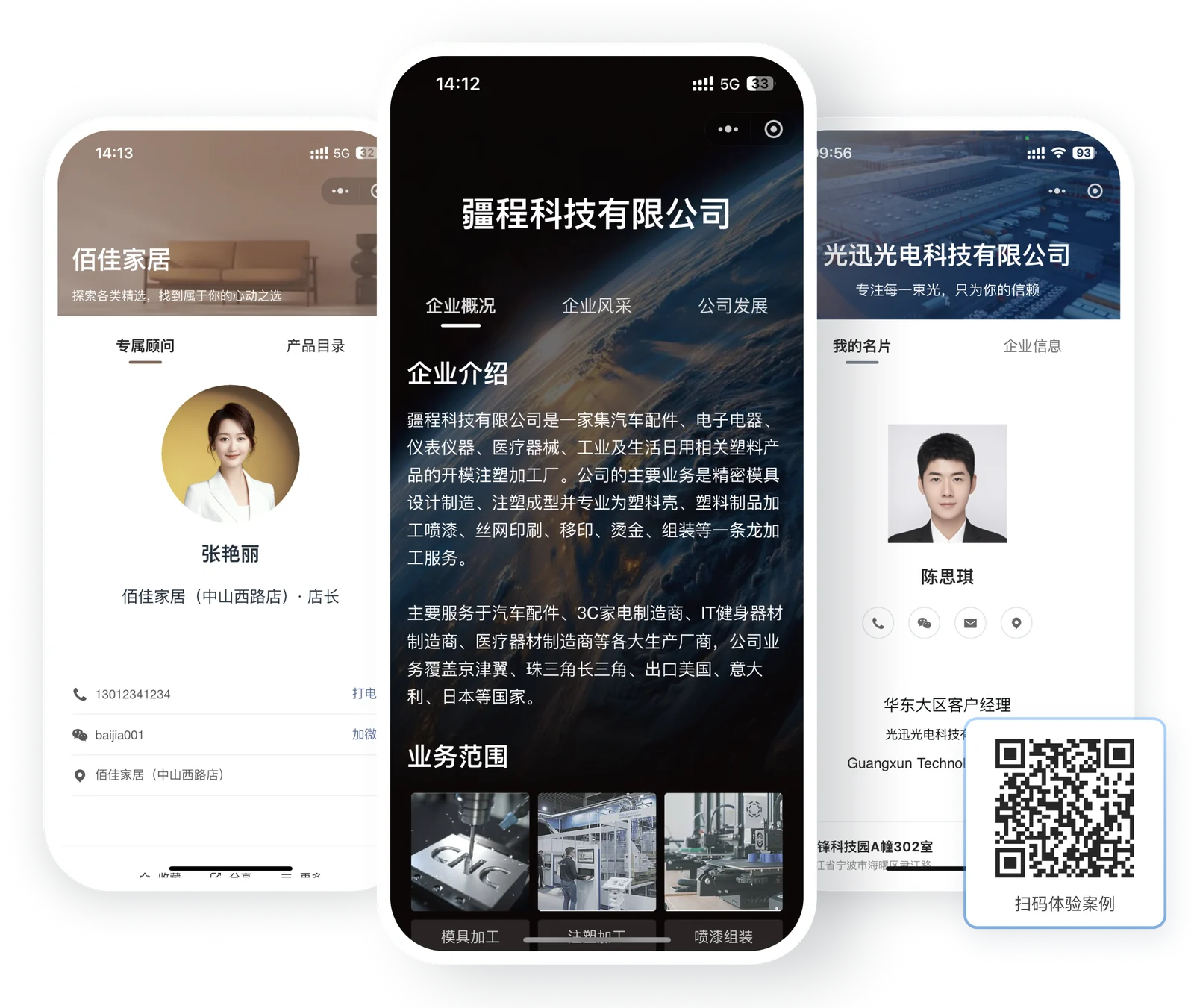
Ways to Use Business Introduction QR Codes
Company Introduction
Profile, qualifications, and customer stories in one code
Personal Business Card
One code per person: save a phone number or add WeChat
Store Introduction
Environment and services, with directions to the store
Brand Introduction
Brand story, business areas, and milestones
Team Introduction
Show members and achievements in sales talks and recruitment
Project Promotion
Explain a property, campus, or investment project in one code
What Customers See After Scanning
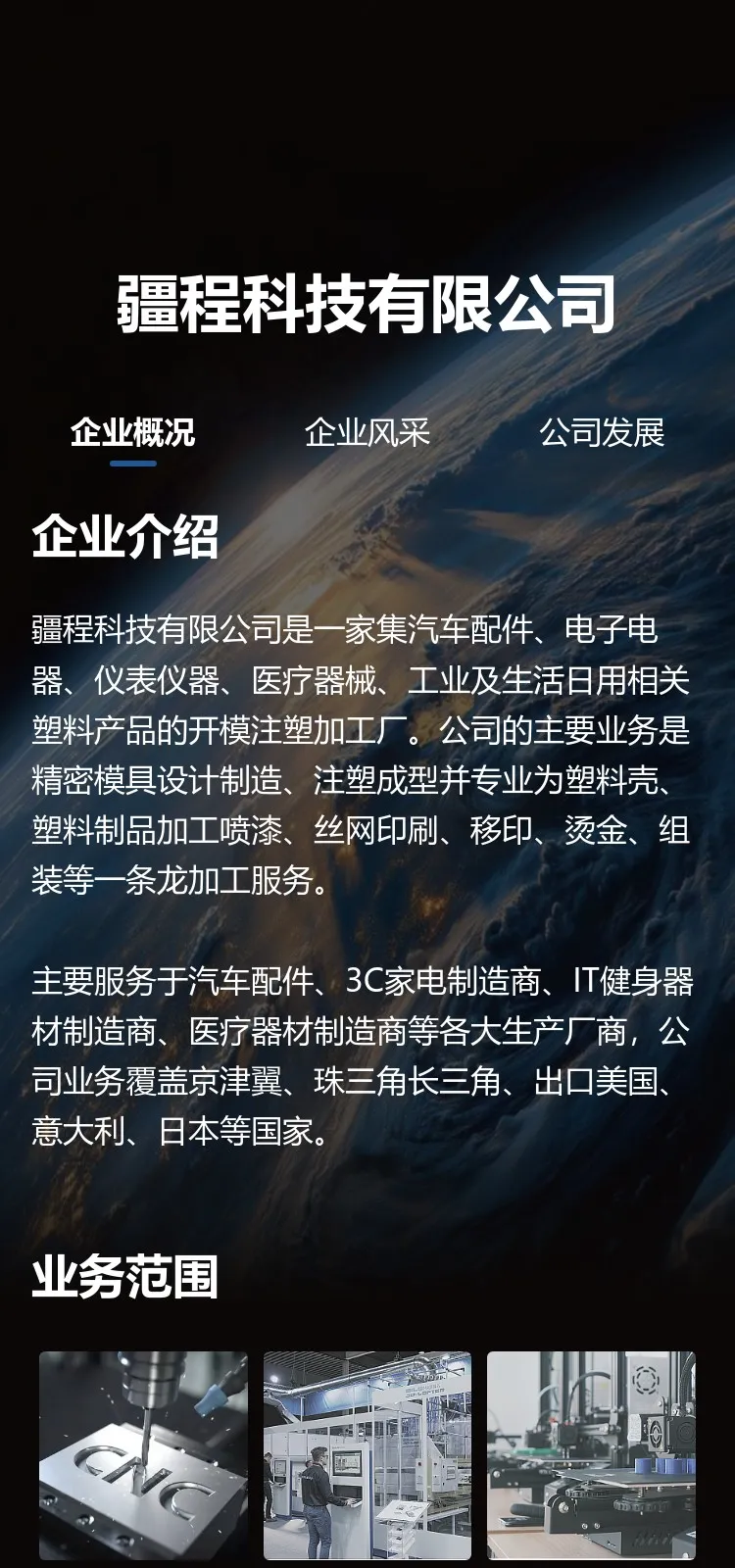
Company profile, services, and customer stories on one page
Explain what you do, how long you have done it, and whom you have served on one page. Add qualifications and illustrated customer stories below, with one-tap calling and directions for the phone number and address.

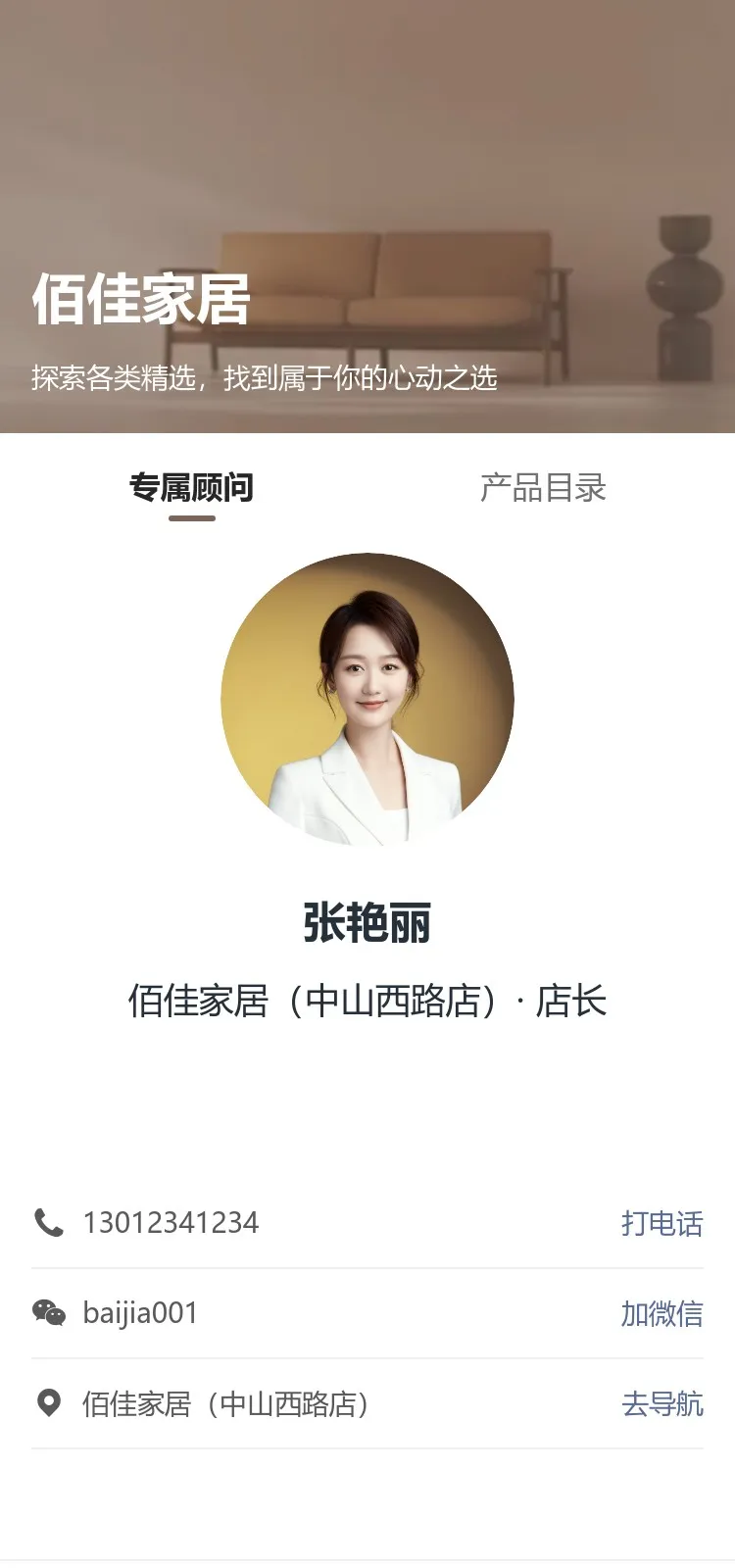
A personal card with company information: contact the person whose code you scan
Photo, position, phone, and WeChat appear at the top, followed by the company profile and product catalog. Customers scan to save contact details or add WeChat, reaching the person who handed them the card.

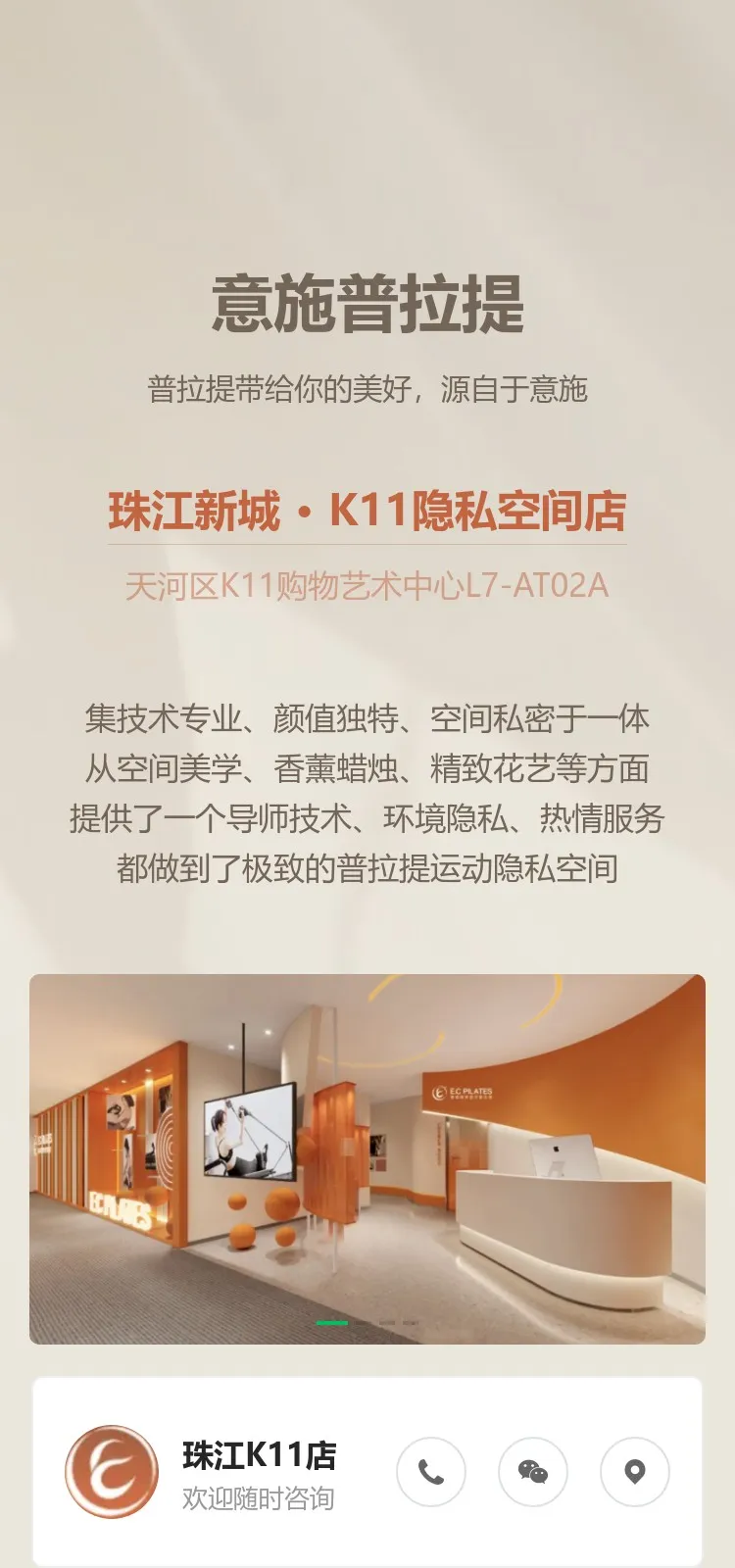
Store details with directions so customers can find you
Put store photos, services, and opening hours in the code, with one-tap directions. Print it on the storefront, flyers, and group-buying pages so customers can scan and find their way.

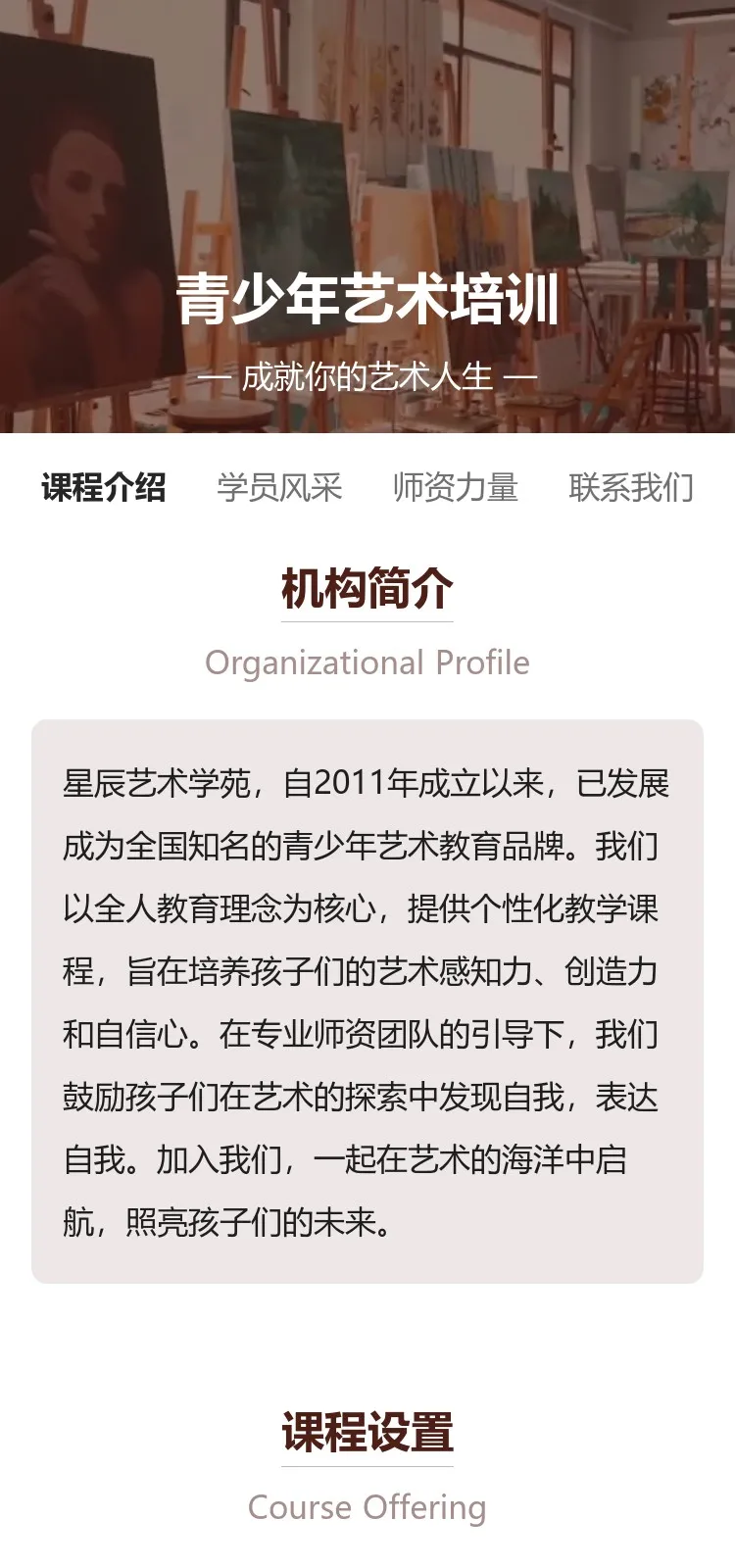
Courses, teachers, and student work in one enrollment code
Put one code on enrollment posters and WeChat Moments. Parents scan to see courses, teacher profiles, and student work, then contact you to enroll. Update summer or winter courses in the workbench.

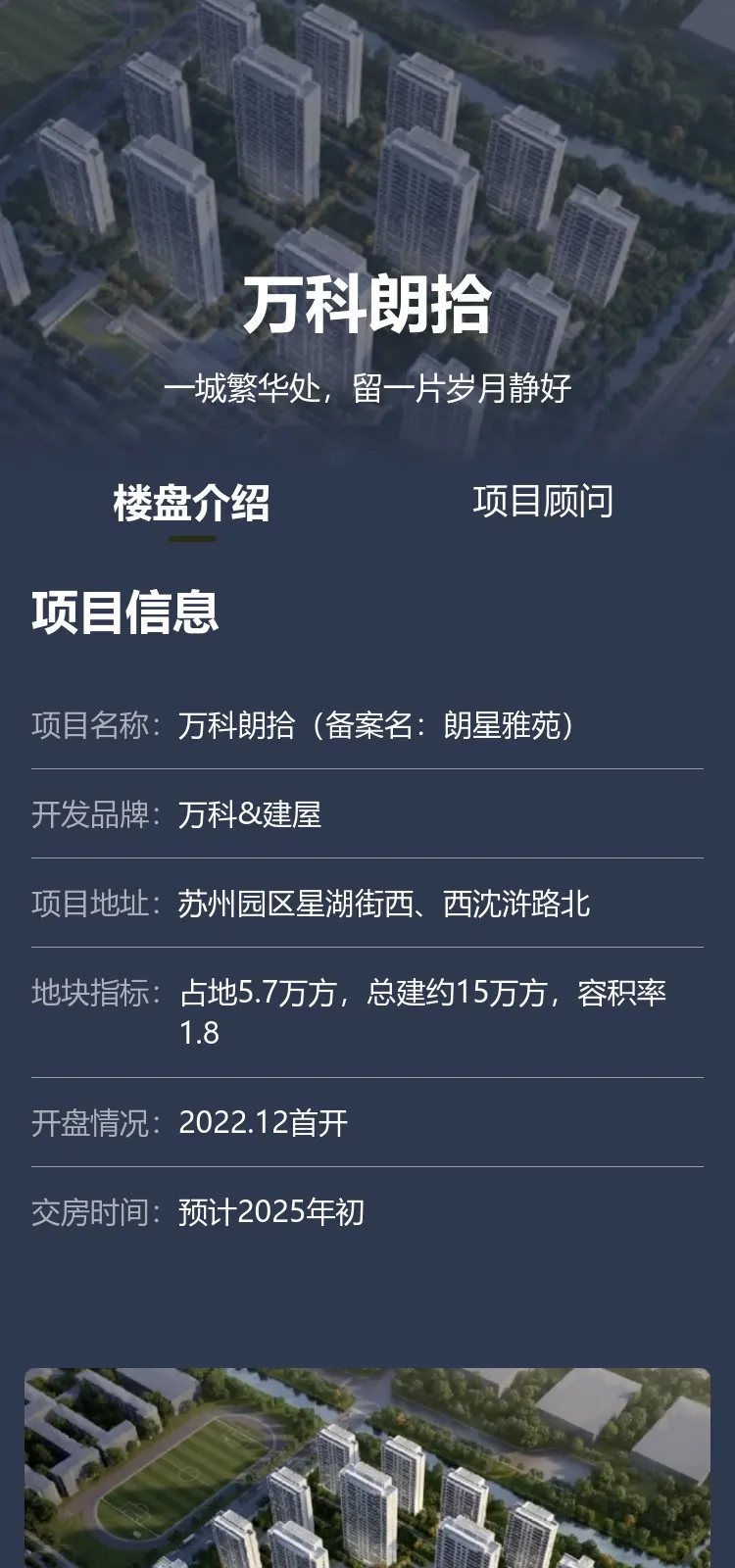
Property details and the sales advisor in one code
Put project details, floor plans, and nearby amenities in the code, with the sales advisor's phone number at the end. Use the same code beside the scale model, on flyers, and on advisors' cards to keep information consistent.

Print the Code on Offline Materials
Print the same code on all materials. Update content in the workbench without replacing them.
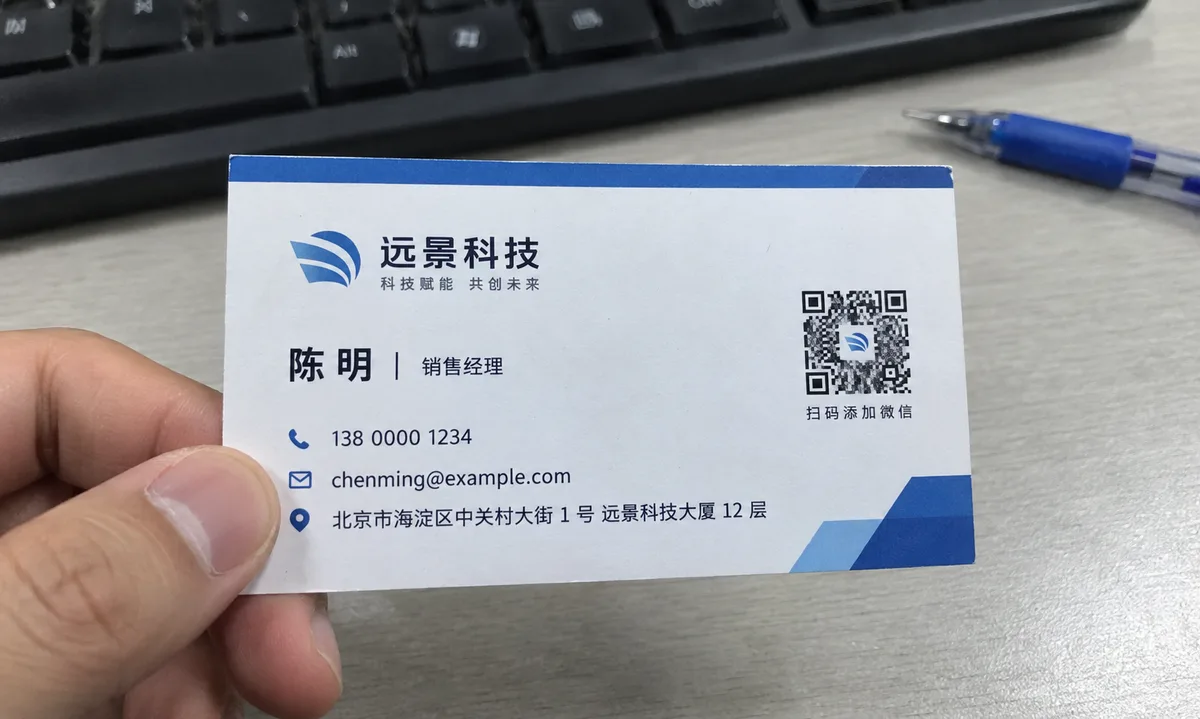
Print a code beside your contact details for a company introduction.
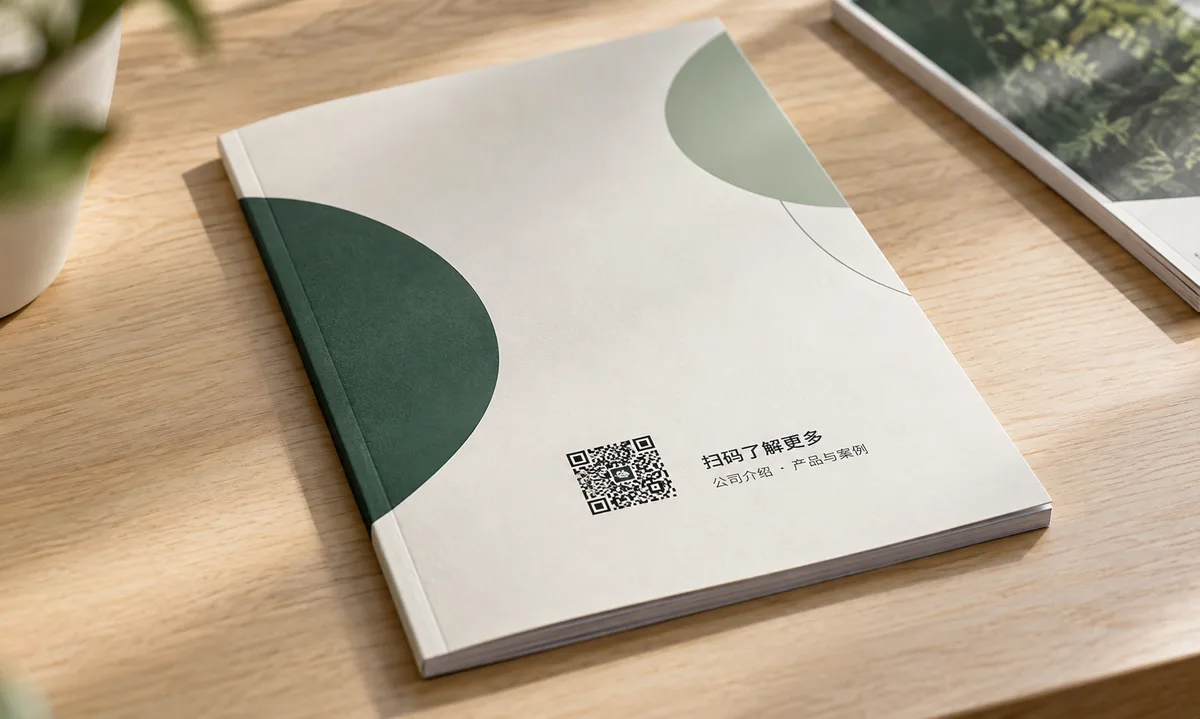
Add videos and complete customer stories that do not fit on paper.

Visitors scan to take the information with them instead of carrying brochures.

Visitors can scan while waiting to learn about the company.
Send It Directly Online Too
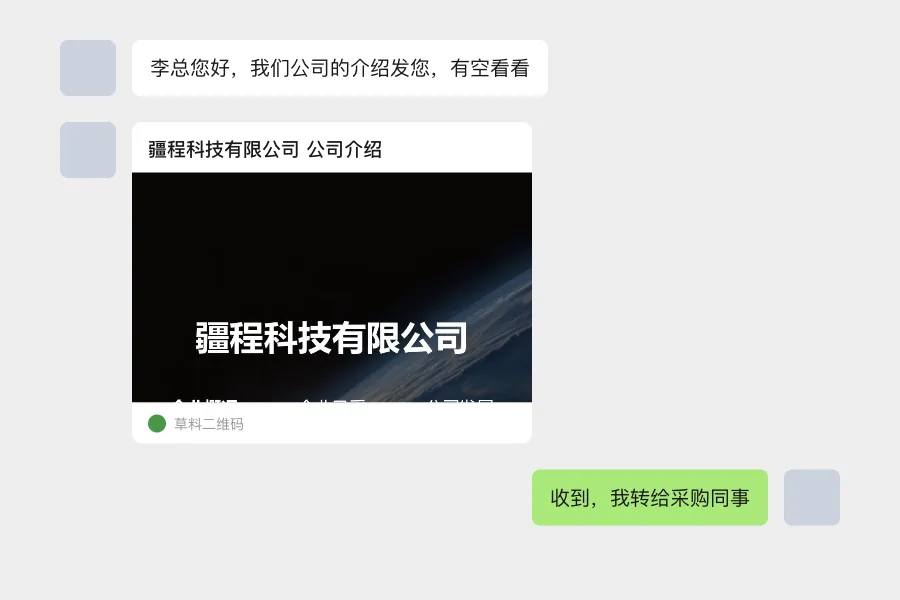
Send a complete information pack in one message, which customers can forward to decision-makers.
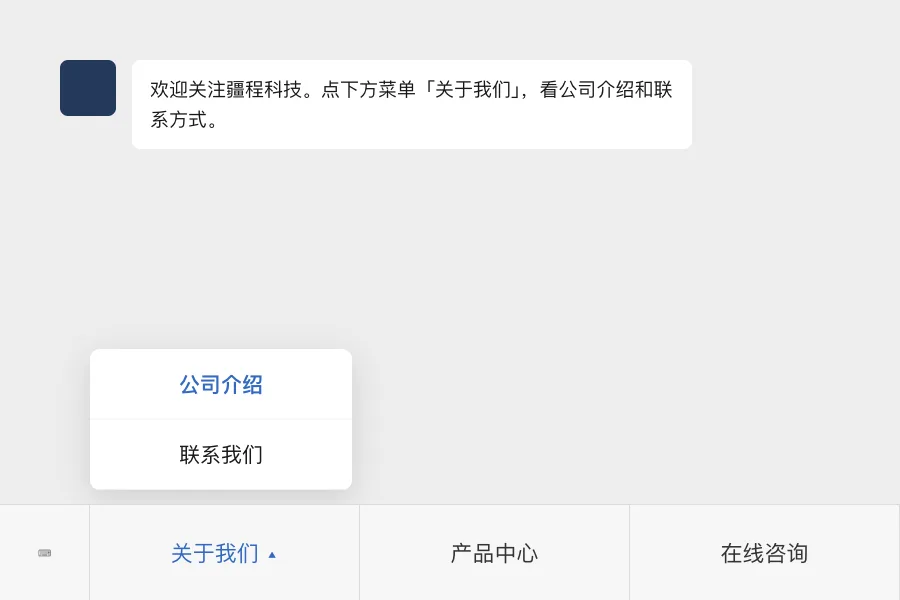
Embed the code in your menu so followers can open the company introduction.
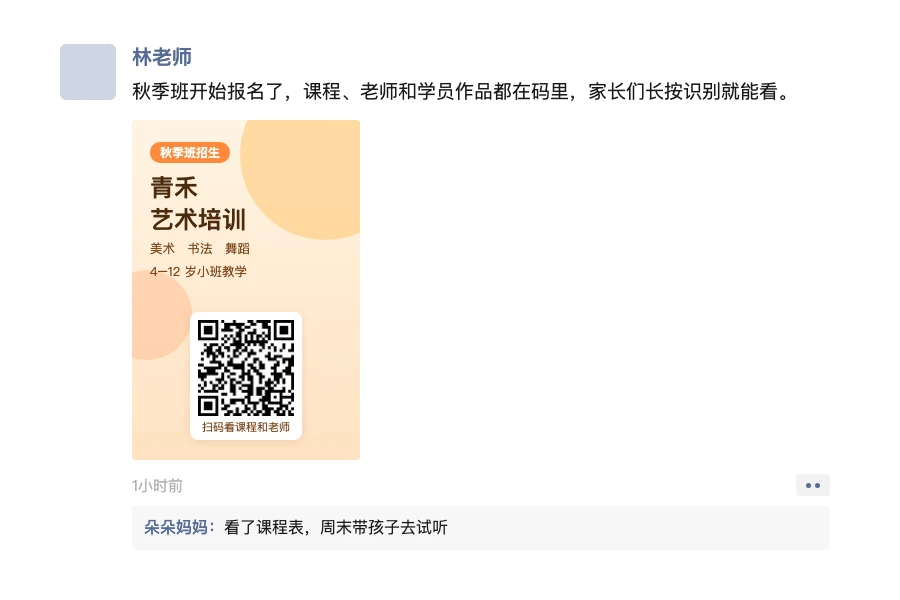
Post a poster with a QR code to WeChat Moments so viewers can press and hold to open it.
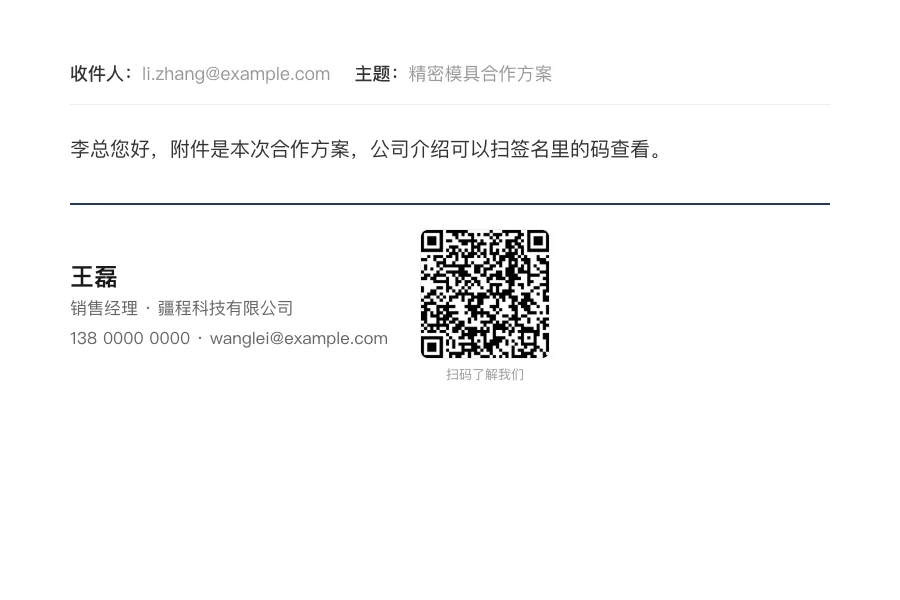
Add a code to your signature so each email carries your company introduction.
Customer Stories
Each salesperson has a dedicated code. Customers scan to see their products and contact details, and many sign contracts on the spot after viewing.
Company introductions, service procedures, and project progress are displayed through QR codes. One code provides a complete set of external information.
Village committee banners, school culture walls, and Party-building publicity print just one code. Putting content in the code fits extensive information into a small printed area.
More than 400 service guide pages are organized under one entry point. People scan and search by service, with online material submission available for some services.
Pricing and Editions
Start with the free version to create an introduction code and print it on materials. Upgrade when you need a stronger brand presentation. Edition Selection Guide
Free Introduction Codes for Long-Term Use
- Codes remain valid long term; printed materials need no replacement
- Unlimited introduction codes for separate companies, stores, and projects
- Unlimited customers and scans
- Unlimited uploads of profile, qualification, and customer story images and files
- CaoLiao logo at the page bottom and watermarked images
- Each audio or video file is limited to 1 minute, with standard-definition playback
Present Your Own Company to Customers
Includes all free features, plus
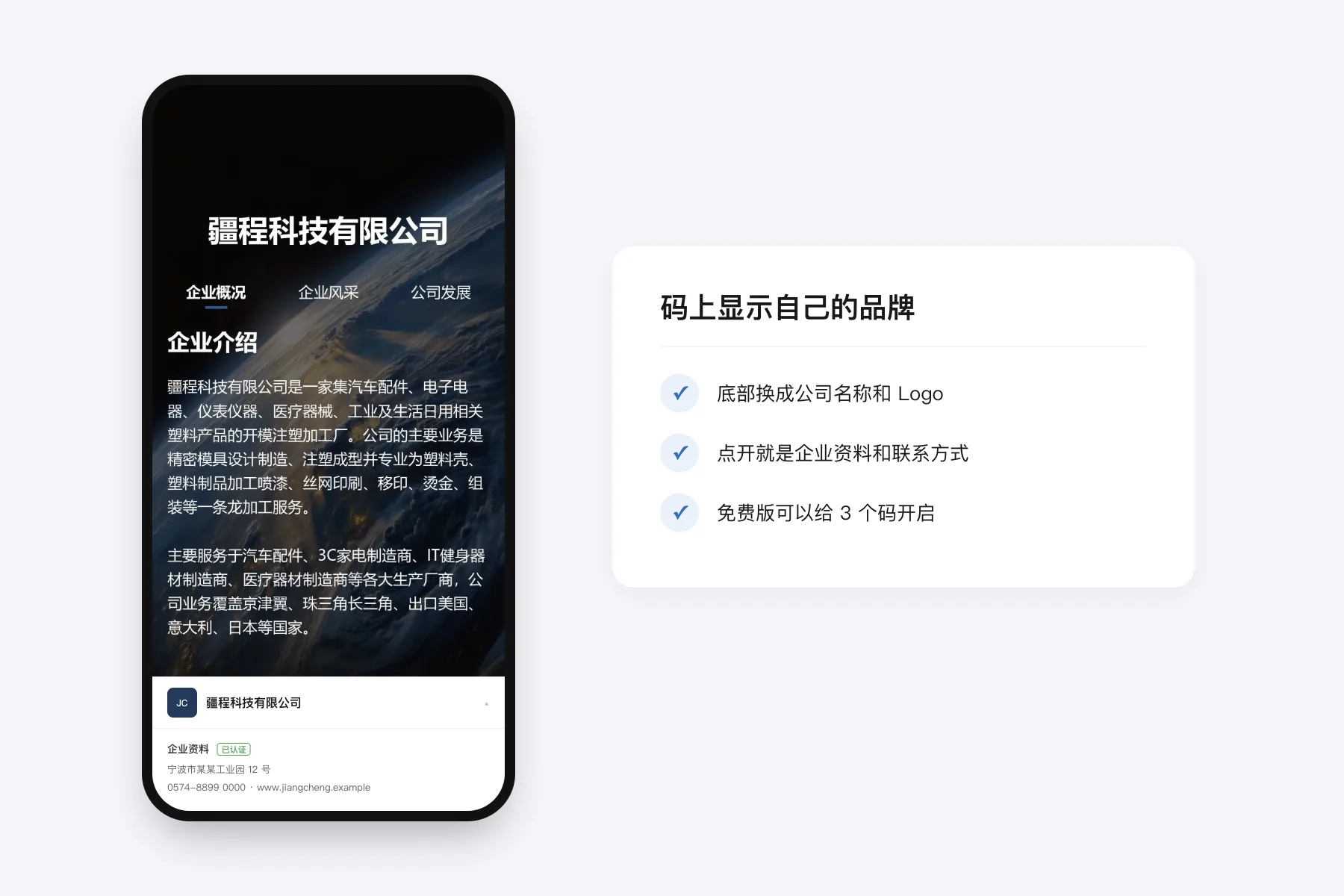
- Display Your Own CompanyRemove the CaoLiao logo and show your company logo
- HD Images and FilesOriginal files without watermarks, up to 500M per file
- Unlimited Video LengthNo duration limit, with HD display
- Protect Materials from LeaksCompany watermark on previews, with downloads optional
- Video BackgroundA company video in the first screen
- Divide Management WorkManage separate codes from Advanced Edition
Upgrading does not affect printed codes. To open codes in your own company's Mini Program, add an exclusive WeChat Mini Program to a paid version.
Frequently Asked Questions
Do customers need an app or to follow an Official Account?
No. WeChat scanning opens the page directly. Alipay, Douyin, and phone cameras can also scan it.
What if a phone number changes after business cards are printed?
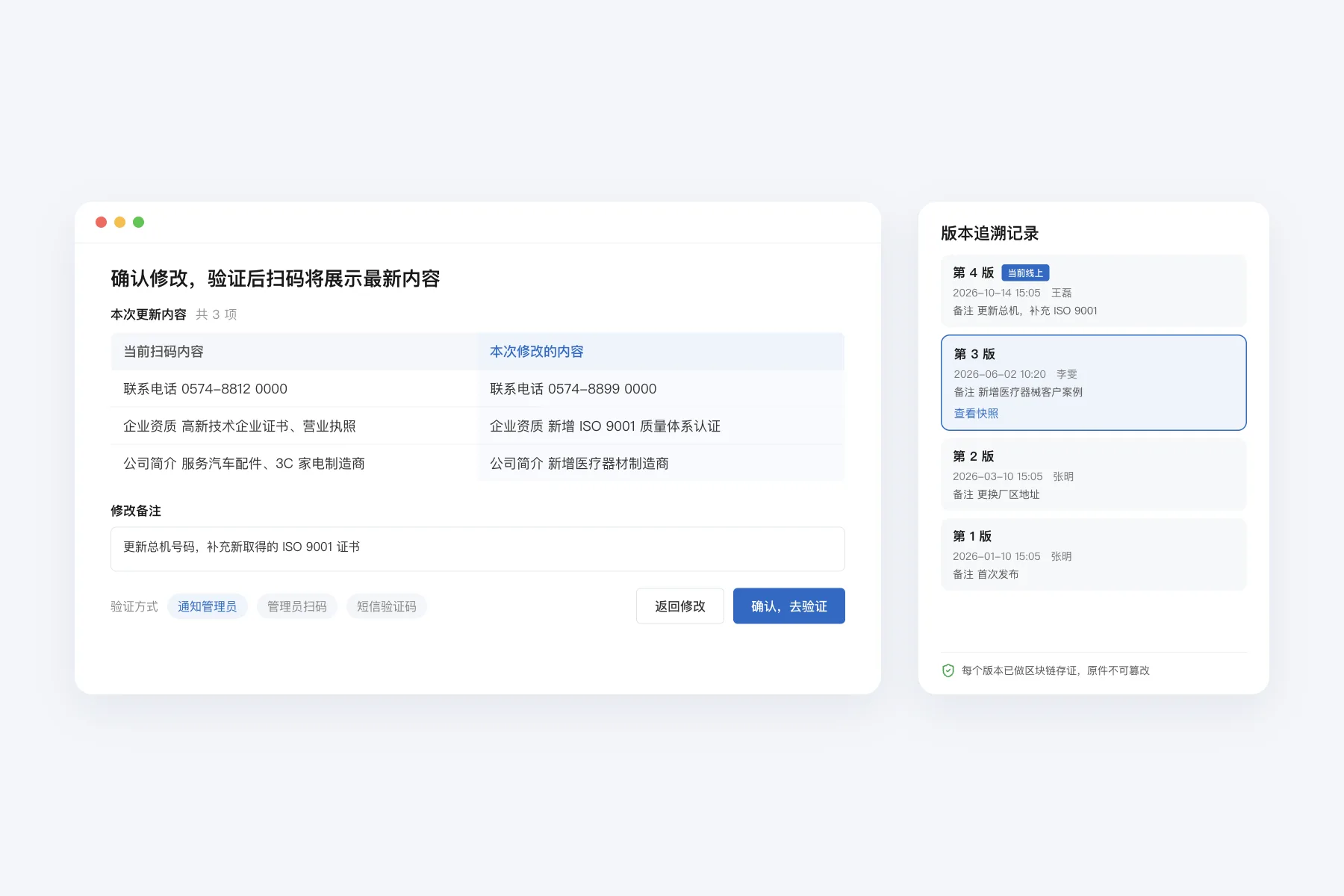
Edit the phone number in the workbench and save. Scanning the existing code shows the new number, without reprinting cards. Reprinting is needed only if you change the WeChat access method in settings.
How can I stop a price list in a code from being forwarded?
The code is a public entry point: anyone who scans can view it. Create a separate password-protected code for the price list and send it only to selected customers; or select the file in the editor and turn off Download and Share.
How does this code relate to a company website?
The code provides a quick entry point during the few seconds of handing over a business card or visiting a booth. Your website provides deeper information, and you can link to it from the code. For a small company without a website, this code can serve as its home page.
Can I see who scanned the code?
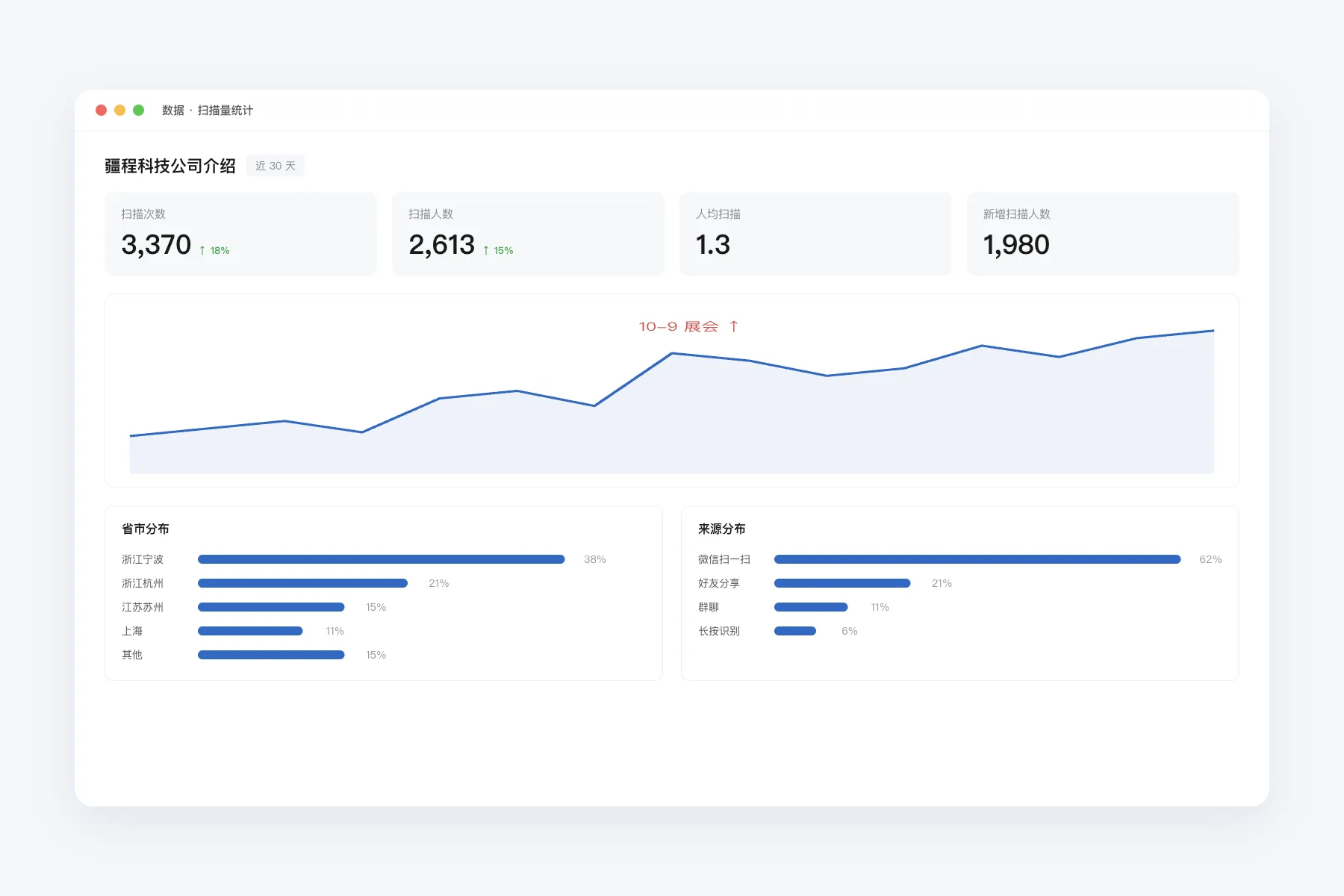
No. Statistics show scan count, visitor count, regions, and sources, but not visitors' WeChat IDs or mobile numbers. To collect contact details, use a registration form for customers to fill out themselves.
Is the free version enough?
The free version supports creating codes, editing content, viewing scans, and generating business card codes in bulk, with long-term validity. The difference is appearance: Basic Edition and above remove the CaoLiao logo and image watermarks. Companies with higher presentation requirements are advised to upgrade, at CNY 780 per year.
Start with a Company Introduction Template
Ready-made company, store, property, and business card templates let you replace the content and print.