Scan to view product details
and update content anytime
Customers scan with WeChat to view product specifications and details.
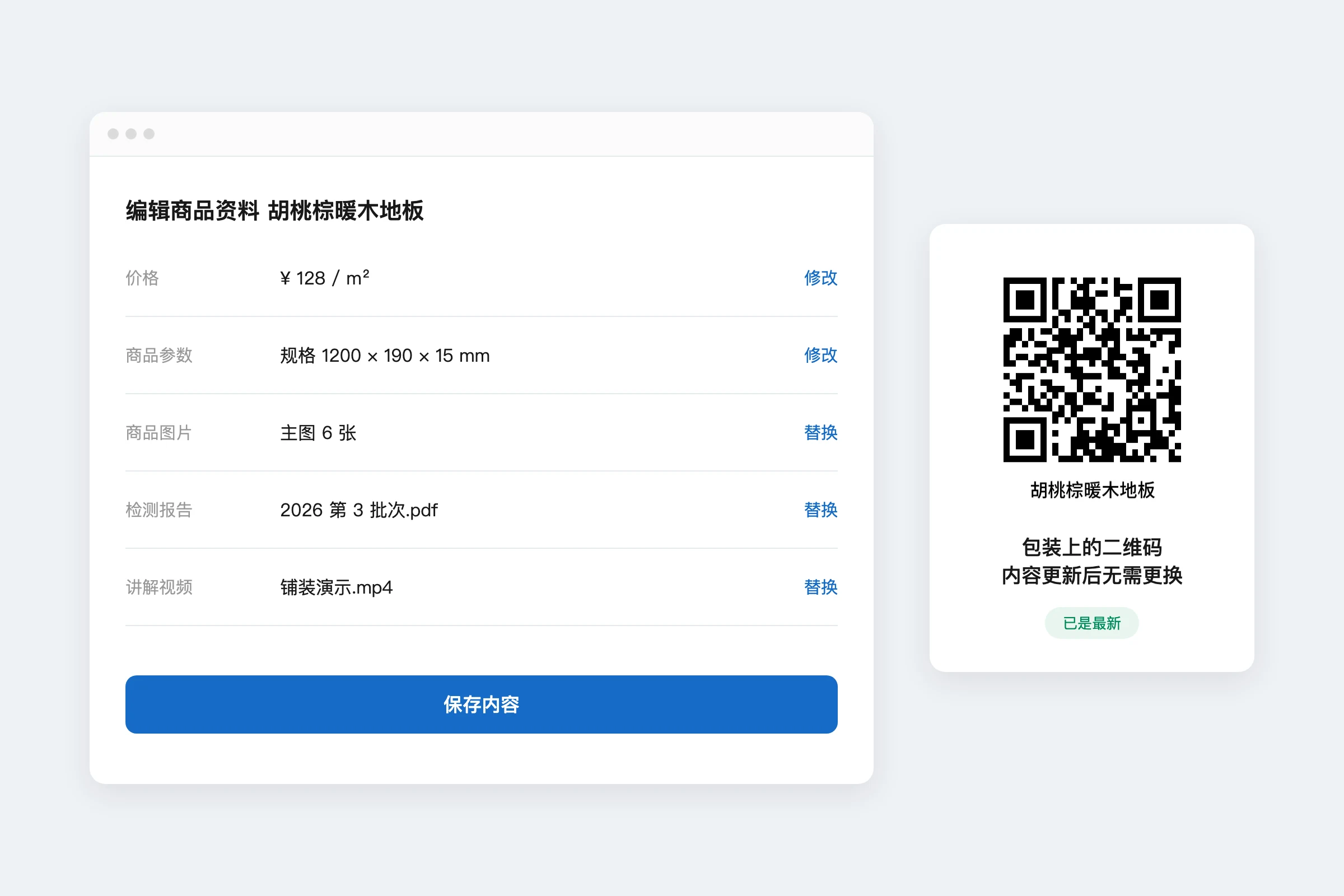
Update resources in the workbench anytime without changing printed codes.
Ways to use product QR codes
Product display
Display images, specifications and videos together
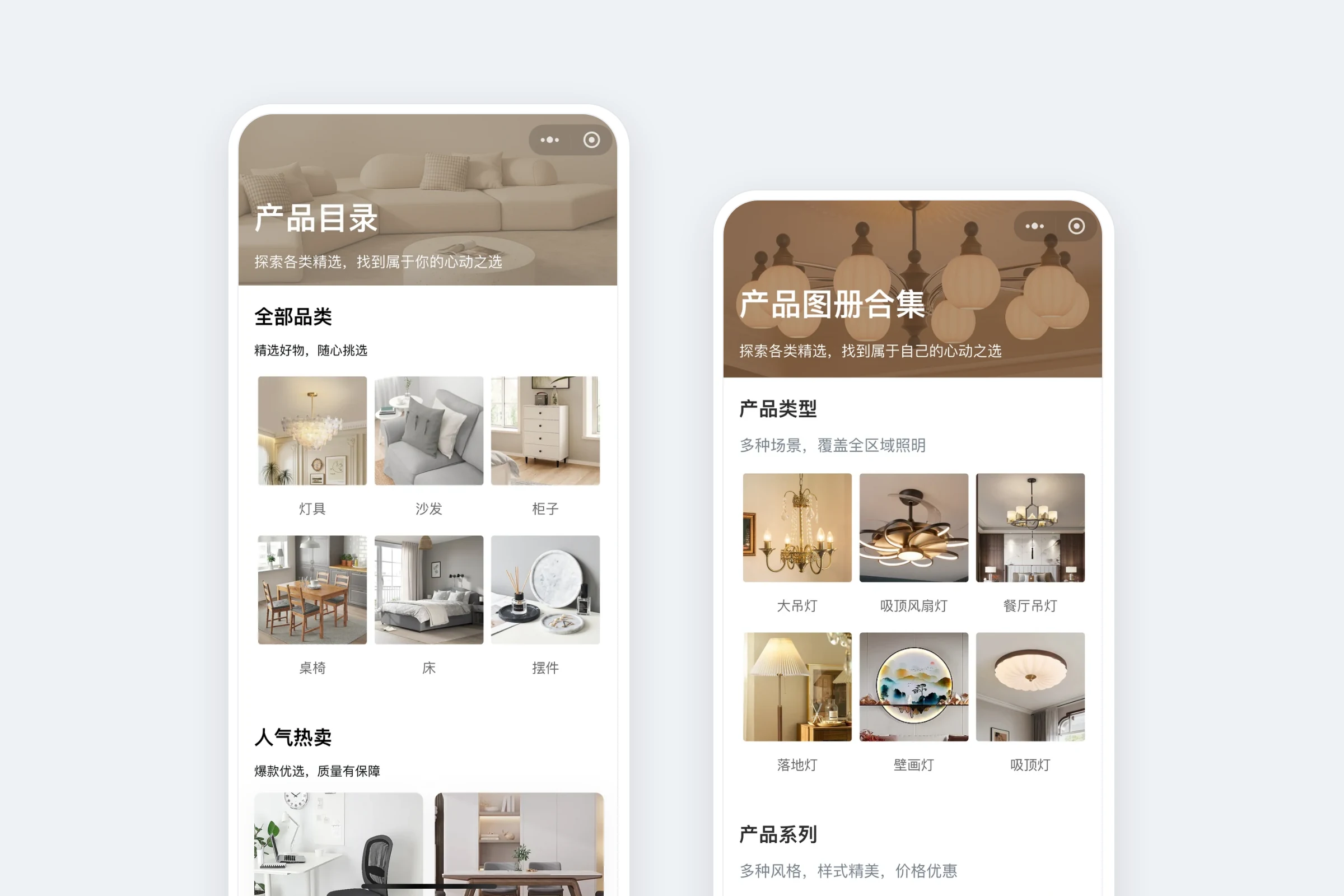
Product catalogs
Combine multiple ranges in one catalog
Batch labels
One code per batch, with test results
Electronic manuals
Scan to view installation videos and update without changing codes
Test reports and qualifications
Scan reports and certificates to view the current version
Traceability information
Scan origin and inspection records to trace the source
What customers see after scanning
Add, remove and reorder different types of content to build your own product page.
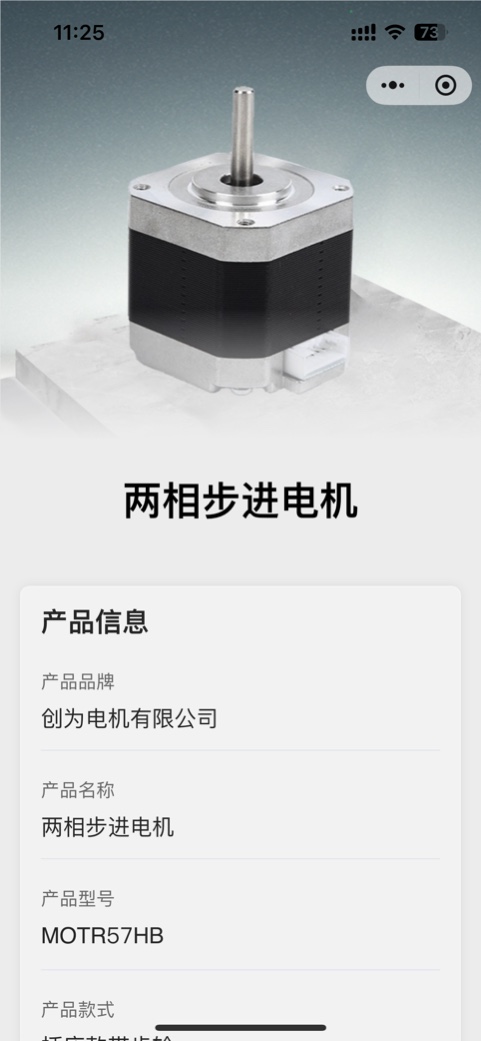
Keep specifications with the equipment
Place a code beside the nameplate so purchasing and on-site staff can scan to check the brand, model and full specifications.

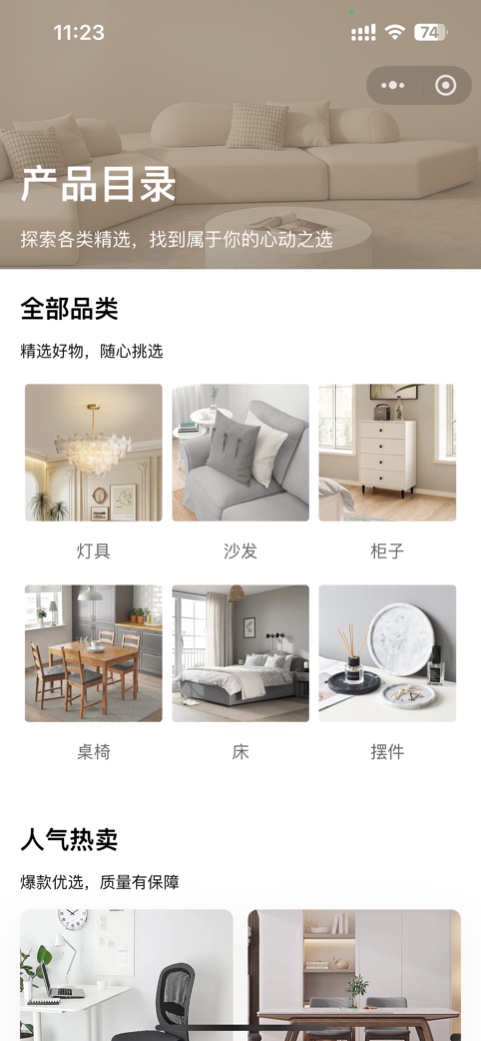
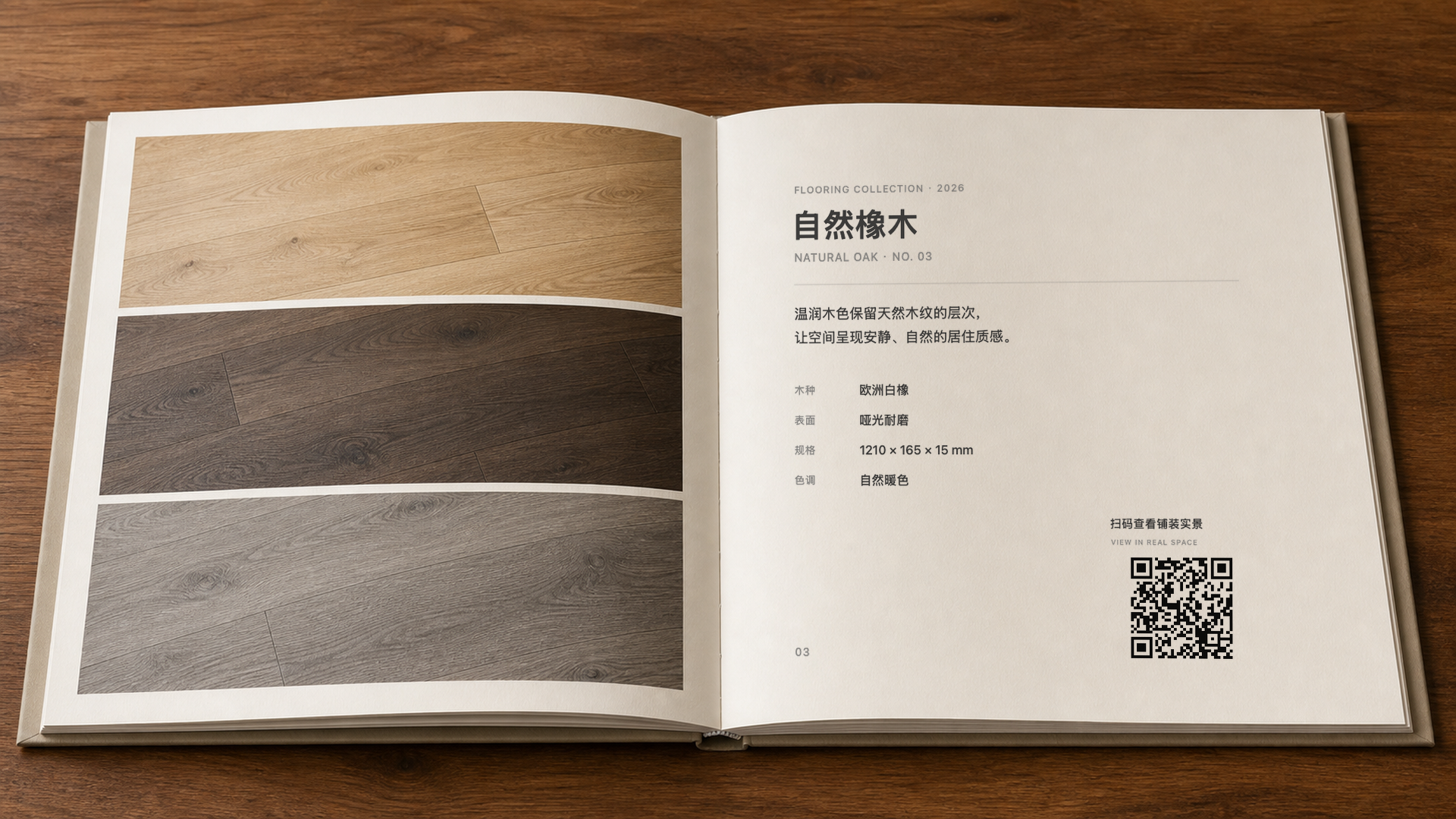
Hundreds of products in one catalog code
Group products by category and pin popular items. Add or remove products in the workbench while keeping printed codes unchanged.

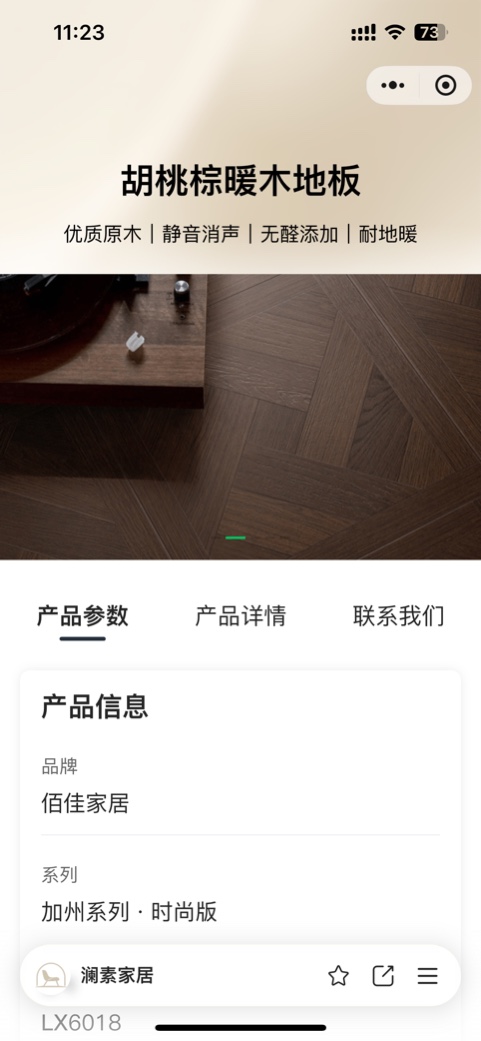
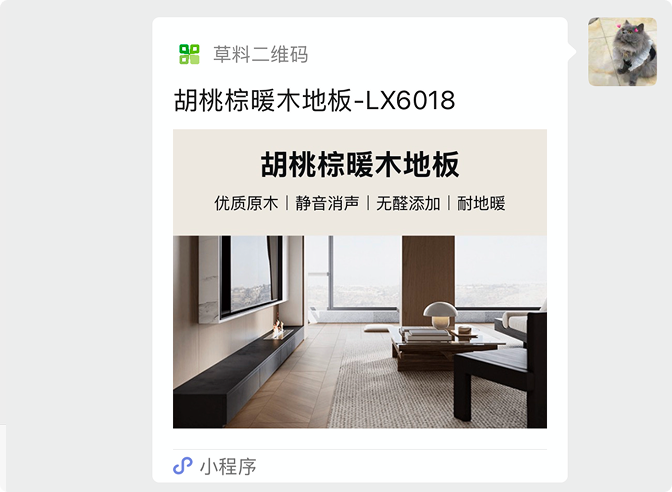
Scan to see how the flooring looks installed
Show key features at the top, with separate sections for installation photos, specifications and contact details, so people can compare options in stores or on site.

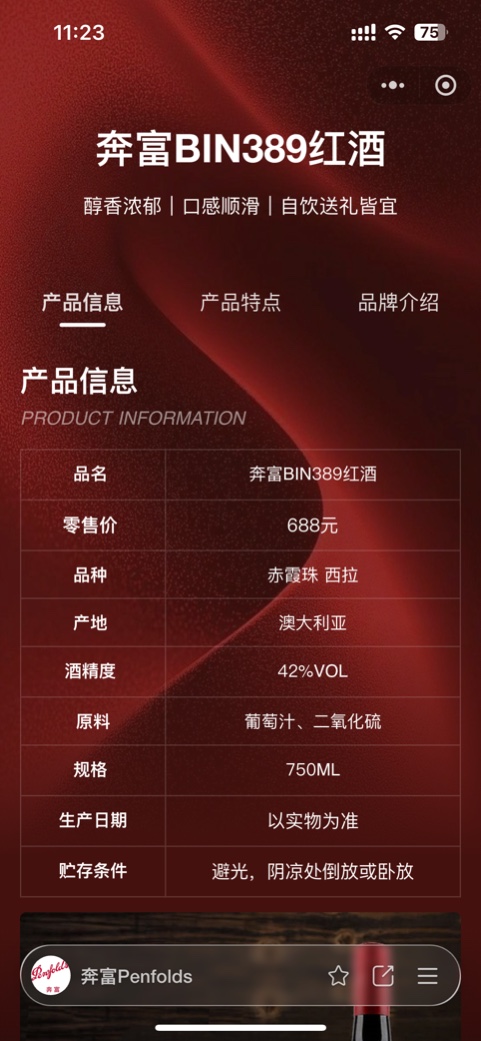
Let customers scan to learn the wine's variety and origin
List alcohol content, specifications and storage conditions in a product table, with separate tabs for product features and the brand story.

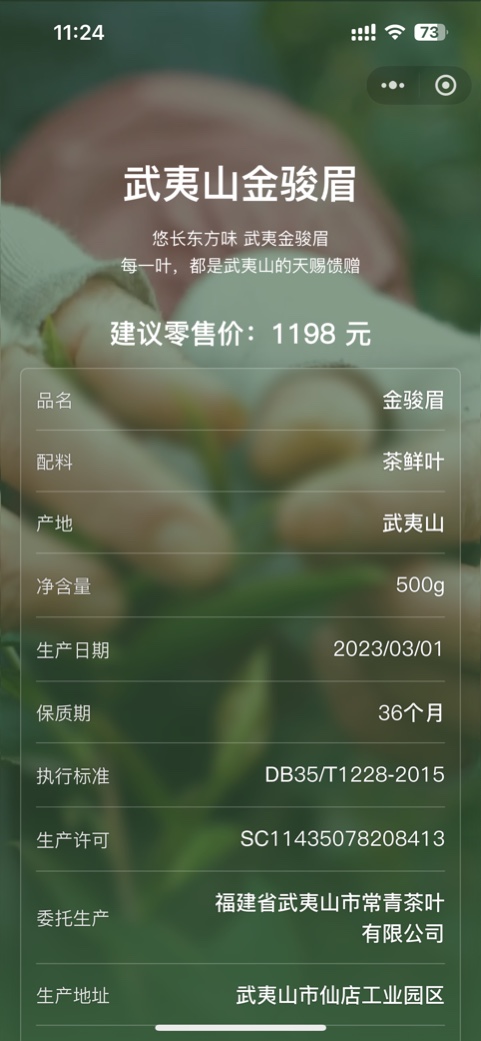
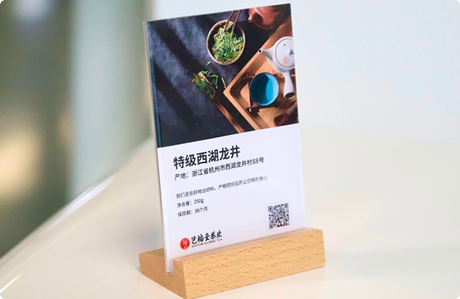
Let customers scan to discover what makes the tea special
Include ingredients, origin, applicable standards, production licenses and the suggested retail price so gift recipients can scan to check them.

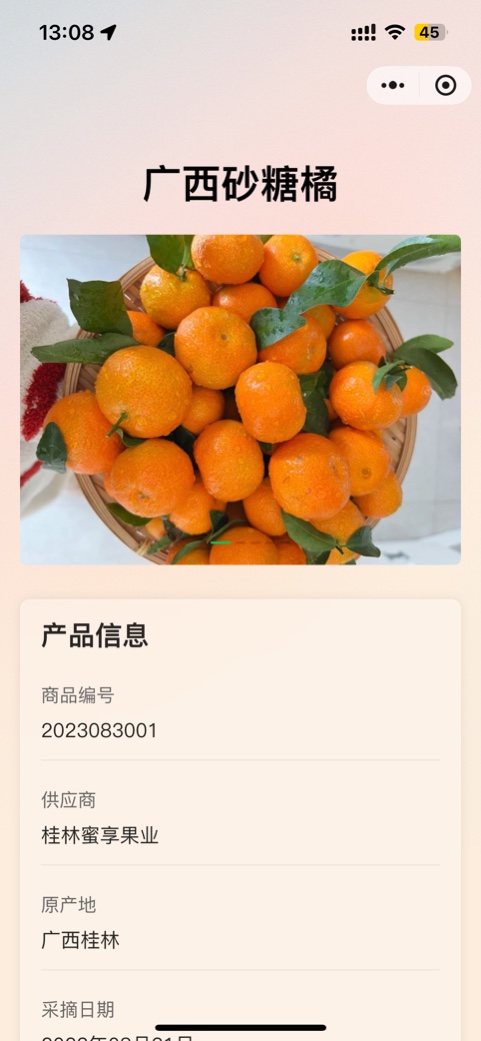
Scan to see where each batch comes from
Put origin, growing records and test results into codes by batch so customers see information for the batch they purchased.

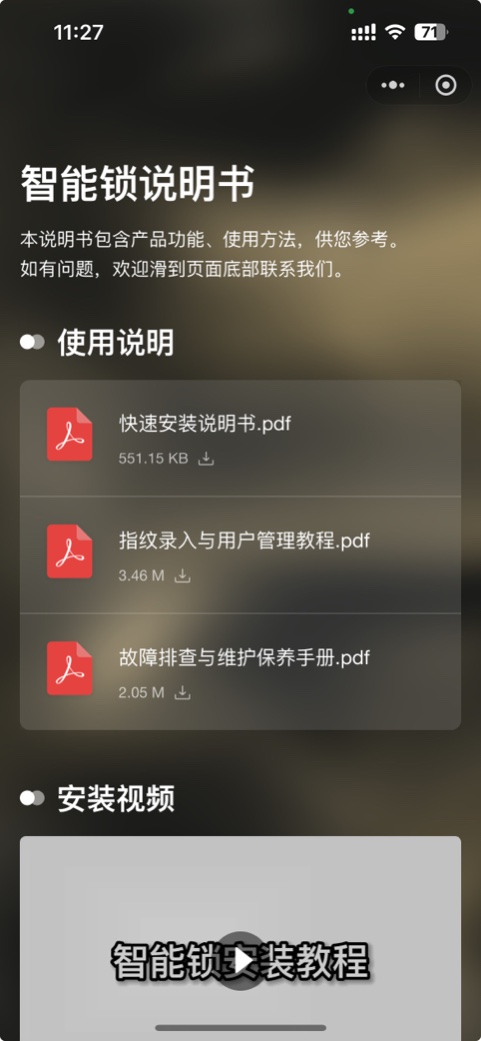
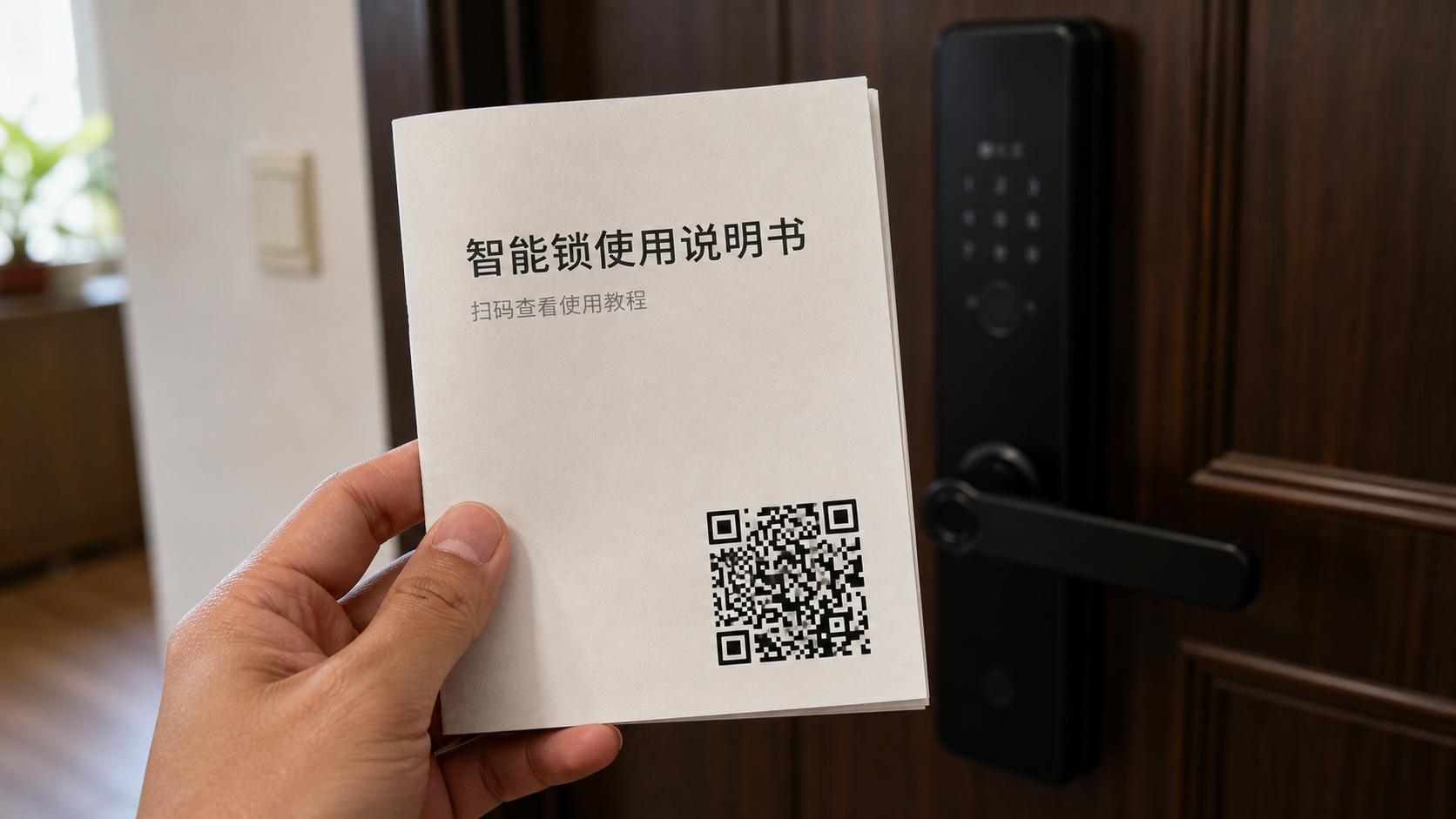
Send the manual with the equipment for access with any scan
Combine quick installation, fingerprint enrollment, troubleshooting and instructional videos in one code. After content is updated, users scan to see the new version.

Ways to share QR codes with customers
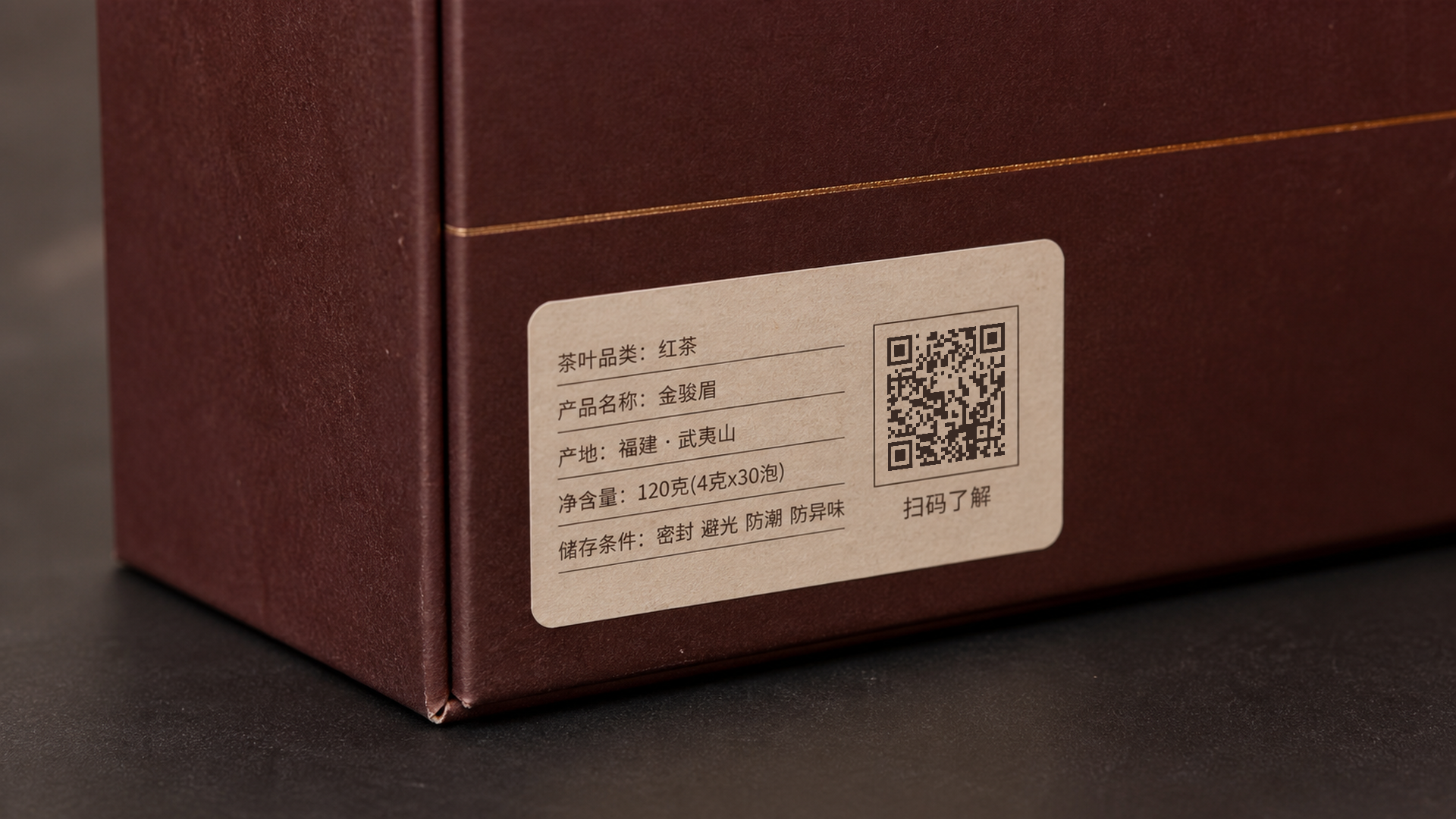
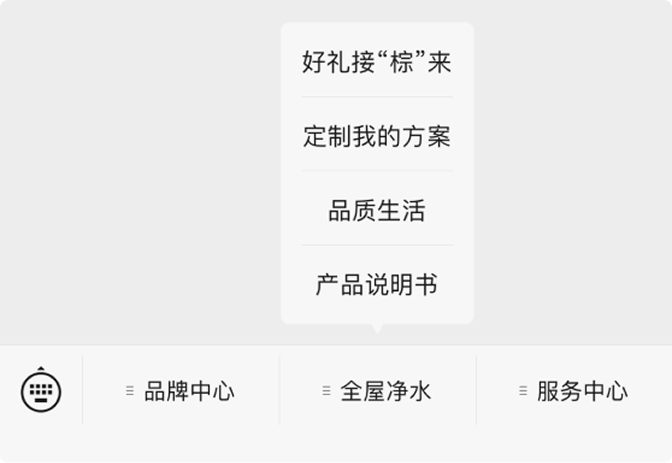
Print them on packaging, manuals, catalogs and table cards, or share them on WeChat and official account menus.
Everyday management after creating product codes
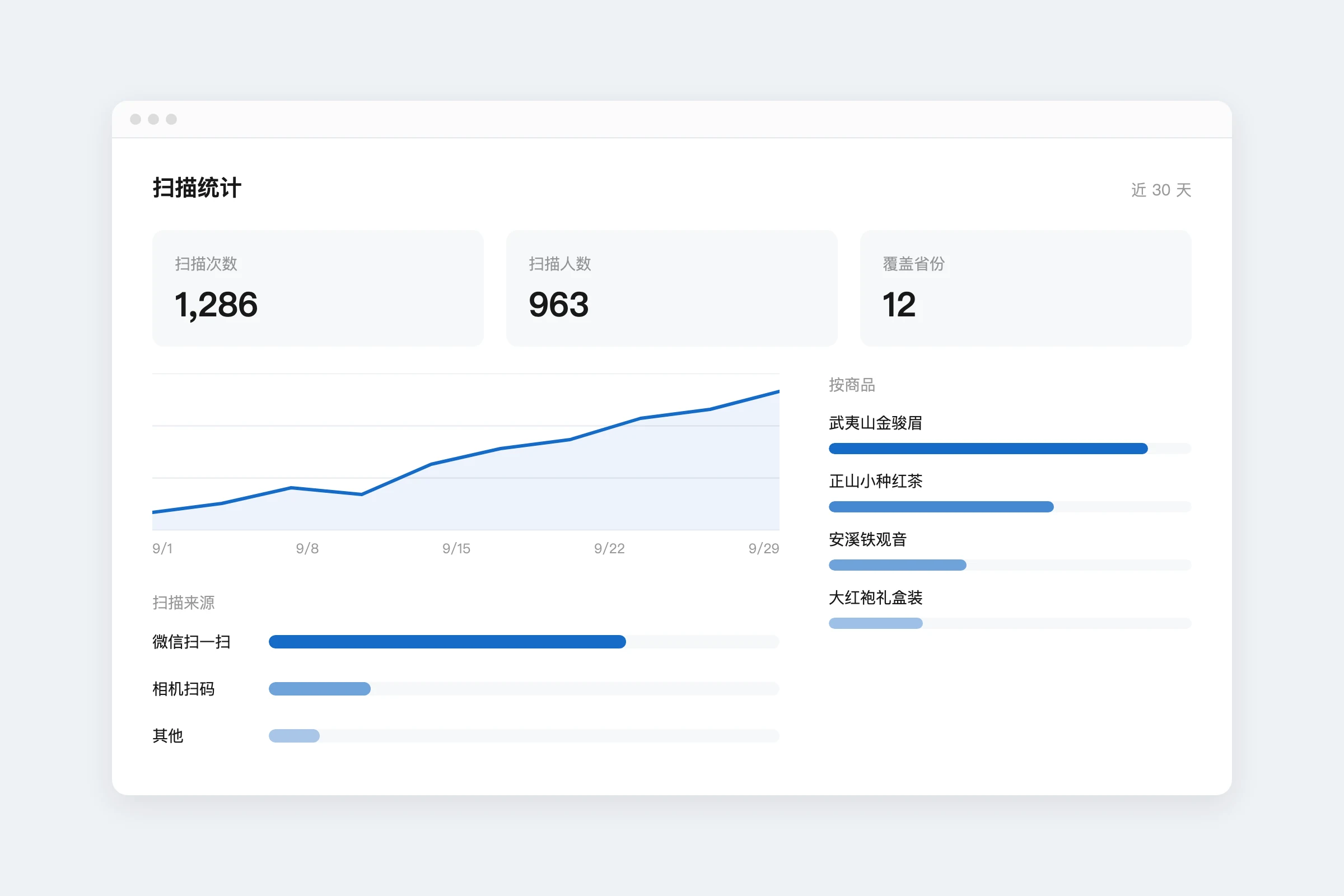
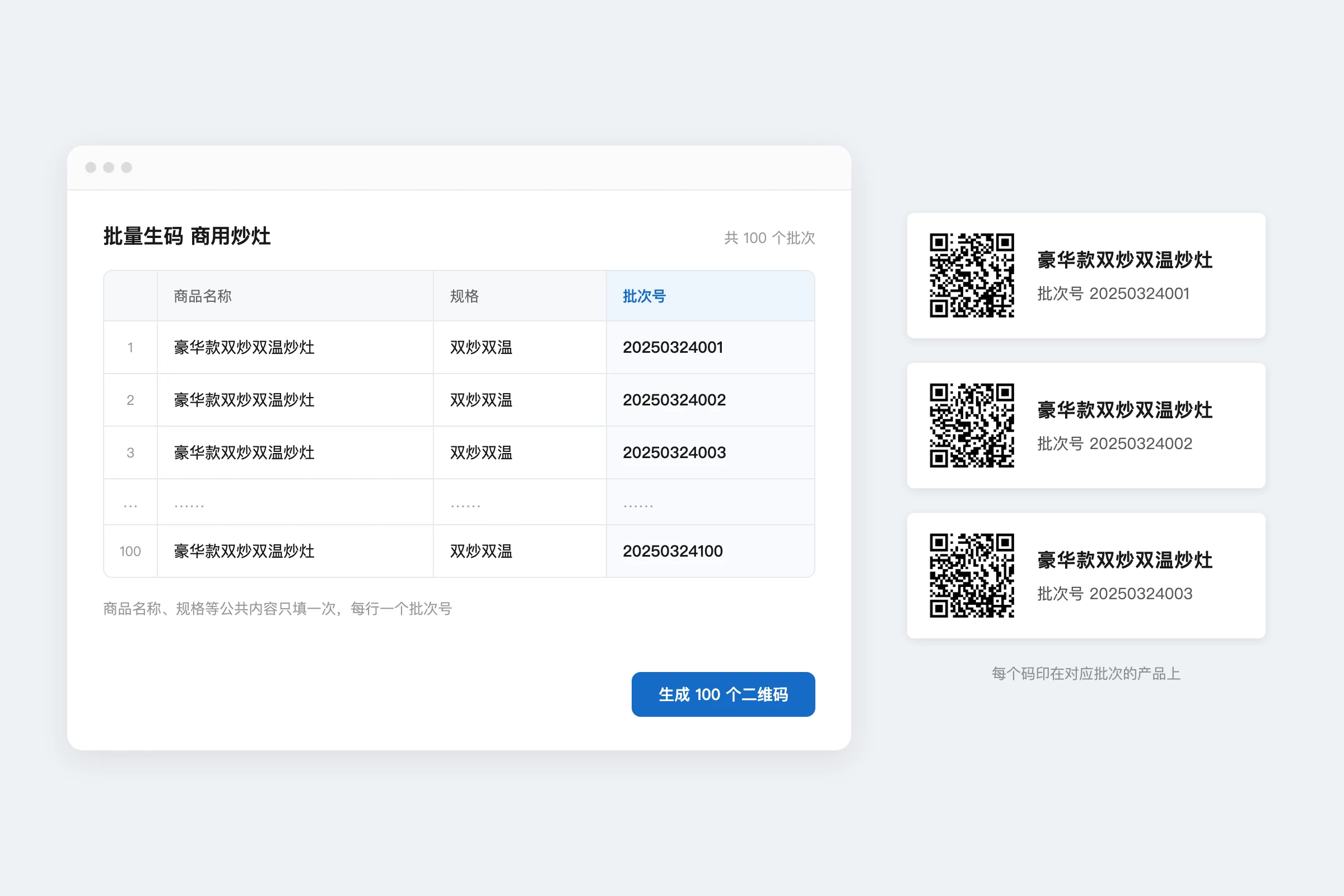
Present your brand reliably and manage products consistently
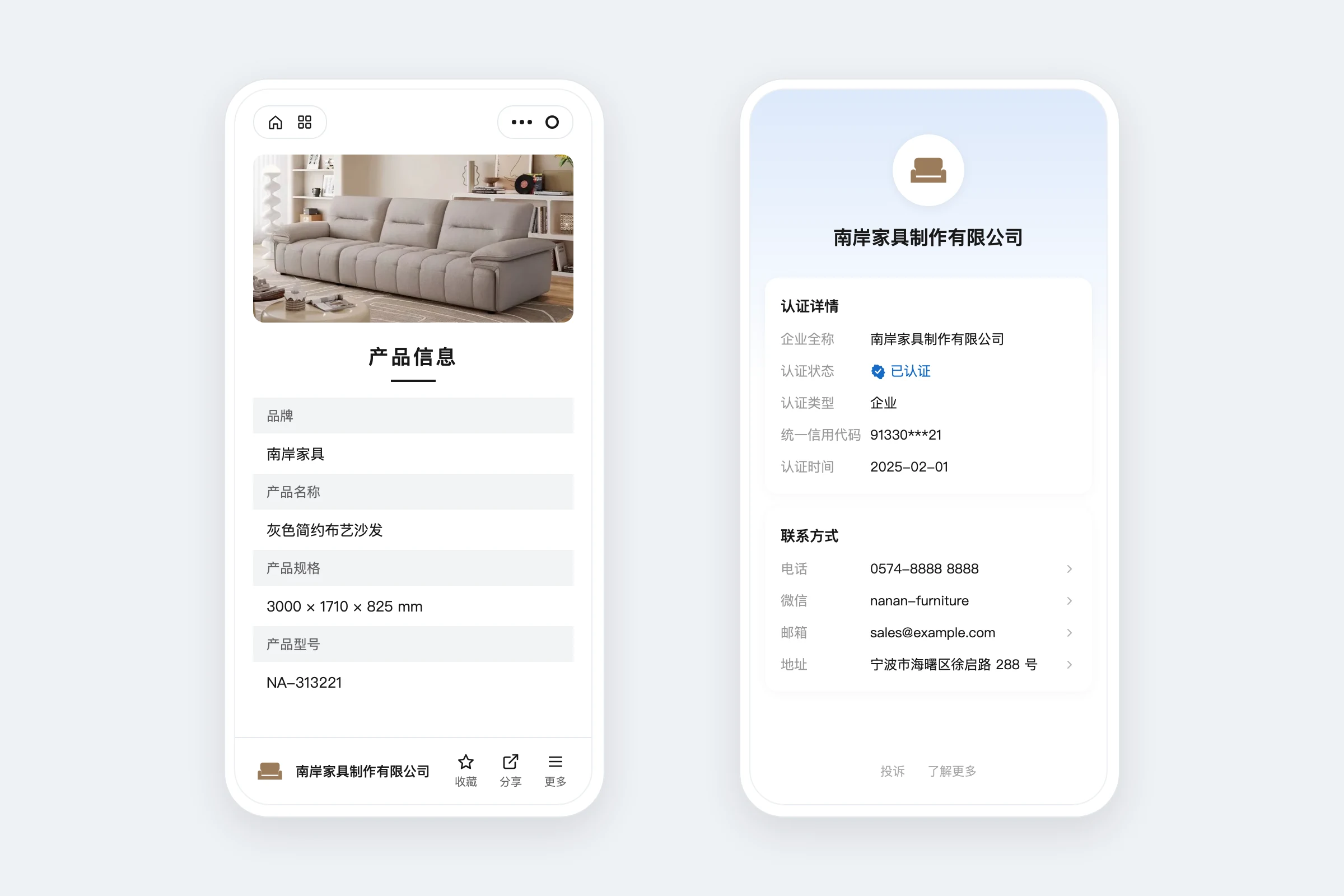
Display your own brand information
- Replace CaoLiao branding at the bottom of scanned pages with your company name and logo
- Open a company profile showing certification information and contact details together
- Add an Enterprise Exclusive Mini Program if you want content to open in your own Mini Program
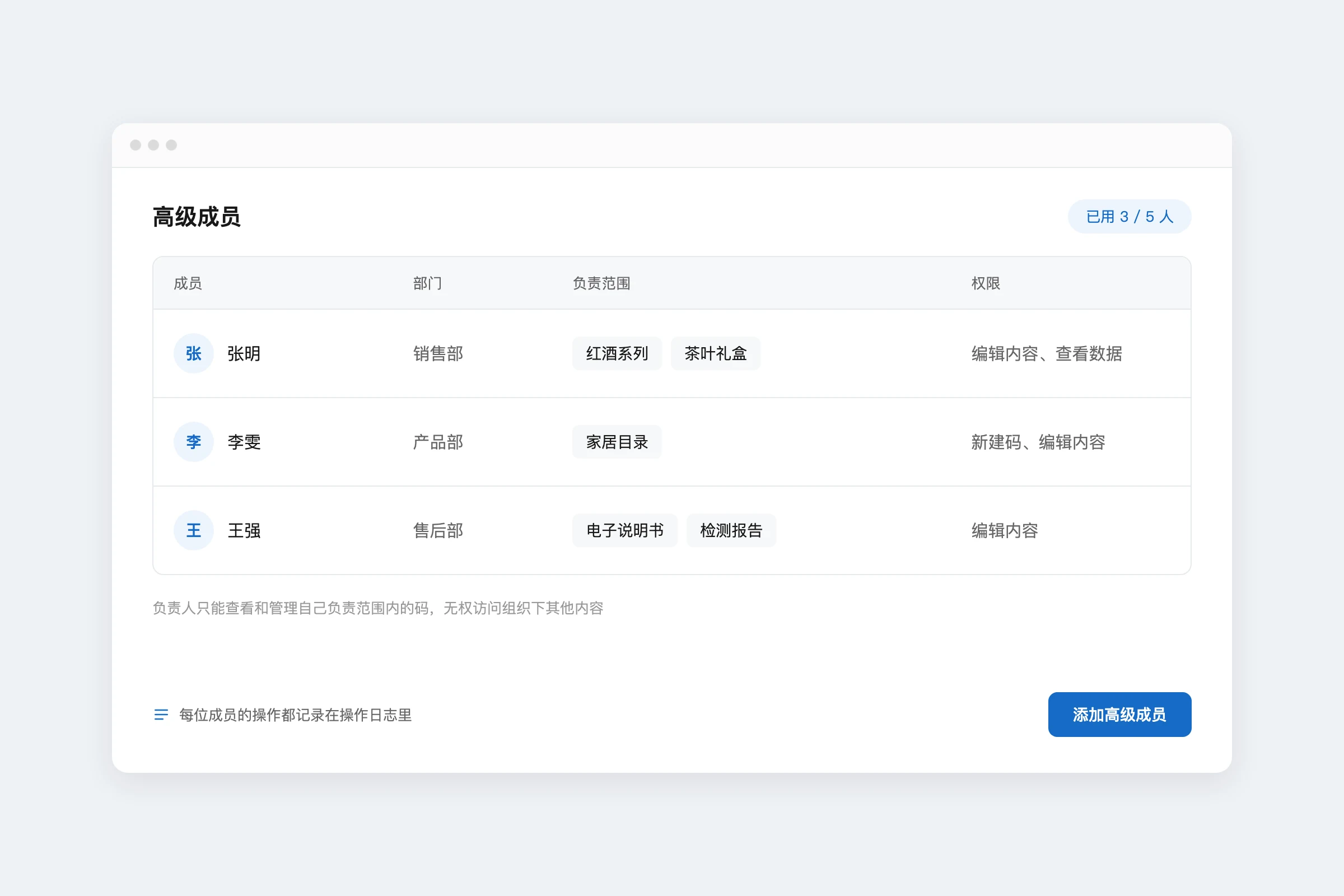
Assign multiple responsible persons to their own product codes
- Assign one responsible person to each product line
- Each responsible person can edit only their assigned codes
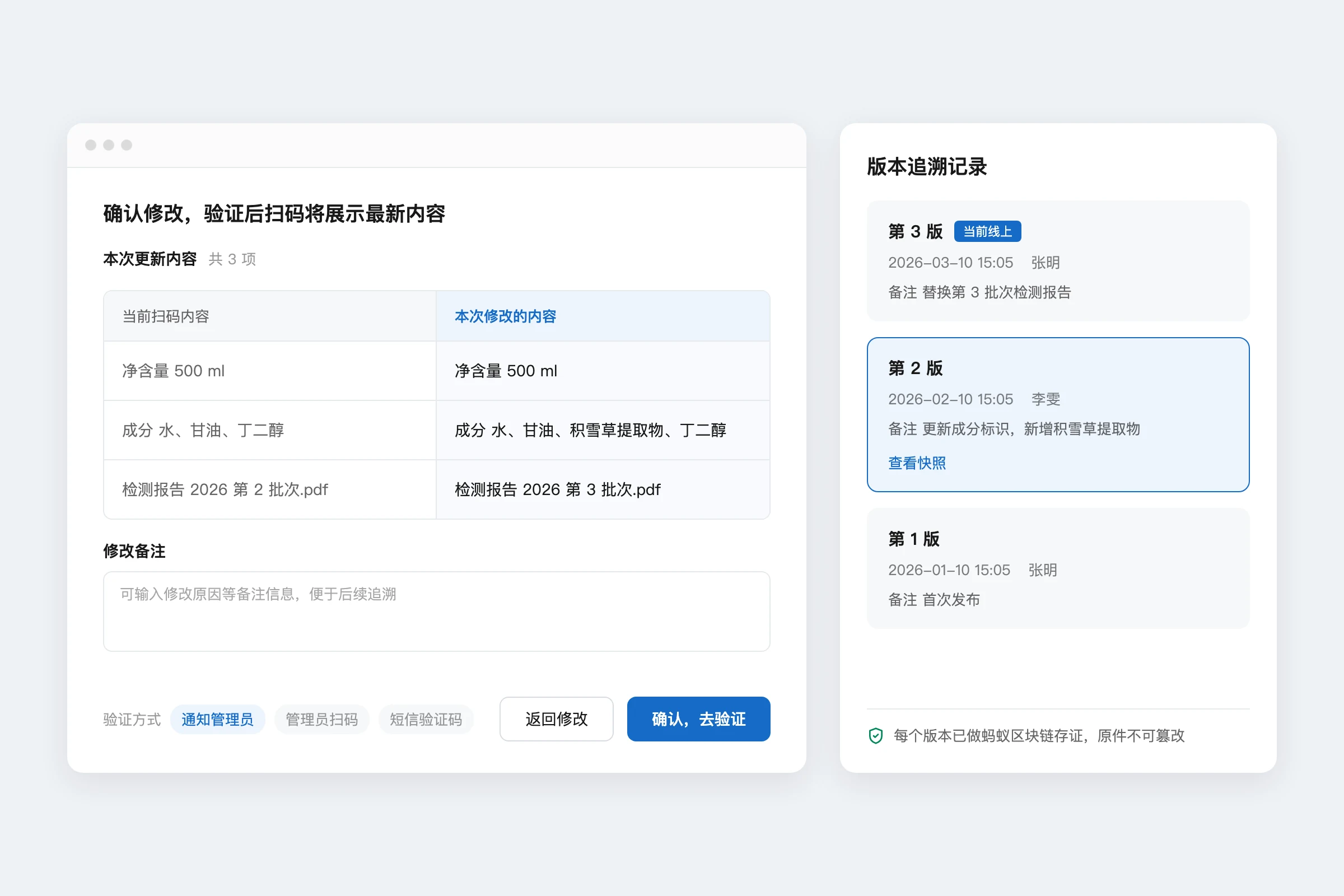
Confirm changes before they take effect and access every version
- Content update protection requires an admin group to confirm changes before publication
- Version snapshots automatically retain every edit and record who changed it and when
- Operation logs record logins, code edits and data exports, starting with paid editions
Customer Stories
Separate product codes for different kitchenware display specifications, videos and nearly 100 qualification documents together. A collection code in the official account menu provides a single resource entry point.
Sending many gift sample images through WeChat made them hard to find and forward. Product codes now let customers scan to view specifications and detailed images.
QR codes in product catalogs link to more content on scanned pages. Catalogs stay concise and do not need reprinting when content changes.
Pricing and editions
Start with the free version to verify your product codes, then upgrade for large-scale commercial use. View edition recommendations
Core features, free for long-term use
- Codes remain valid long term
- Unlimited QR code generation
- Unlimited scanners and scans
- Unlimited image and file uploads
- CaoLiao branding on loading pages and footers
- Images and files include CaoLiao watermarks
- Each video limited to 1 minute with standard-definition playback
Recommended for commercial use with your own branding
Includes all free features, plus
- Show your own brandRemove CaoLiao branding and display your company logo
- High-definition images and filesShow original-quality images without watermarks
- Unlimited videosNo duration limit, with high-definition playback
- Protect resources from disclosureAdd company watermarks to file preview pages
- AI answersAI answers customer questions using the code's content(Advanced Edition)
- Content controlConfirm changes before they take effect and retain every version(Flagship Edition)
FAQ
Do customers need to download an app or follow an official account?
No. A WeChat scan opens the product page directly.
Can a QR code contain product explanation videos?
Yes. In the free version, each video is limited to 1 minute, with unlimited views and long-term standard-definition playback. Longer videos or high-definition playback require Basic Edition or above.
Do I need to create codes individually for hundreds of products?
No. Organize product information in Excel and generate codes in bulk, with shared content configured together.
How can I keep quotations and dealer prices private?
Put sensitive resources in a separate password-protected QR code and share it only with designated customers. Leave prices out of public product codes.
Does the free version display CaoLiao branding?
Yes. Upgrade to Basic Edition at CNY 780 per year to remove it and display your own brand.
Will printed QR codes expire?
No. They can be used long term. Update resources in the workbench without reprinting.
Create your product QR codes
Templates are based on real customer use and are free to use. Replace the sample content with your own product information.