Access Registration
QR Code System
Visitors and vehicles scan to register. Security staff verify and admit them as needed.
Registration records are summarized in real time, ready to view and export.
Access Registration for All Kinds of Sites
See how QR codes work at different sites
 Post on the security office window

Visitors register themselves; hosts receive prompt notifications
Post the registration code on the security office window or reception desk. Visitors scan it with WeChat and complete the form to register. The host department receives notifications after submission, so reception does not have to call each host.
 Post at the community entrance guard booth

Keep track of visitors and vehicles
Visitors, couriers, food delivery workers, and renovation workers scan at the guard booth to register the building and purpose of their visit, adding a license plate if driving. Property staff can check who visited and which building they entered on a phone.
 Fix beside the barrier gate post
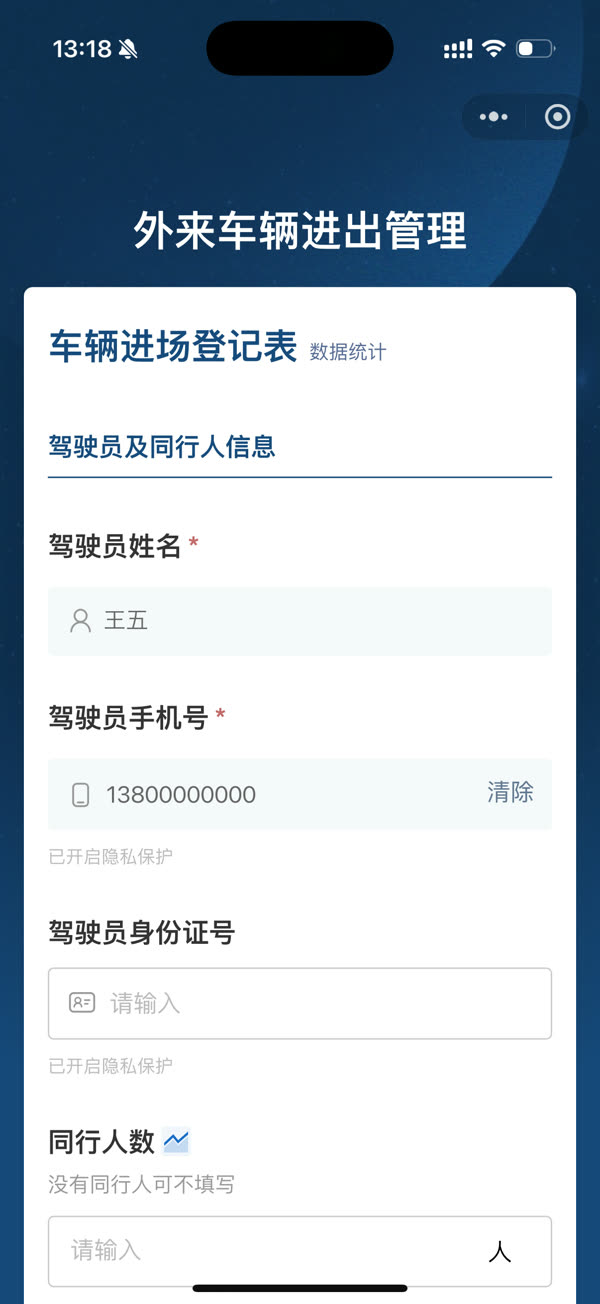
Record each vehicle entering and leaving
Fix the registration code to a barrier gate post or guard booth wall. Drivers can scan and register from inside their vehicles. Transport vehicles can also register cargo information, with entry and exit records automatically summarized by time.
 Post at the construction site gate

Read the safety notice before registering entry
Workers scan to read the entry notice and check the acknowledgment box, then enter personal information and sign by hand. The acknowledgment and registration information are saved together in one record, ready for inspection.
How Company Visitor Registration Works
1Place the registration code at the gate
- Post at the gate: Use the security office window, reception display, or barrier gate post, with a Visitors: Scan to Register notice beside it
- Update content anytime: When registration fields change, posted codes do not need to be reprinted
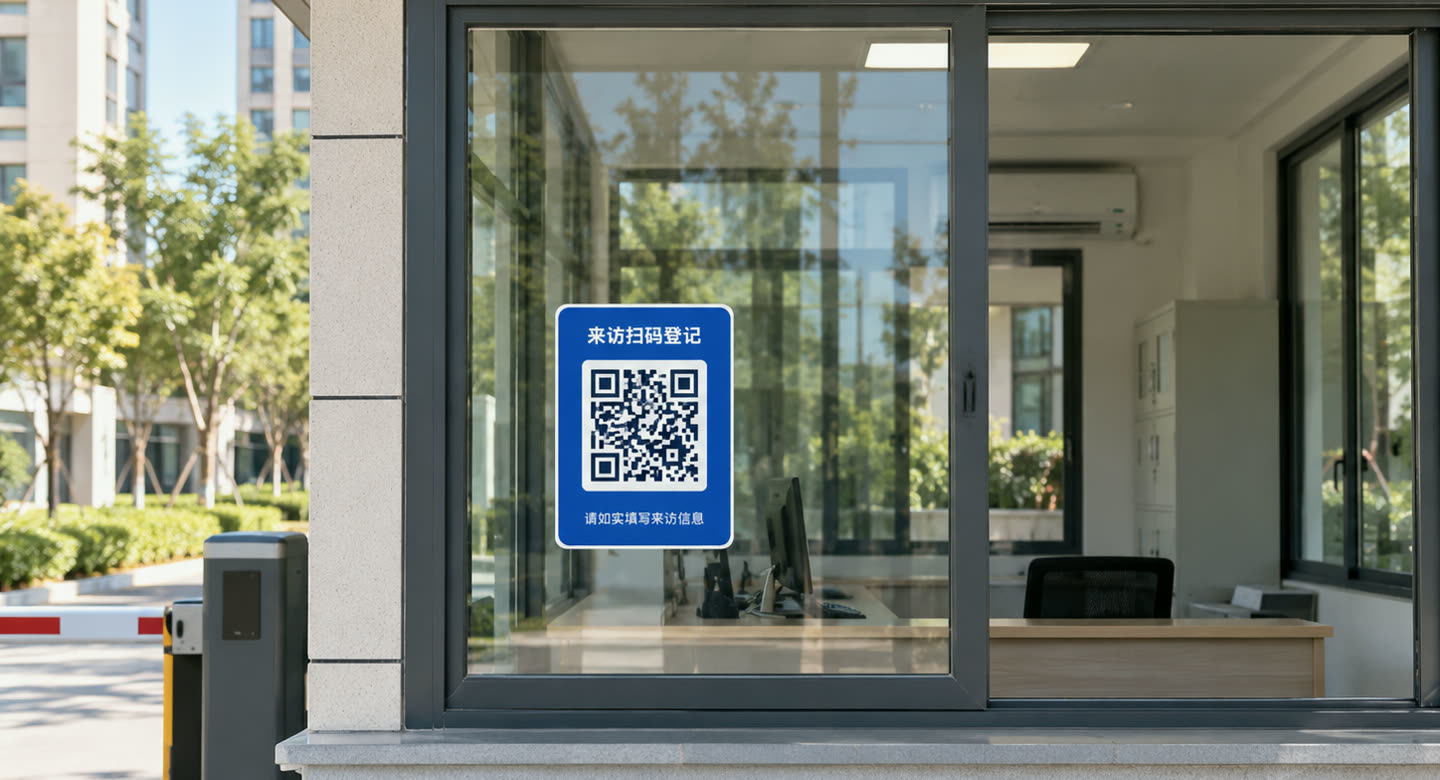
2Visitors scan and register on their own phones
- Scan with WeChat to register: Enter a name, mobile number, purpose of visit, and host without queuing to write in a paper register
- Prefill details on return visits: Previously entered information appears automatically, with no need to enter it again
- Visitors unfamiliar with smartphones: Security staff can help them register

3Hosts promptly receive visit notifications
- Notify hosts automatically: The host department receives notifications after submission and can come out to meet visitors
- No individual calls from reception: No need to call to confirm who has arrived or whom they are visiting

4Find records anytime and export the register in one click
- Find records anytime: Search by date, name, or mobile number. If each gate has its own code, view records by gate
- Export the register in one click: Export Excel records for a selected date range without searching paper registers at month-end or before inspections

Meet More Access Management Needs
Enable these features on the registration code as needed for stricter management requirements
After registering, visitors show their entry pass. Security staff scan it to verify registration information before admitting them.
Visitors submit an appointment in advance. Once internal staff approve it, visitors present their entry pass on arrival.
Scan to register on entry and exit. Times are recorded automatically, and staff can check who has not left.
Visitors first read entry instructions and safety rules, sign to acknowledge them, and submit registration. The acknowledgment record is retained in full.
Use a separate registration code for each site or entrance. Data stays distinct and can also be viewed together.
Put the address, parking location, and reception point in a directions code and send it before the visit, so visitors can check before setting off.
Choose Labels for Where They Will Be Posted
Choose materials for the gate environment. See the QR Code Label Printing and Installation Guide

- Place
- Indoor reception desks and windowsills
- Life
- 5 to 10 years
- For
- Office reception desks; replaceable insert
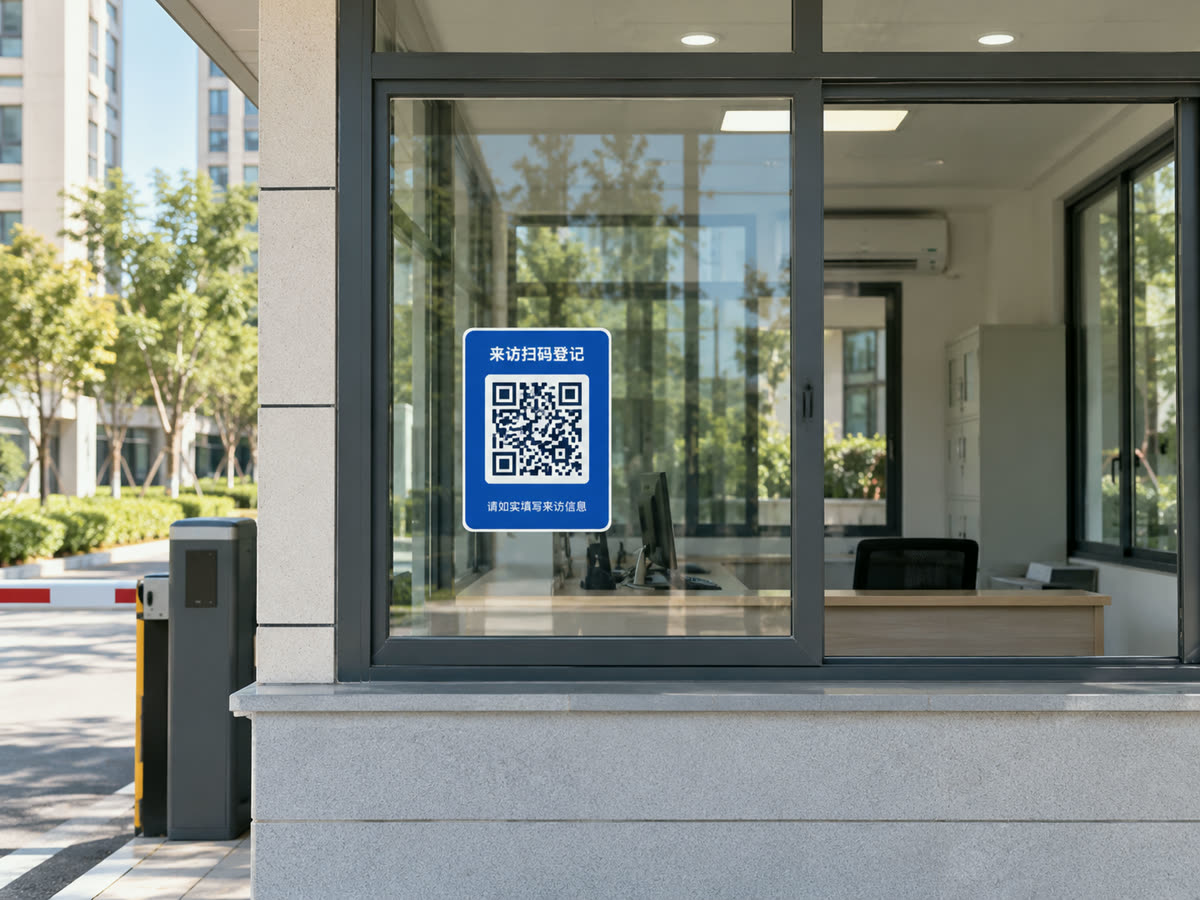
- Place
- Exterior gate walls and windows
- Life
- 3 to 5 years
- For
- Security office windows and guard booths

- Place
- Entrances and vehicle lanes
- Life
- 1 to 2 years
- For
- Vehicle entrances and construction site gates
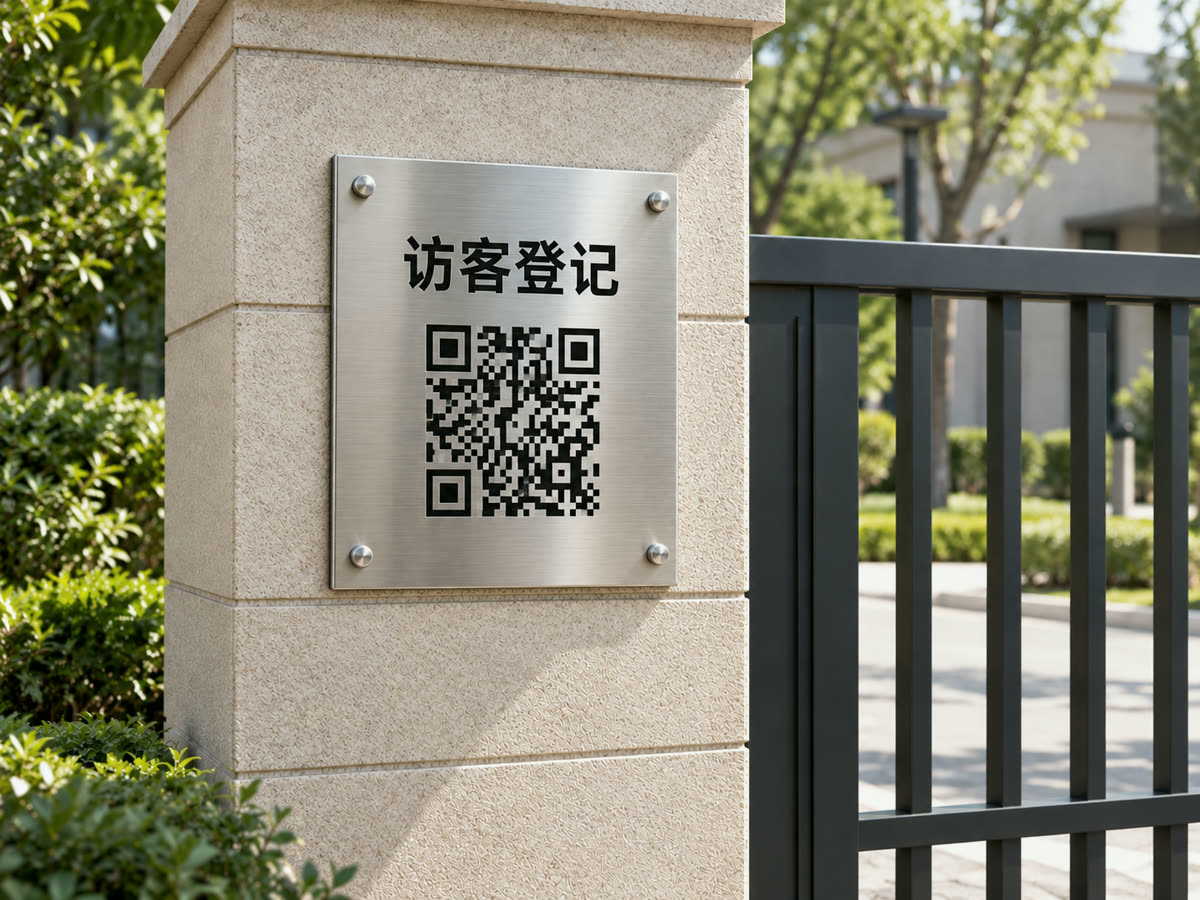
- Place
- Outdoors, permanently fixed
- Life
- 5+ years
- For
- Campus gates and perimeter gate posts
Editions and Pricing
Basic scan-to-register features are free; upgrade as needed for multiple gates and long-term archives
- Unlimited visitors and submissions, just scan to register
- Core features are free, including registration passes and notifications
- More reliable registration, with scan-only filling and location restrictions
- Long-term data storage, with export of records from the last 180 days
- Coordinate multiple gates, with permissions assigned by gate
- Export all registration records, with no date range limit
- View original visitor photos, for clear ID and license plate checks
- Connect existing access control systems, with 20,000 data pushes per month
- Remove the CaoLiao logo and display your own brand
Frequently Asked Questions
Do visitors need to download an app or register an account?
No. Visitors scan with WeChat to open the registration page, fill it out, and submit. Security staff can help visitors unfamiliar with smartphones.
Can later visitors see earlier registration information?
No. Each visitor opens a blank registration page. Only workbench admins can view submissions, unlike a paper register where the next person can see previous names and phone numbers.
Do security staff need to log in to the workbench?
Security staff do not need to log in just to keep registration records or check numbered passes. To scan and verify passes or update arrival and departure status, they must join as account members and receive the corresponding permissions.
What if visitors forget to register their departure?
If exit verification is enabled, security staff can filter today's Arrived records, verify the situation, add notes, and update status. When recording a departure later, note the actual departure time and reason, so the entry time is not mistaken for the departure time.
Can this replace access control turnstiles?
No. QR code registration collects information, supports on-site verification, and manages records. It cannot physically stop entry like a turnstile. Organizations with access control can use both, and integrate registration data with existing systems through the API.
Can registration records be exported, and how long are they stored?
Registration records are stored long term. Search by date, name, or mobile number, and export Excel records for a date range. The free version, Basic Edition, and Advanced Edition can export the last 180 days; Flagship Edition and above have no date limit.
Start Building an Access Registration QR Code
We have gathered templates for common scenarios from extensive user experience. Choose one to start using it right away