Patrol Route
QR Code System
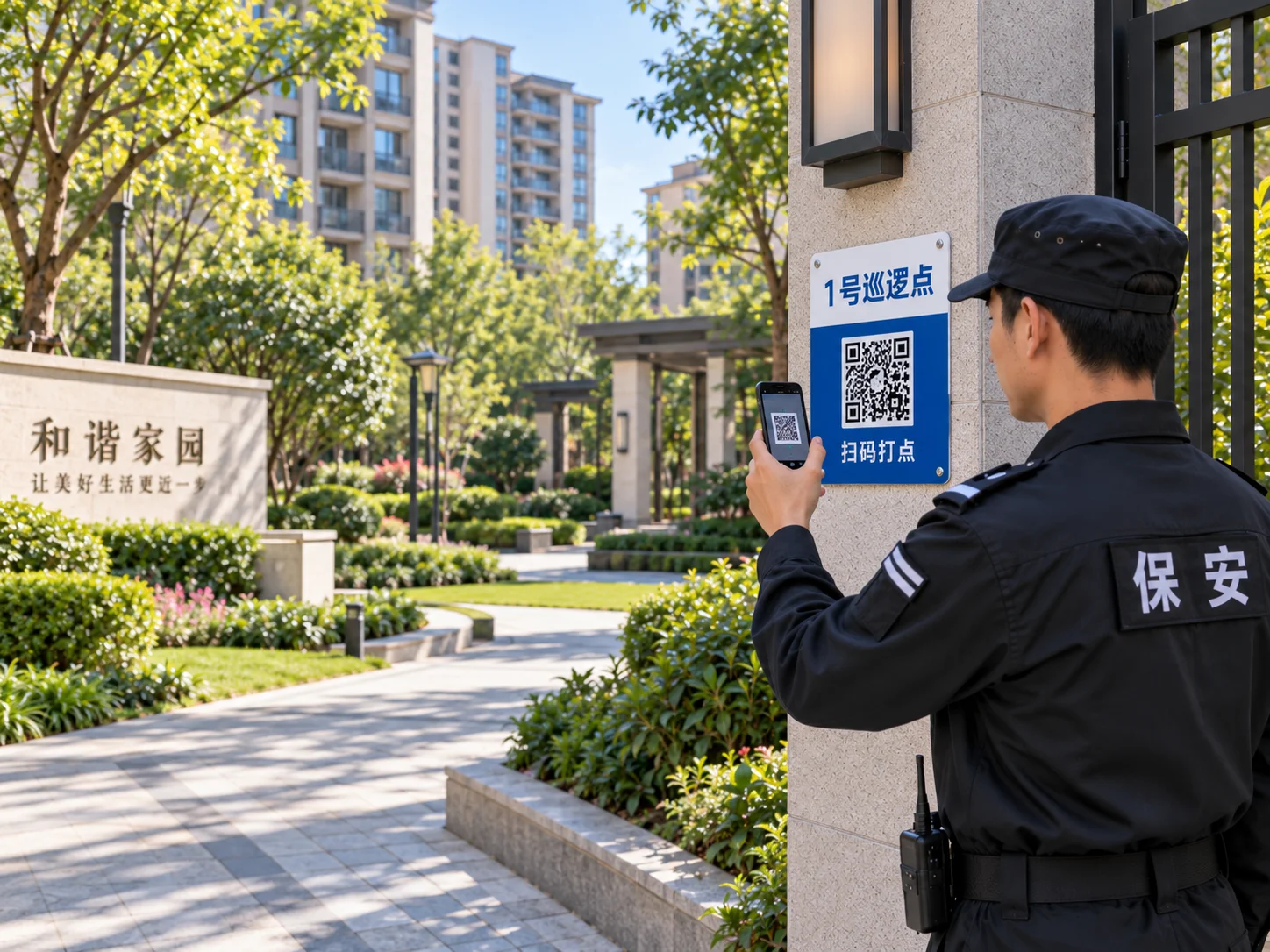
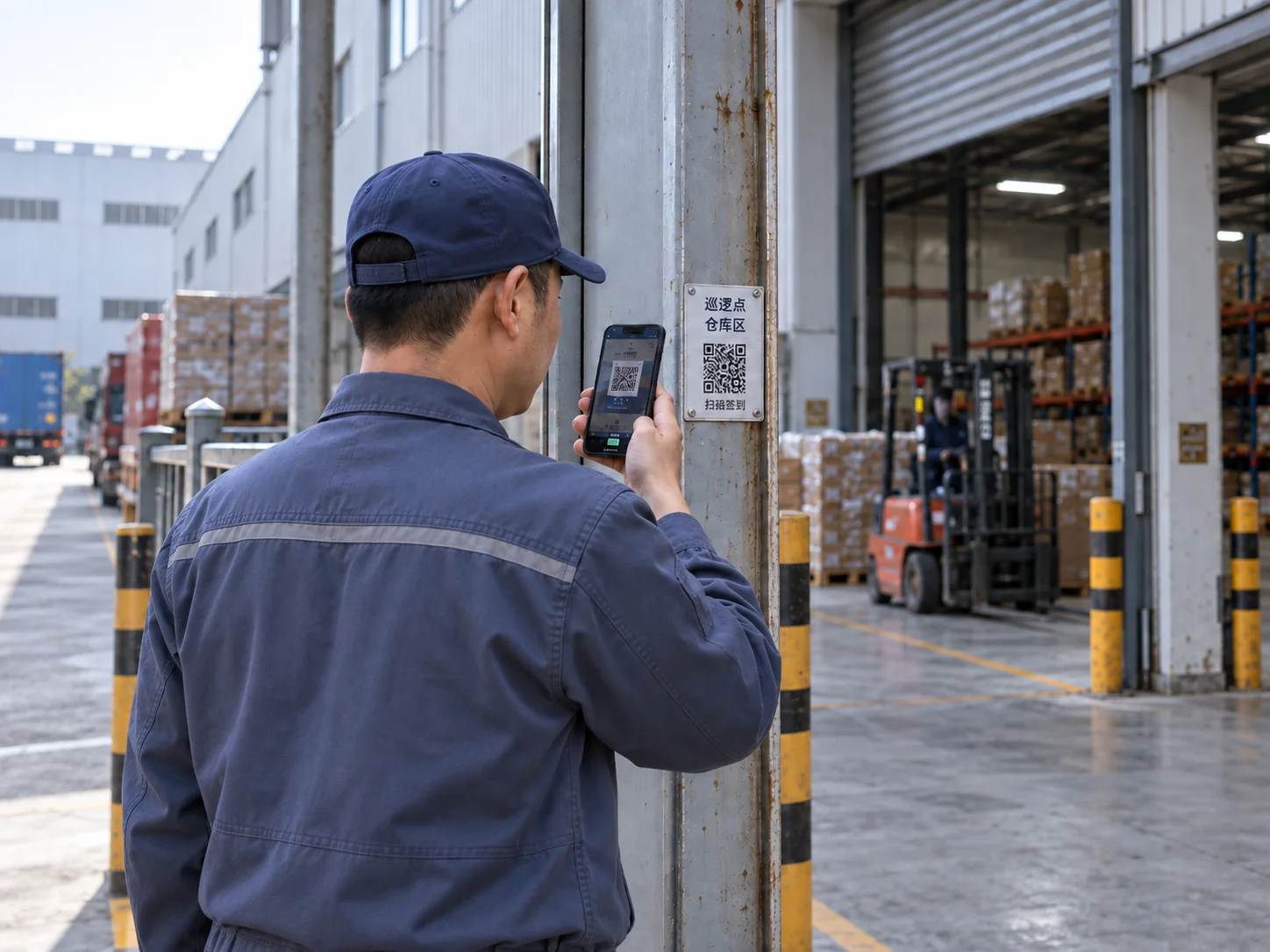
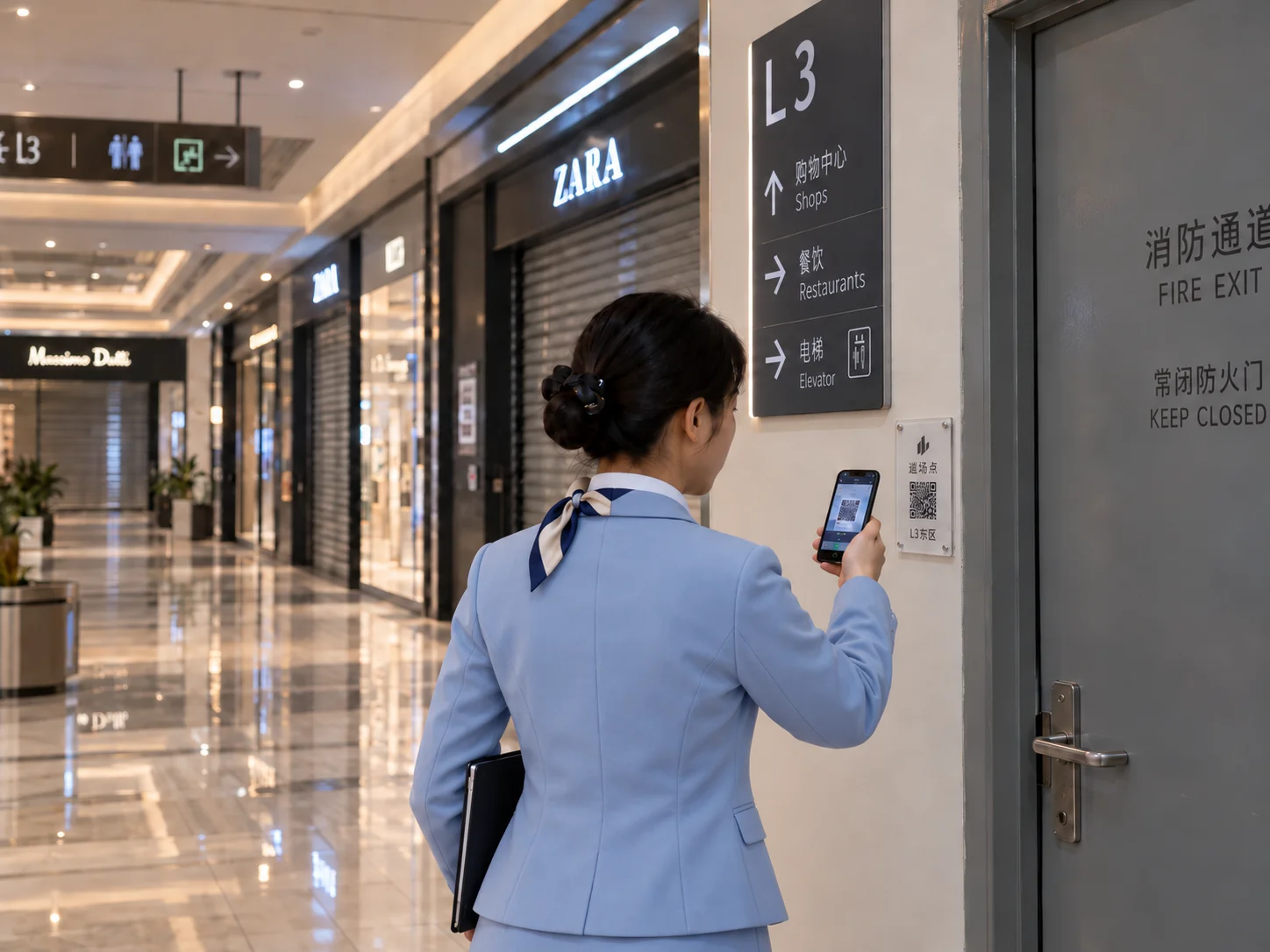
Place a QR code at each patrol point for guards to scan and check in.
Patrol data syncs in real time, so missed patrols, overdue visits, and exceptions can be checked anytime.
Suitable Scenarios
For sites with fixed patrol points that must be visited by shift or frequency
See How a Security Patrol Works
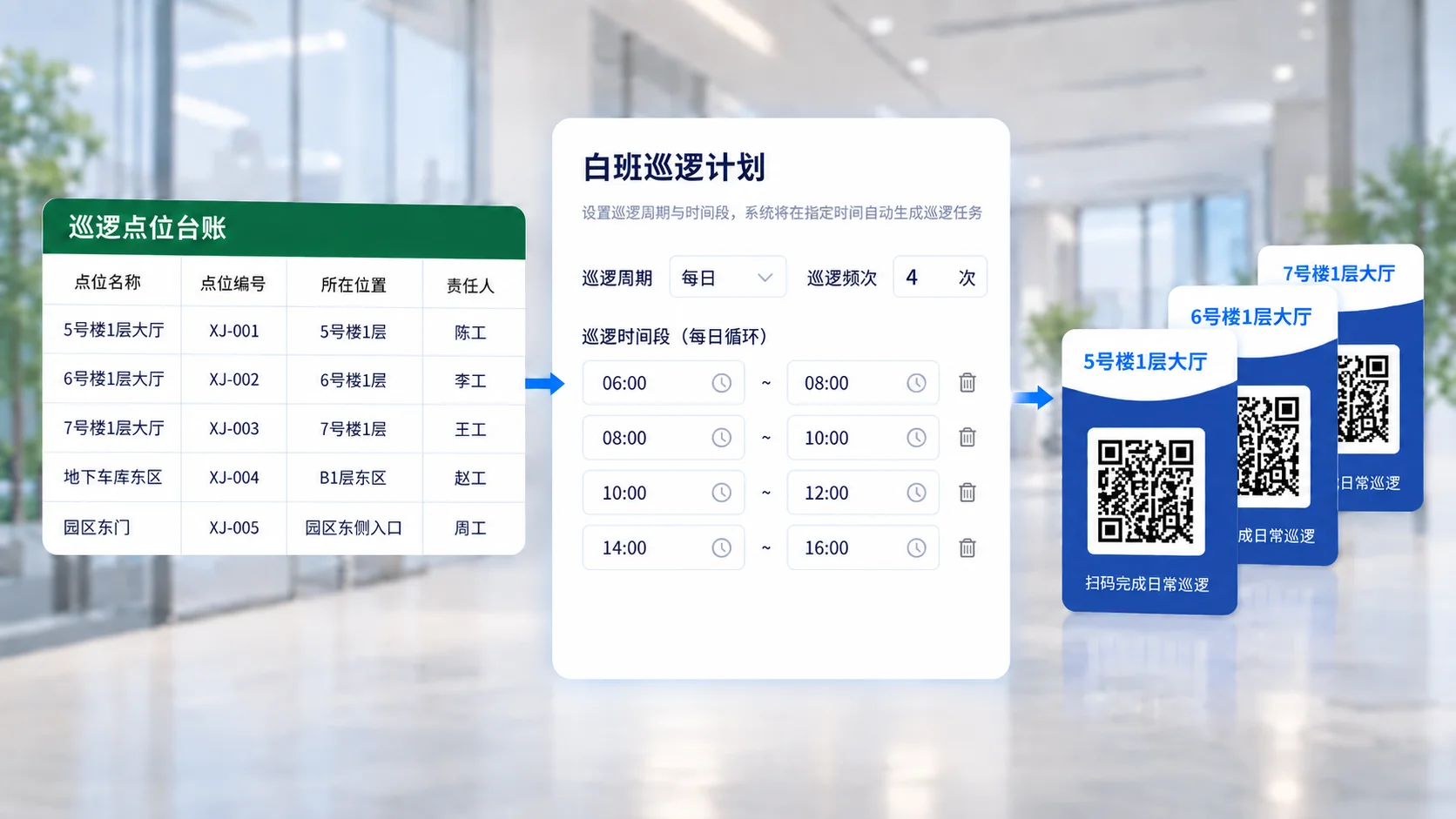
1Administrators Set Up Patrol Points and Schedules
- Create QR codes for patrol points in bulk: Divide patrol points by area and generate their QR codes together
- Set patrol tasks: Schedule patrol tasks by shift and frequency
2Guards Scan on Time and Check Progress as They Patrol
- Scan at each patrol point: Receive automatic notifications as patrol time approaches, then scan with WeChat at the point to complete the patrol
- Check remaining patrol points anytime: See on your phone which points still need to be visited in the current round
- Report exceptions with photos: Take and submit a photo when something happens, and automatically notify the responsible person
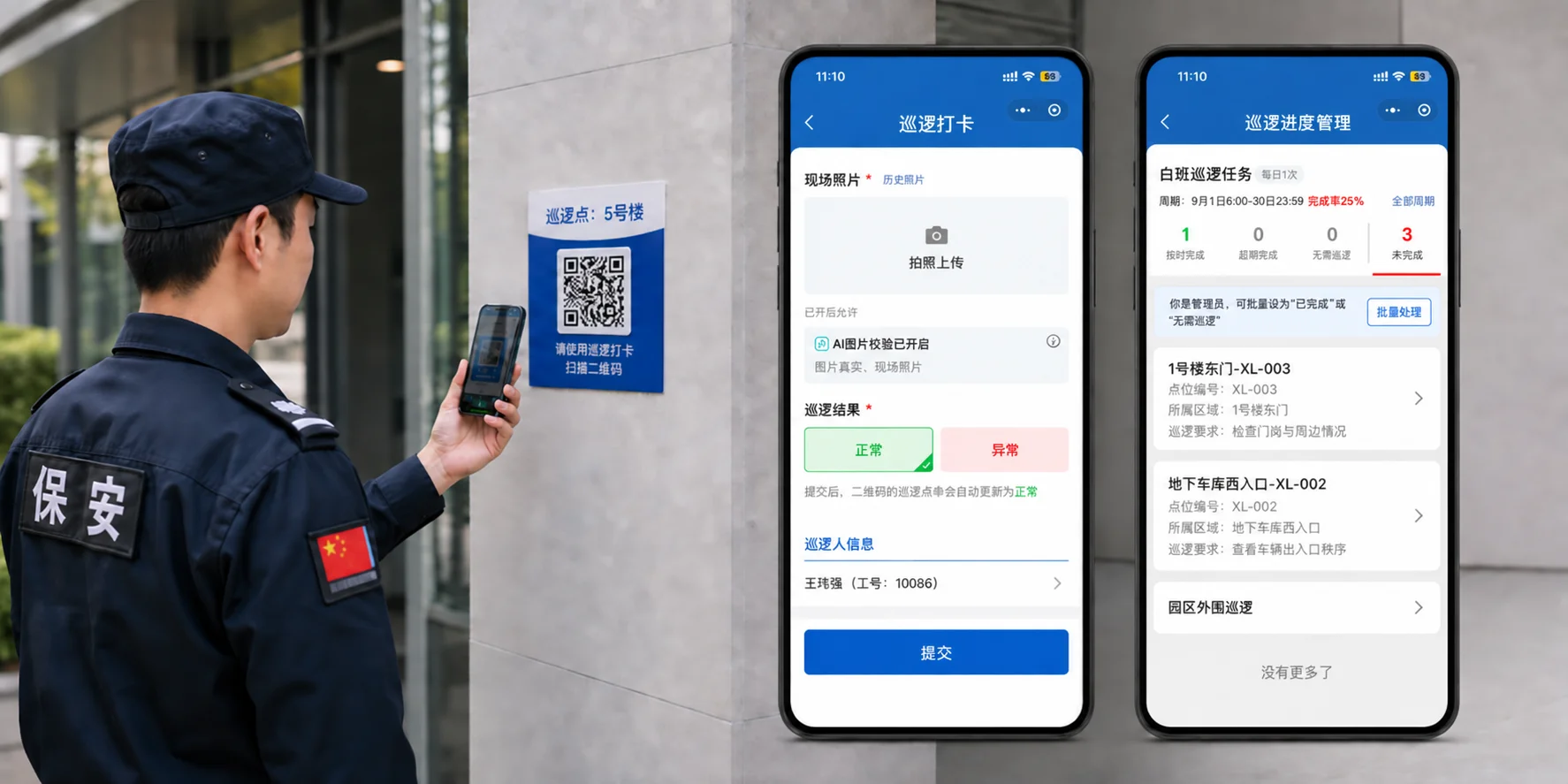
3Team Leaders Can See Missed Patrols and Points During the Shift
- View patrol progress in real time: See on your phone who patrolled, which points were missed, and which visits were submitted late
- Keep records long term: Export to Excel for month-end handovers or client inspections

Keep a Trustworthy Record of the Patrol, Beyond Check-Ins
Take photos of exceptions on site. Automatic time and location watermarks preserve what happened at the time.
The system records submission times and patrol workers automatically, making duties performed clearer without manual entry.
Exception discovery, notifications, handling, and follow-up feedback stay in the record so the handling process can be reviewed later.
Key patrol records are notarized on the blockchain when submitted. Verifiable data trails support later verification and accountability.
How Do QR Codes Compare with Patrol Batons?
| Comparison | Patrol Batons | CaoLiao QR Code |
|---|---|---|
| View data | Import data after every patrol | Data syncs to the workbench in real time for viewing anytime |
| Hardware and software investment | Buy dedicated devices, install software, and maintain them regularly | Use a phone and WeChat, with no device purchase or maintenance costs |
| Patrol management | Missed patrols are discovered only after data is imported | See missed and overdue points during the patrol |
| Identify personnel | Bind patrol workers by scanning personnel cards | Automatically record patrol workers when they scan |
| Exception records | Difficult to record exceptions in detail | Report exceptions with on-site photos and automatically notify the responsible person |
Customer Stories
Across 11 pipelines totaling 141.9 km, patrol baton data could not enter the system and hardware suffered heavy wear. The plant switched to QR code labels at inspection points, which pipeline workers scan to check in.
Each patrol point has a QR code printed on a waterproof label in place of an electronic patrol point. Guards use their phones to check in without carrying patrol batons.
A project lead built an information management system independently to resolve longstanding difficulties with paper record storage and data statistics.
Pricing and Versions
Basic patrol features remain free long term; the Flagship Edition is recommended for managing multiple people and projects
- QR codes remain valid long term; update content without replacing the code
- Unlimited people and points, with no limit on patrol points or patrol workers
- Generate patrol tasks by shift and send notifications when due
- Keep data long term, view it anytime, and export the past 180 days
- Manage projects independently and assign permissions by responsibility
- Collaborate across responsible people, with 20 advanced members participating in management
- Trace records long term, export without a time limit, and retain original photos
- Keep data trustworthy with enterprise-level blockchain notarization and custom image watermarks
Frequently Asked Questions
Can older guards use QR code patrols?
They only need to scan with WeChat and submit a normal patrol with one tap. There is no dedicated app to install or complex operation to learn.
Will QR codes posted outdoors be easily damaged?
Choose laminated labels, PVC, or acrylic signs to suit the environment. See the Material Recommendation Guide. If a QR code is damaged, reprint and replace it without affecting the original point or historical data.
Are historical records kept after a guard leaves?
The management team retains patrol points and historical records. When an outsourcing company or worker changes, update the personnel; the data does not leave with them.
How can we identify who patrolled when people work shifts or cover for others?
Scanning automatically records the person who actually patrolled, with no additional personnel card. Shift changes and substitute workers can also be distinguished.
Can guards scan normally in underground garages or equipment rooms with weak signals?
An internet connection is required to open the QR code and submit data. It will not open where there is no signal. Before rollout, test connectivity along the actual patrol route, especially in underground garages, equipment rooms, remote perimeter areas, and other weak-signal locations.
How can we prevent off-site check-ins or someone else doing a patrol?
Use on-site scanning, location restrictions, system time, and on-site photos to verify patrols and reduce remote submissions and substitute patrols.
Start Building Your Patrol Route QR Codes
The template includes a basic workflow. Import your point list to start patrolling