Feedback Collection
QR Code System
Replace a feedback box with a QR code so people can scan to share their views.
Responsible people receive and handle feedback promptly, then send results back to submitters.
Collect feedback with QR codes in all these places
Post QR codes on site or share them in WeChat groups and Official Accounts so customers and employees can raise issues and suggestions anytime


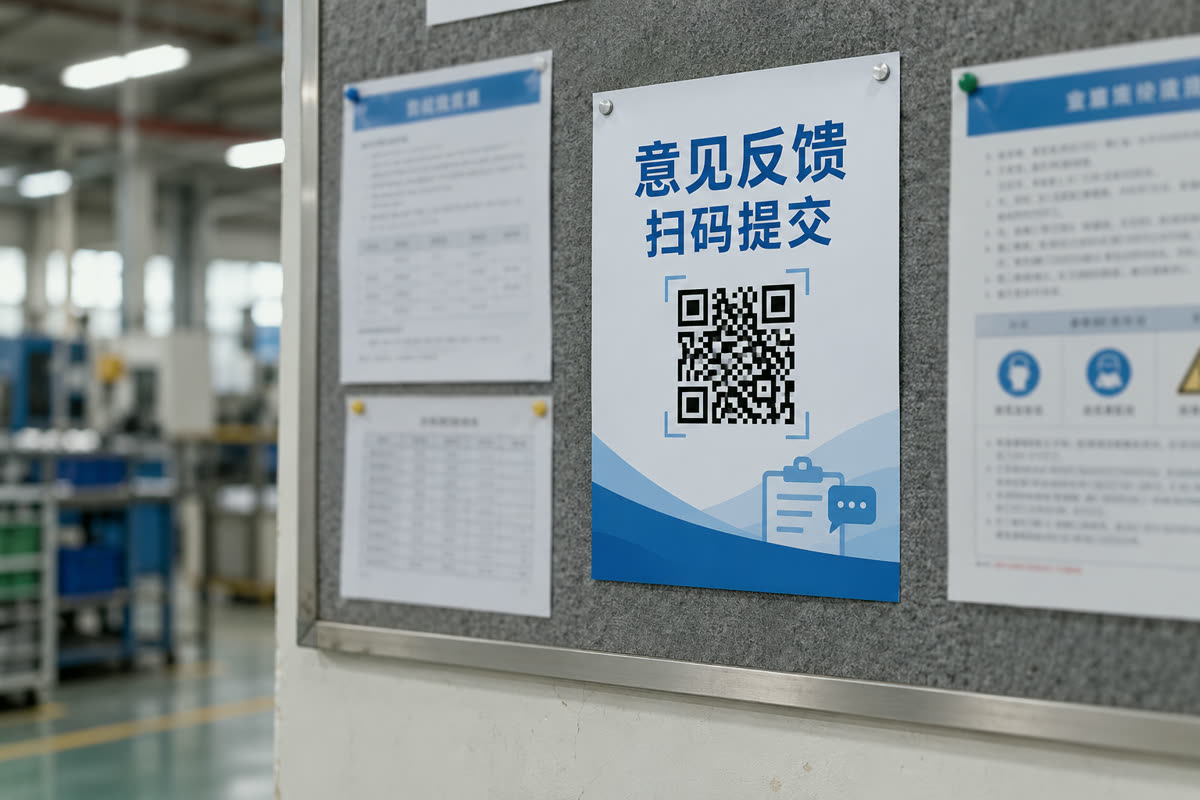



How feedback is handled at a government service center
1Visitors scan to submit feedback
- Fill in the form by scanning with WeChat: Submit feedback and upload photos without installing an app
- Contact details are optional: Feedback can be submitted without contact details; people who want a reply can leave them for follow-up communication

2The responsible person receives notifications
- New feedback triggers WeChat notifications: Stay informed about feedback without repeatedly checking the workbench
- Notify different people for different feedback types: Send complaints, suggestions, and repair requests to the relevant responsible people

3The responsible person handles and replies
- Review feedback and enter the result: Add a written reply and on-site photos
- All handling actions are recorded: Check who handled the feedback and how they replied later

4The submitter receives the result
- Automatic WeChat notifications: Results arrive through WeChat in real time, without phone calls or text messages
- Tap to view details: The complete handling process is visible for greater transparency

5Bring all feedback together and export it for analysis
- Save feedback centrally and view it anytime: Filter by time, type, and more to identify common issues
- Export to Excel: Count feedback and review handling results for regular analysis

Respond to every piece of feedback faster
Save all feedback centrally instead of organizing WeChat group messages and paper forms, reducing missed items.
New feedback automatically notifies the responsible person, reducing manual relays and unattended issues.
Save feedback and replies from responsible people for easier reference later.
Notify users of results through WeChat instead of making individual calls or sending text messages.
Choose an edition for your feedback management needs
Basic feedback collection, handling, and replies are free; upgrade as needed for collaboration across locations and departments
- Unlimited submitters can scan to submit feedback
- Automatic new-feedback notifications for timely handling and replies
- Feedback saved centrally for viewing and filtering anytime
- Long-term data storage, with export of the latest 180 days
- Notify designated people by feedback type
- Manage by area, with each responsible person seeing only their own area’s feedback
- Multi-level review checks results before replies are sent
- Export complete records without a time limit
- Remove CaoLiao branding and present your own brand
Frequently Asked Questions
Do submitters need an app or an account?
No. Scan with WeChat to open the feedback page and submit the form. There is no need to follow an Official Account.
Can people submit without leaving contact details?
Yes. Make contact details optional so people can submit without them. Those who want a reply can leave their contact details.
Can submitters see the result?
Yes. After submitting, tap “Subscribe to Results.” When the responsible person mentions them in the feedback’s follow-up actions to reply, they receive a WeChat service notification. Opening it shows the reply and processing progress.
Can other people see the feedback?
No. Every scanner opens a blank feedback page, and only workbench managers can see submissions. It is unlike a feedback book left on a desk for anyone to read.
How can I prevent spam and malicious submissions?
Set the number of submissions allowed per person in fill restrictions. For internal channels, you can also allow only designated members to submit.
Can feedback be anonymous?
No. Anonymous feedback is not currently supported. If you simply do not want people to enter a name or phone number, make those fields optional.