Auto-Increment Table
Feature Overview
The auto-increment table is an efficient data collection tool that allows submitters to dynamically add rows as needed. It is ideal for scenarios where the number of entries varies, and significantly improves data collection efficiency.
Use Cases
- Event registration: Event organizers can collect registration information for multiple attendees in a single submission.
- Inventory management: Record inbound and outbound item information, suitable for scenarios with frequently changing quantities.
- Entry registration: A group of people can fill out one form, with one person entering information for multiple travelers at once.

Setup Steps
In the form design page, find the auto-increment table component. You can add multiple columns, and each column supports types including text, number, single-choice, phone number, address, ID number, gender, and date. You can limit the number of rows, customize the button name, and enable privacy protection. Learn about privacy protection

Data Display
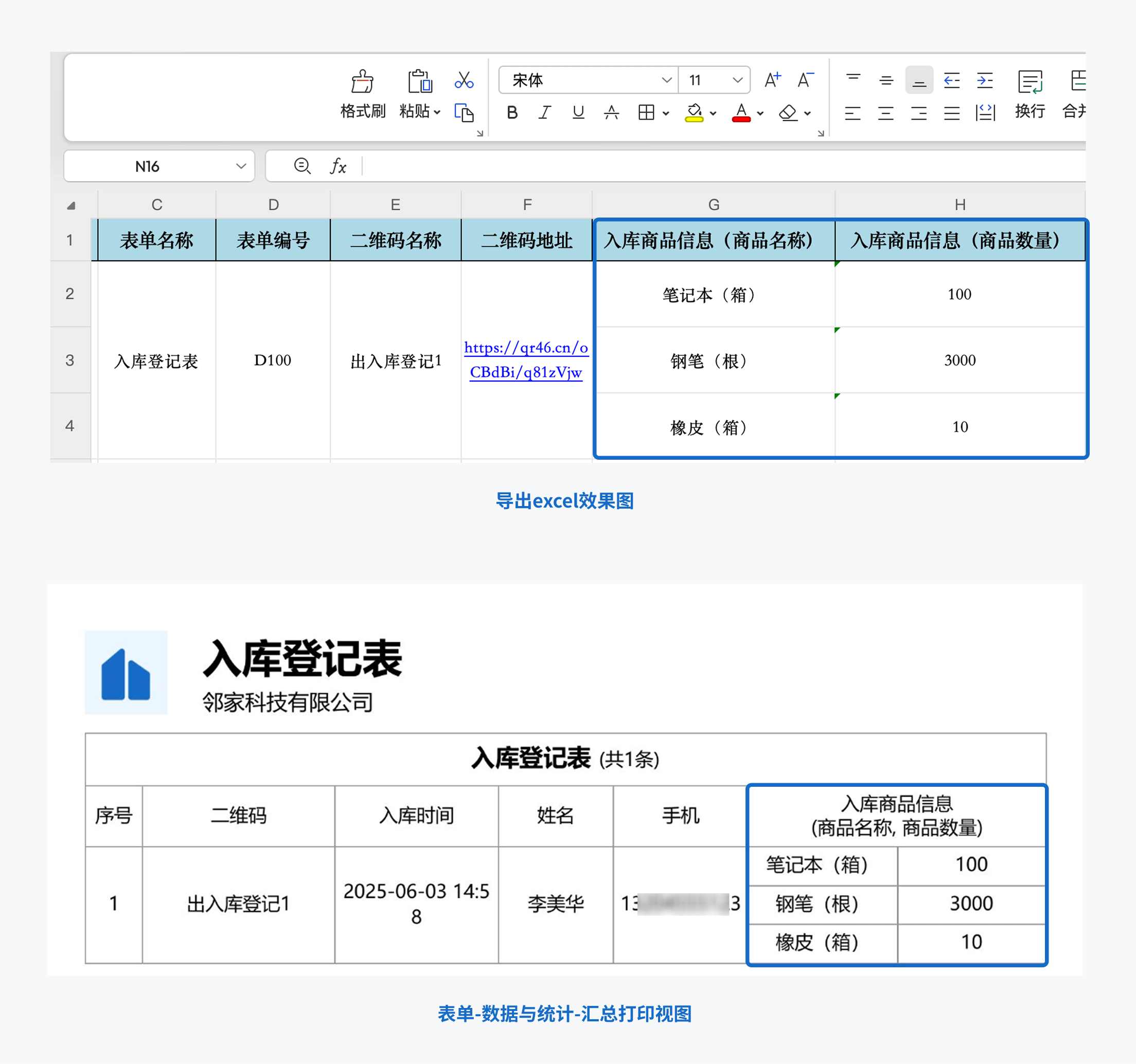
The data collected via the auto-increment table is displayed as follows: