Why Can't I See Previous Records When Scanning the QR Code?
This is usually because the dynamic data panel has not been added to the QR code, or you have not been granted viewing permissions.
Troubleshooting
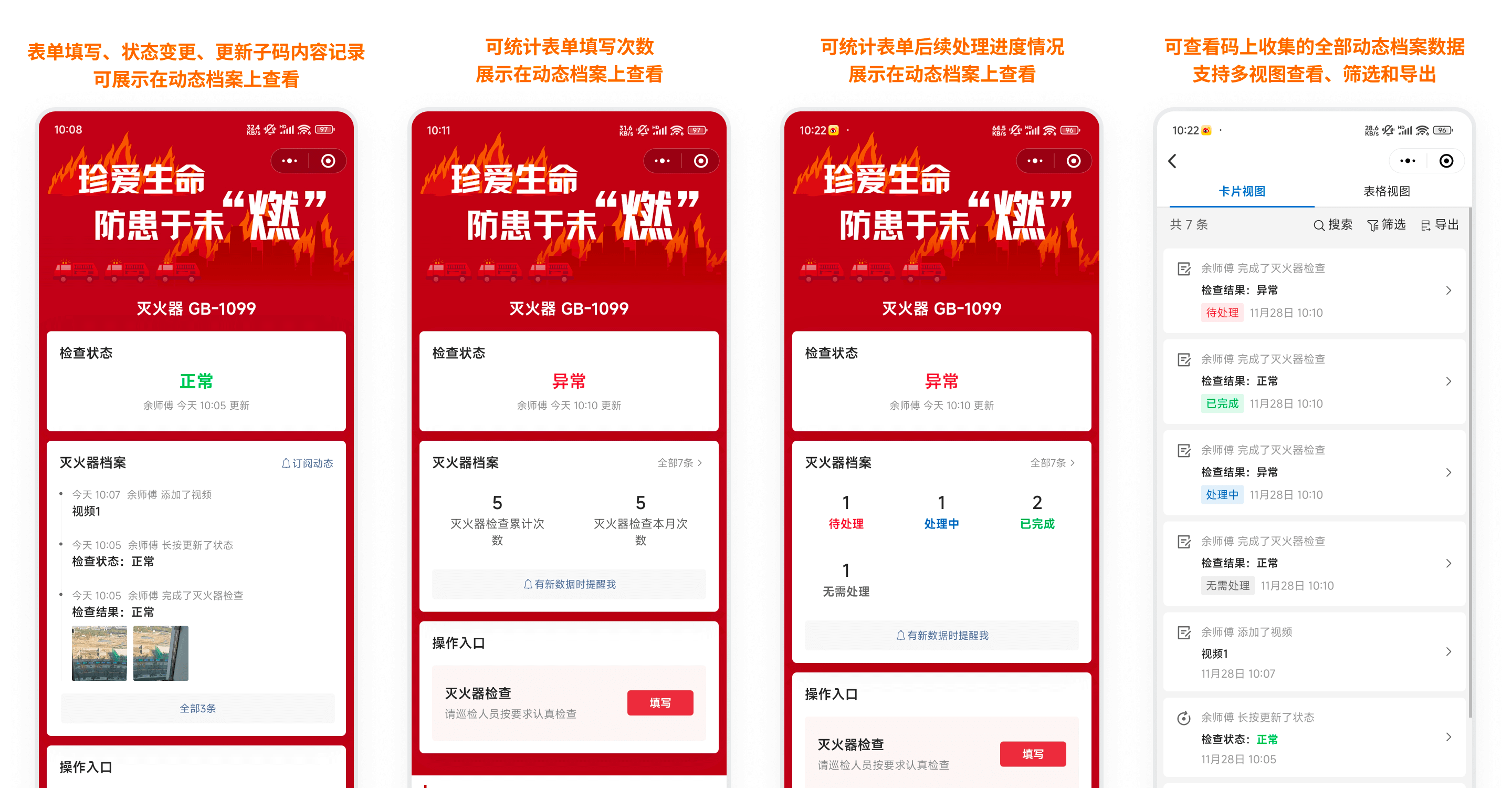
Cause 1: Dynamic data panel not added to the QR code (most common)
Symptom: No data record area is displayed on the page after scanning.
Solution: Ask the QR code admin (super admin) to add the Dynamic Data Panel component in the dynamic QR code editor. Once added, historical data records will be visible after scanning.
Cause 2: No viewing permissions
Symptom: You can see the panel after scanning, but it shows a permission error or appears empty.
Solution: Ask the admin to set viewing permissions in the dynamic data panel. If you only need to view your own submitted records, the admin can set the permission to Allow Viewing Own Submitted Records.
Still Not Resolved?
If none of the above solutions work, click Contact Us → Submit Feedback in the bottom-right corner of any CaoLiao page. Our technical team will help investigate.