How Can I View All Submitted Form Data by Scanning?
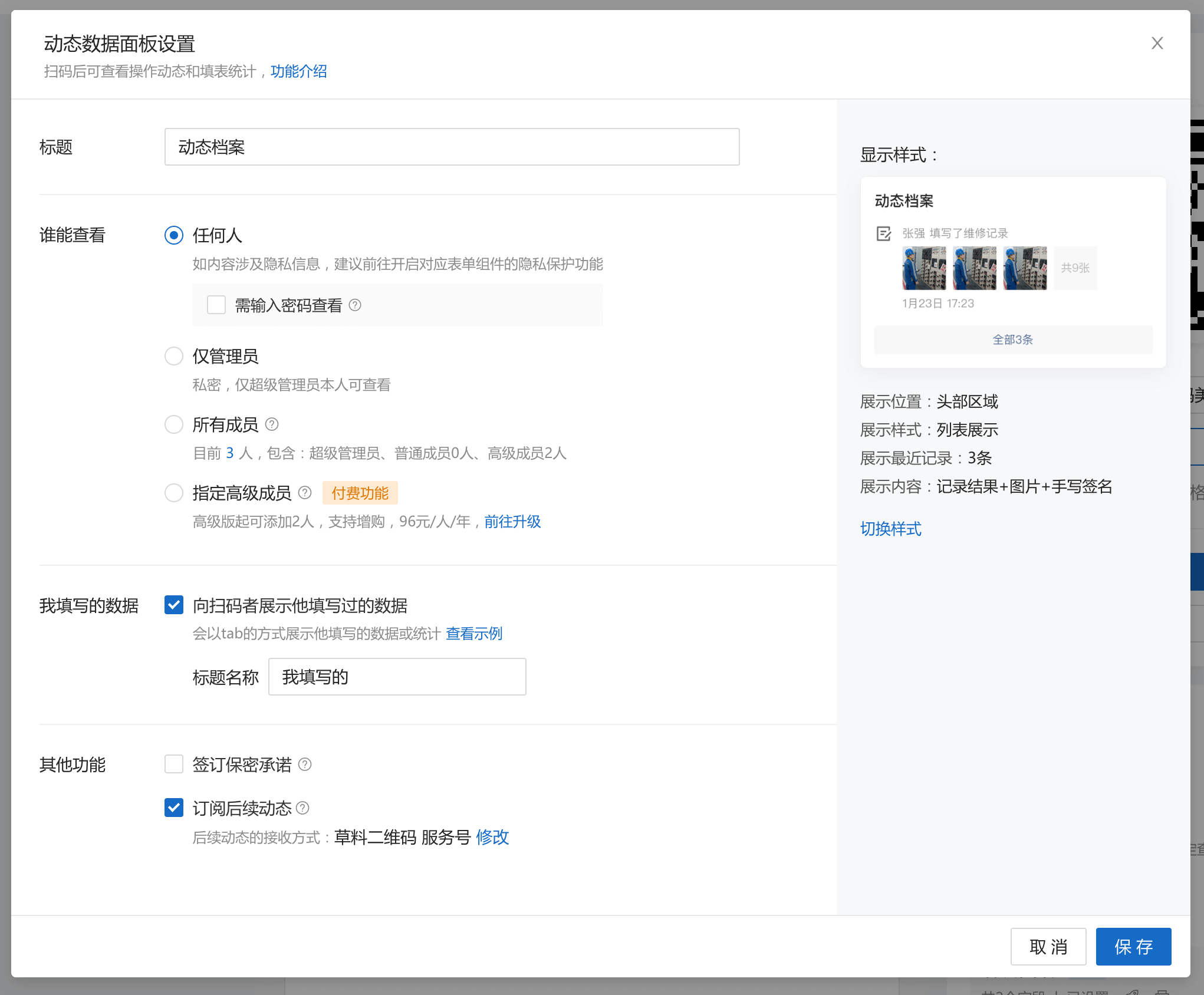
Enable the Dynamic Data Panel on the QR code. The dynamic data panel will display all form data submitted through that QR code, supporting both timeline and list display styles.
Steps
- Open the dynamic QR code editor: Find the QR code you want to configure and click Edit.
- Add the dynamic data panel: In Panel Components on the left side of the editor, click Dynamic Data Panel.
- Select a display style: Choose either timeline or list style.
- Set viewing permissions: Select who can view the data based on your needs.
- Save and apply: After saving, scanners will be able to view all submitted data on the page.
Tip: Regardless of the viewing permission settings, submitters can always view their own submitted data. Only one dynamic data panel can be added per QR code.