How to Use QR Codes for Product Introduction to Enhance Customer Conversion and Brand Value
Original: https://cli.im/article/detail/2319
Whether it's a small street shop or a large manufacturing enterprise, they all face a common challenge: how to reach more customers with product information at the lowest cost? Traditional printed flyers are expensive and difficult to update, while electronic documents easily get lost in the flood of information. When customers are faced with hundreds or even thousands of products, how can they quickly find the information they need? It's like consumers choosing products from supermarket shelves—with many similar options available, how can your product stand out?
1. Using QR Codes to Enhance Display Effectiveness
1.1 Displaying More Product Information
The space on product packaging is limited, and instruction manuals are easily lost. QR codes can display richer information. For example, clothing manufacturers can create QR code catalogs for their new seasonal collections, adding video content to fully showcase the actual look of the garments. Machinery manufacturers can even embed equipment operation videos. QR codes are like giving products a "talking label." One home furnishing brand reported that after redesigning their product manuals with QR codes, customer dwell time increased by 217%, and inquiry conversion rates rose by 38%.
1.2 Dynamic Updates, Saving Printing Costs
A machinery equipment manufacturer once had to recall 3,000 printed brochures due to incorrect product parameters, resulting in a loss of over ten thousand yuan just in printing costs. Dynamic QR codes allow real-time content updates, as simple as editing a Word document—once edited in the backend, all printed QR codes automatically sync with the new content. It's even possible to print QR codes first and add content later, significantly reducing coordination efforts.
1.3 Data Tracking, Accurately Understanding Customer Needs
When consumers scan product QR codes, the system automatically tracks data such as scan times and geographic locations, feeding back real-time information and forming statistical lists. A building materials distributor in Guangdong analyzed QR code scan heatmaps and discovered that inquiries for a specific floor tile in second-tier cities were three times higher than in first-tier cities like Beijing, Shanghai, and Guangzhou. This insight led to immediate adjustments in regional marketing strategies. This data acts like a searchlight cutting through the fog, helping businesses see which products are truly in demand and which promotional channels drive effective traffic.
1.4 Content Integration, Bridging Online and Offline with One Code
Observing food products on supermarket shelves reveals that the same QR code can display origin traceability information and be shared with friends. A single QR code can serve both offline and online dissemination. Printing QR codes on product packaging, brochures, and other materials saves printing costs. For example, a QR code on a beverage bottle can link to the brand story, enhancing customer brand recognition. QR codes can also be shared in WeChat groups, Moments, and other social platforms to expand the reach of promotions.
2. Use Cases of Product Introduction QR Codes
2.1 Product Packaging QR Codes
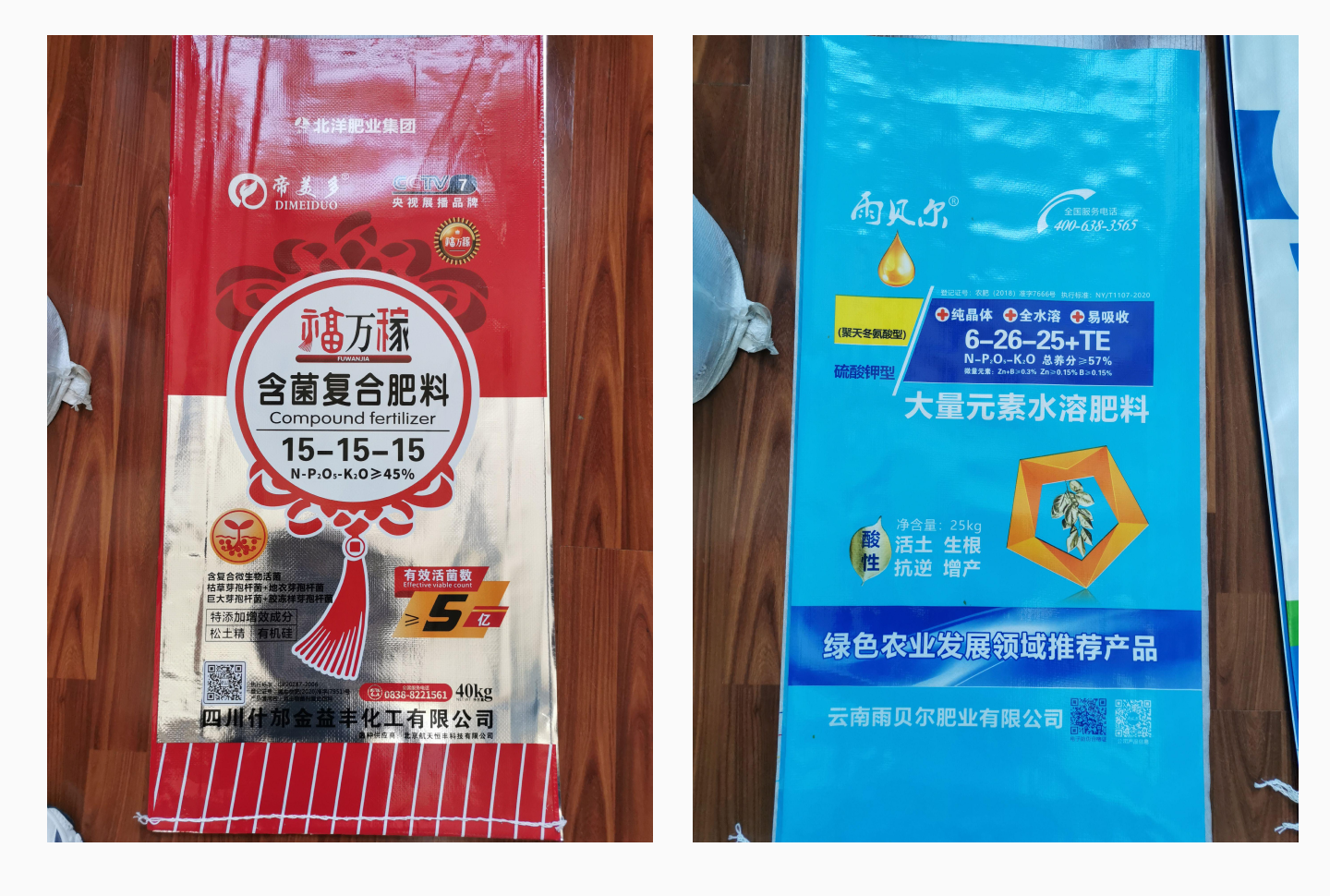
Designers at Xinjiang Puruitianhua Packaging Co., Ltd. added QR codes to fertilizer packaging to supplement information not available on the packaging. The rich information design increased customer trust in the manufacturer.
2.2 Product Electronic Catalog QR Codes
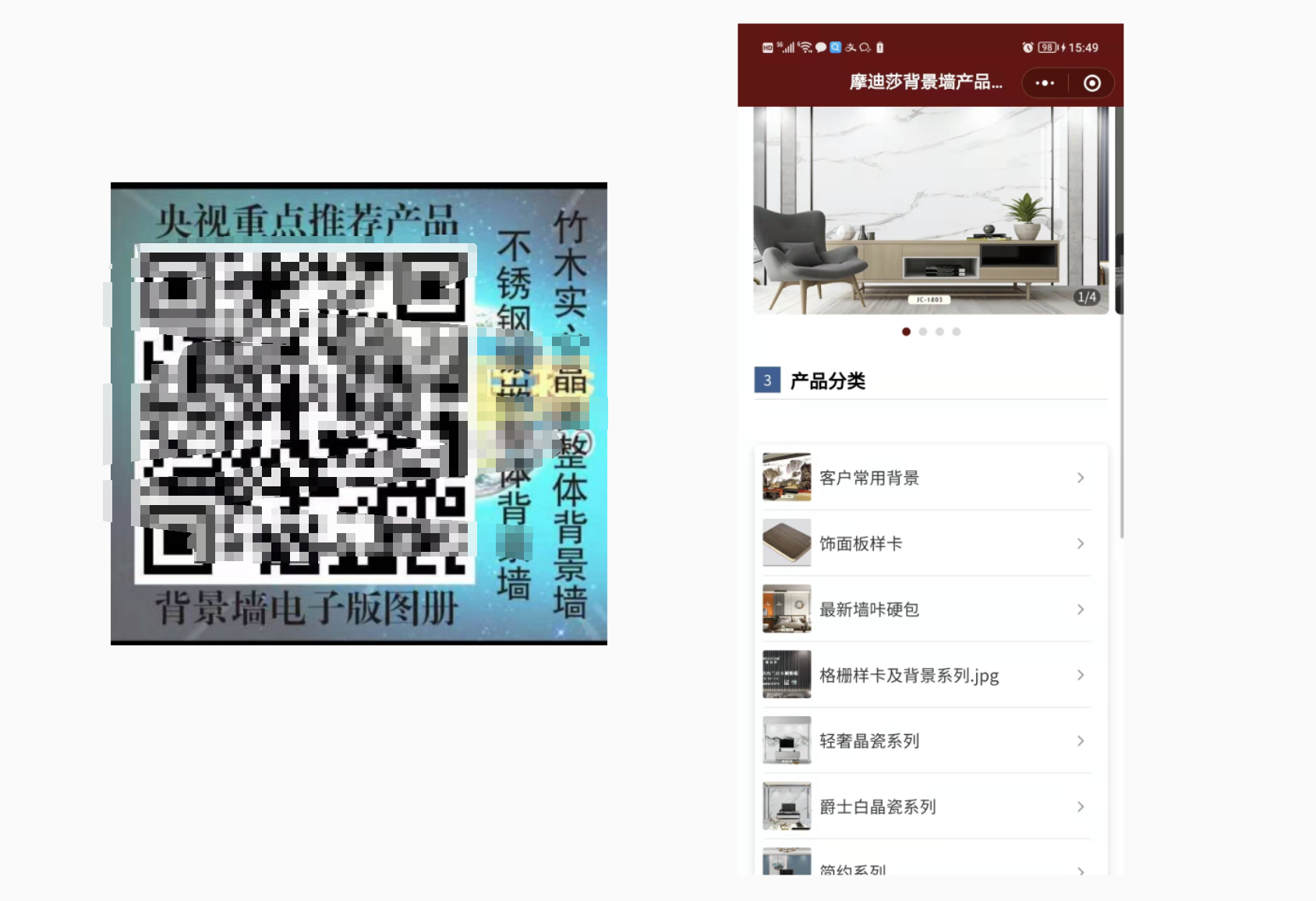
Zhenjiang Oumengsi Curtain City replaced paper sample catalogs with QR codes, attaching them to product samples. This allowed customers to understand the products more quickly and effectively, while significantly reducing printing costs.
2.3 Product Introduction QR Codes
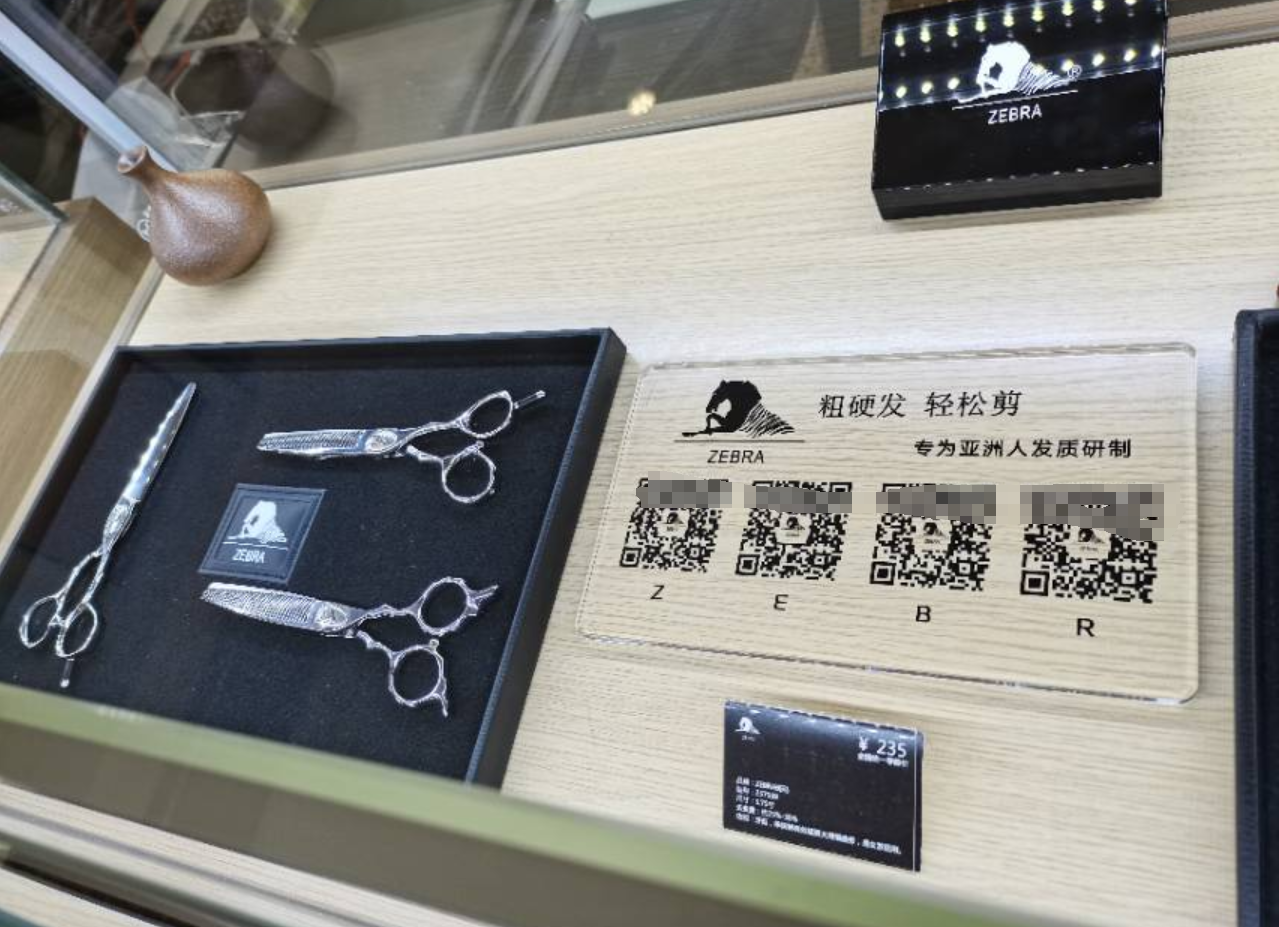
Shanghai Kaihe Technology Co., Ltd. used QR codes for displaying and selling products in retail stores. Customers can scan the codes to view product details and usage methods. This also made it easier for distributors to stay updated on the latest product developments, reducing the costs previously incurred from reprinting materials due to content updates.
3. How to Create Product QR Codes for Free
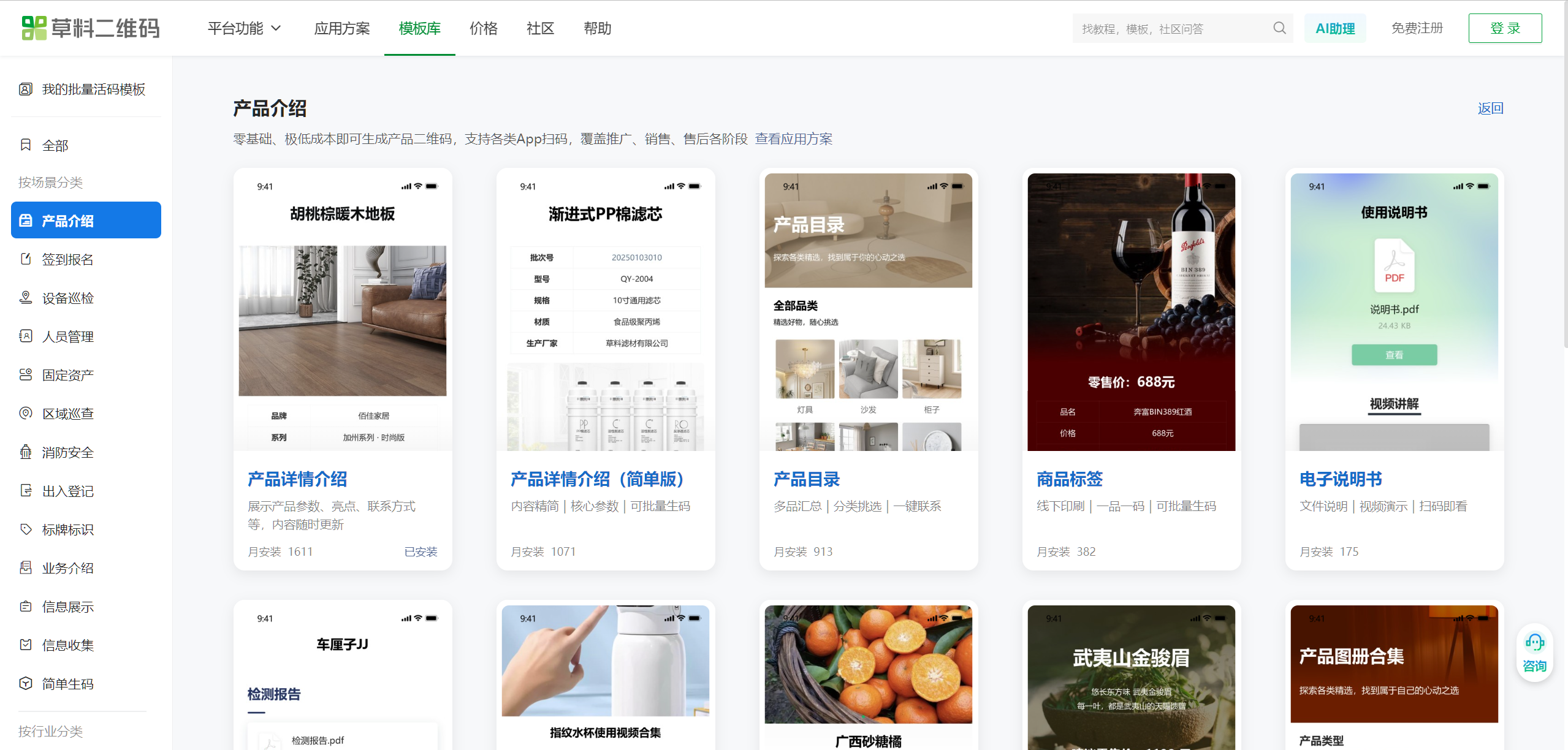
CaoLiao QR Code offers a wide range of product introduction QR code templates. Visit the CaoLiao QR Code official website, select a suitable template, and replace the template content with your own product information to generate a product QR code.
If you have a large number of products, you can use the bulk QR codes generation feature to create thousands of QR codes at once. CaoLiao QR Code is free to use, with no limit on the number of QR codes generated. There are no upload capacity restrictions for images, files, text, or other content, and the generated QR codes are permanently valid, so you can use them with confidence.