Worker Real-name Information
Create QR codes containing photos, identity information, safety training materials, etc., for each worker. Attach these codes to safety helmets, reflective vests, or work badges. During on-site inspections, scan the code via WeChat to instantly access personnel information, achieving "one person, one helmet, one code, one file"—identifying individuals by their code and checking records by scanning.
Basic Information
- Monthly Installations: 354,888
- Monthly Visits: 552,422
- Original Text: https://cli.im/template/detail/38714984
Case Label Images
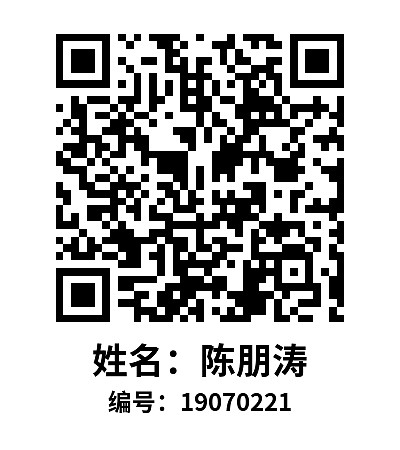
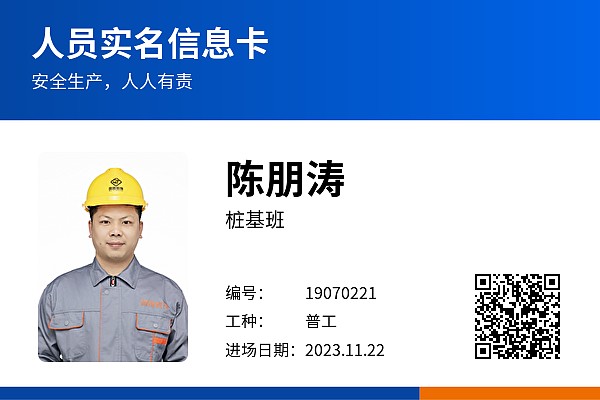
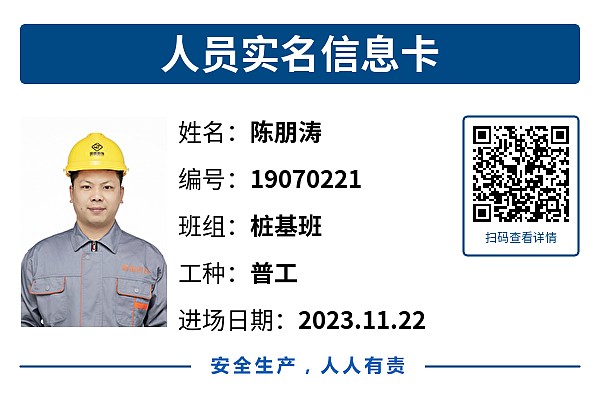

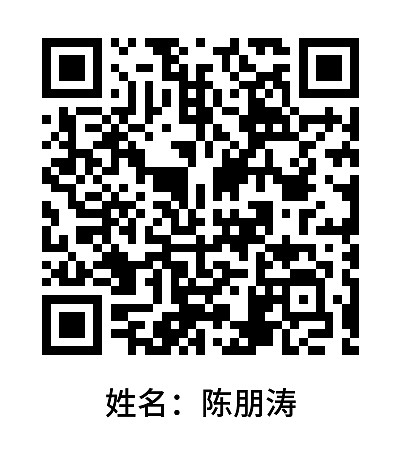
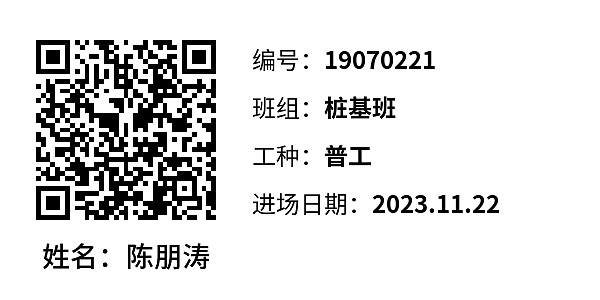
Usage Instructions
1. Value Proposition
Scan the QR code to view personnel's basic information, qualifications, safety training records, etc., facilitating quick verification of employee details, confirming on-site presence, and enhancing field supervision efficiency.
- Quick Verification, Convenient Supervision: Scan codes to check employee information, eliminating the need to sift through paper files, saving time, and improving management efficiency.
- Easy Creation: Centrally manage employee information, support bulk QR codes generation, saving time and effort, especially suitable for large-scale projects, enhancing production efficiency.
- Image Enhancement: Helps projects showcase a digital management image.
2. Preparation Before Use
Start by selecting a few personnel to temporarily collect basic information such as name, photo, ID number, and identification card for trial use. All other information can be supplemented later.
3. Quick Start Guide
3.1 Generate Personnel QR Codes
Since personnel information QR codes share the same format and style and a large number need to be created, it is recommended to use bulk QR codes generation for creation, facilitating batch modifications and exporting personnel information later.
- Specific Tutorial: Personnel Information QR Code Creation Tutorial
3.2 Download and Print QR Codes
- Who Should Operate: It is recommended that the general contractor or construction unit handles the printing uniformly. For users not managing by project (e.g., branches in different locations), the head office can package the QR codes and send them to branches for their own printing and use.
- Operation Steps: You can use CaoLiao's preset labels, beautify them, and download for use, or arrange layout and printing with a print shop or advertising company yourself. Tutorial: QR Code Label Layout and Printing.
3.3 QR Code Distribution and Usage
- Who Executes: The general contractor or construction unit distributes the printed QR code labels to team leaders or subcontractor responsible persons for posting and use.
- Precautions: It is recommended to scan the codes on-site to confirm the accuracy of personnel information. If information is incorrect, it can be reported to the administrator for modification. After modifying the information, the QR code pattern remains unchanged, no need for re-creation.
4. Usage Tips
4.1 Methods for Collecting Personnel Information
During the personnel information collection phase, project groups with the capability can use the scan-to-fill-form method, allowing workers to scan the code and submit their information themselves. The submitted information is automatically summarized in the backend and can be exported in table format for bulk QR codes generation.
Related Template: Labor Personnel Entry Information Registration QR Code Template
4.2 QR Code Distribution for Temporary/Late Entrants
Leveraging the feature that QR codes can be generated first and modified later, during the initial centralized creation, you can pre-generate a batch of blank sub-codes reserved for subsequent entrants. When personnel arrive later, simply fill in the corresponding information into the QR code for use.
Related Tutorials: Edit and Modify QR Codes, Edit Sub-codes on Mobile
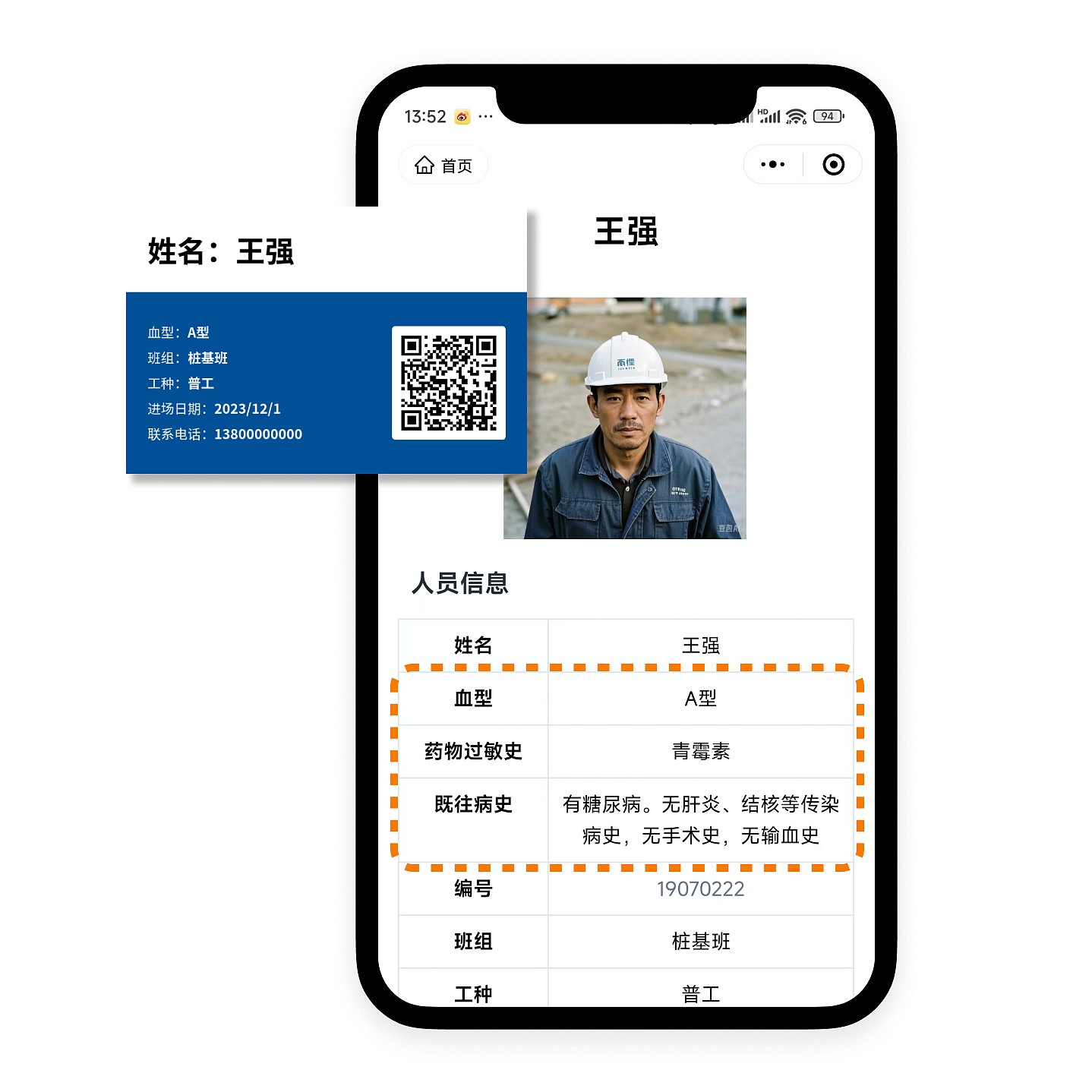
4.3 Using QR Codes for Emergency Management
Include employee blood type, allergy information, medical history, etc., in the QR code to create an emergency information card. In case of emergencies, rescue personnel can scan the code to access basic health information, facilitating first aid treatment.
5. Frequently Asked Questions
5.1 Is the template free to use? What are the differences between the paid version and the free version?
All features of the template are free to use, with no restrictions on the number of codes generated or scan times.
The paid version allows removal of the watermark on QR codes and supports multi-administrator collaborative editing and code generation. View Details
5.2 Who handles the printing? Can CaoLiao print them?
After generating the QR codes, you can print them yourself, or engage an advertising company or CaoLiao for printing. View Details