Free Batch Label Creation Software: These Options Are Worth Trying
Original: https://cli.im/article/detail/2369
In daily enterprise management, label printing is often an overlooked minor task. However, as scenarios like asset management, product traceability, and inbound/outbound registration become increasingly detailed, traditional methods like handwriting or inefficient standalone software can no longer meet the demands for batch, rapid, and high-frequency printing.
Many small and medium-sized enterprises and frontline managers often encounter similar issues:
- Wanting to print hundreds of equipment ID labels at once but struggling to find a suitable tool.
- Commercial software on the market often costs thousands per year, exceeding the budget.
- Many free tools only support single codes, lack batch processing capabilities, and have complex operations.
- Software often has high printer requirements, making it difficult to integrate with existing equipment.
So, is there a tool that supports batch generation and printing of labels, is free or low-cost? This article recommends several practical tools suitable for SMEs and teams in the early stages of digital transformation.

1. CaoLiao QR Code: Free to Use, Supports Bulk QR Codes Generation + Label Export
If you need to create labels containing QR code information, CaoLiao QR Code is a tool worth trying.
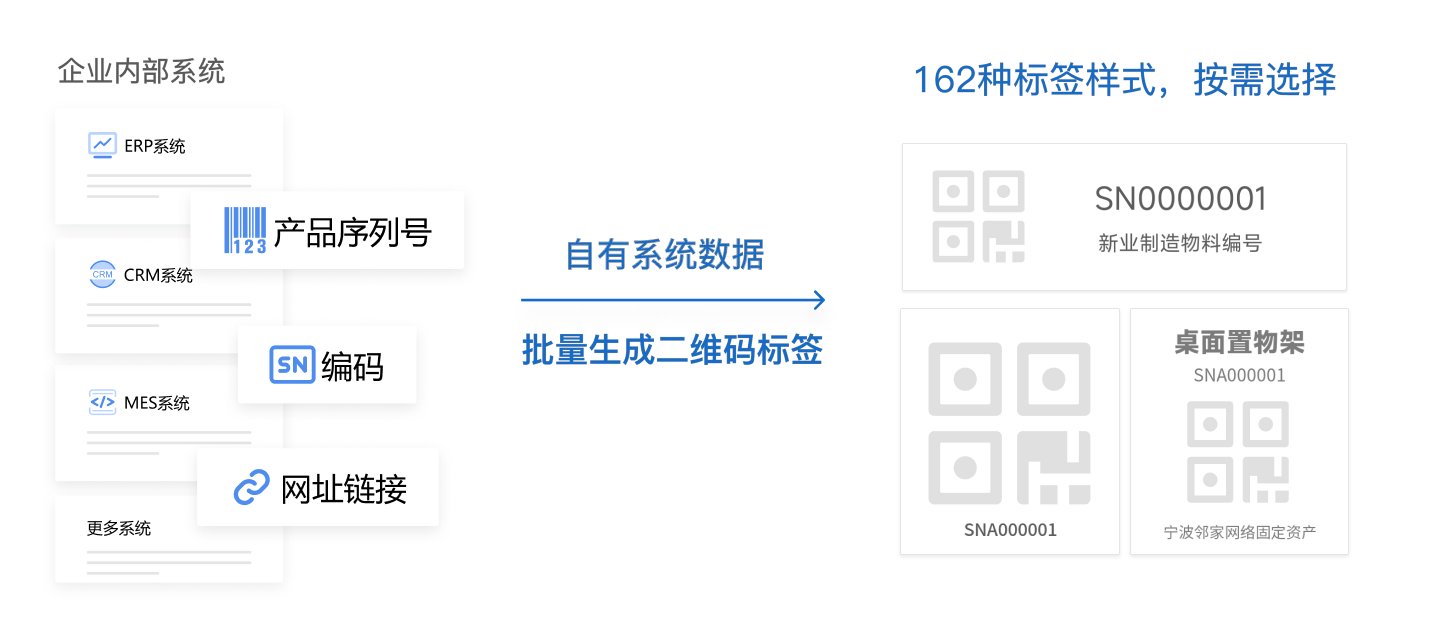
Core Advantages:
- Bulk Label Generation: Generate up to 20,000 labels at once by importing Excel files, entering data online, or using APIs to connect with your own ERP systems.
- Customizable Label Designs: Offers over 150 pre-designed label templates. Saved label styles can be reused, and QR code beautification is supported.
- No-Code Setup: Ideal for SMEs without proprietary systems. Build systems directly on the CaoLiao platform and simultaneously generate QR code labels for rapid deployment.
- Export for A4 and Label Printer Formats: Labels can be exported for printing, offering various layout options like standard A4 paper, A4 die-cut sticker sheets, and label printer formats. Compatible with standard laser printers; no specialized equipment needed.
- Printing Services: Offers five common materials for quick printing and deployment.
Cost Details:
- Label creation features are completely free, including core functions like bulk QR codes generation, template usage, and label export.
- No limit on the number of labels generated.
- Does not support barcode label generation.
Suitable Scenarios:
- Fixed Asset Management: Asset IDs, department assignments, procurement information, etc.
- Equipment Management: Equipment nameplates, equipment inspection, tool tags, spare parts requisition.
- Personnel Management: Personnel实名 information tags, work badges.
- Warehousing and Logistics: Shelf codes, box codes, inbound/outbound labels.
- Education Sector: Book IDs, desk cards, laboratory instrument labels.
2. JINGCHEN Cloud Print: Small Label System Adapted for Specific Printers
JINGCHEN is a label printing equipment manufacturer. Its Cloud Print software is adapted for its own devices and is suitable for retail, e-commerce, and other industries.
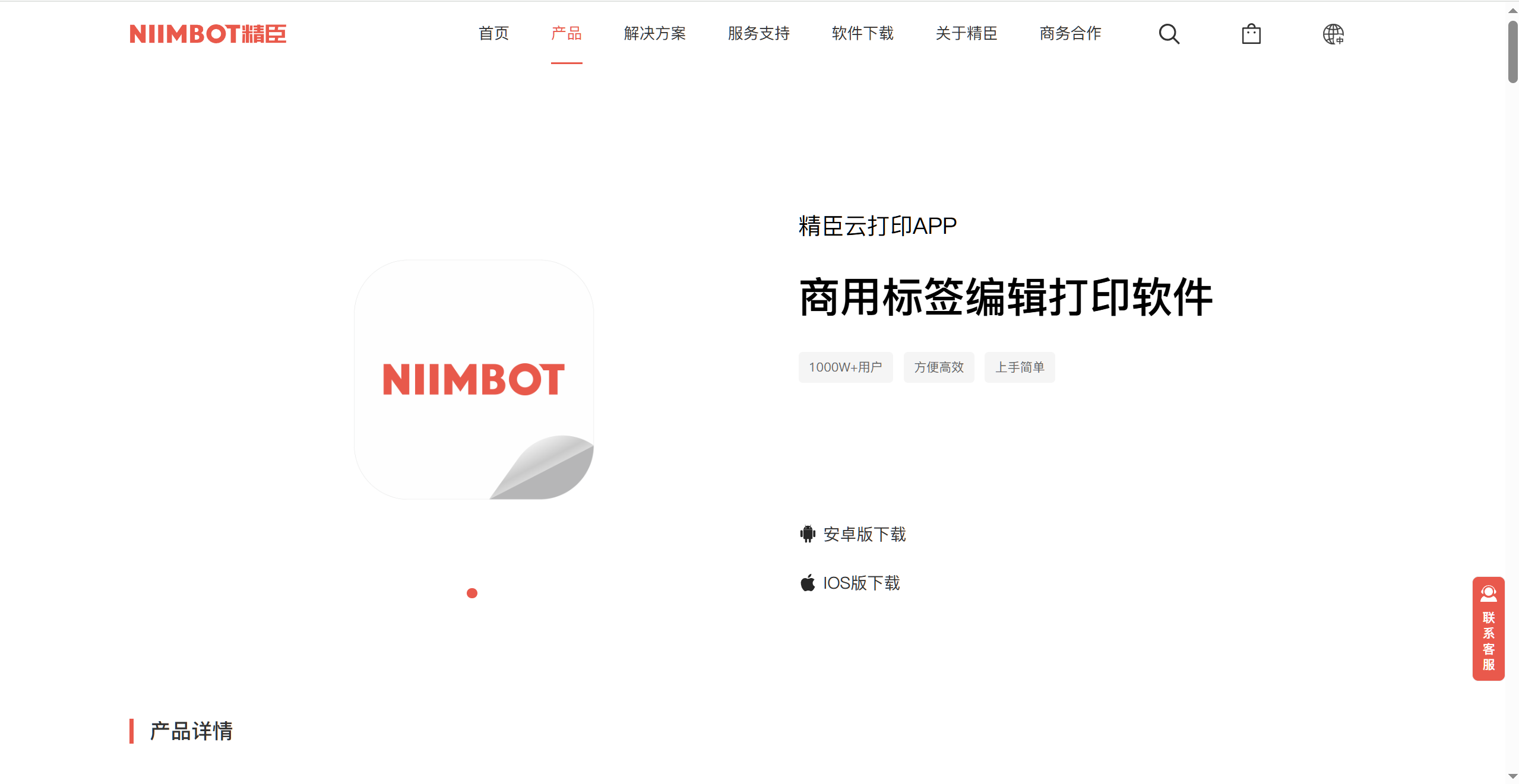
Features:
- Integrated software + hardware solution supporting barcode, QR code, text field layout, etc.
- Batch data import via Excel for batch printing.
- Supports voice, image, and scan recognition for quick label generation.
- Provides a template library suitable for e-commerce shipping, warehouse sorting, and similar tasks.
Cost Details:
- The software itself is free but requires JINGCHEN brand printers.
- Users with non-JINGCHEN printers require additional adaptation; strong device dependency.
3. BarTender: Powerful but High Cost
BarTender is a professional-grade label printing solution with comprehensive features, suitable for large-scale manufacturing, pharmaceutical, and logistics industries.
Features:
- Rich data connectivity capabilities, supporting integration with ERP, databases, and other systems.
- Highly configurable printing templates.
- High stability, suitable for high-frequency label printing needs.
Cost Details:
- Commercial software; entry-level versions cost over a thousand, with prices increasing for more features.
- High learning curve, suitable for deployment in large enterprises like those in the pharmaceutical industry.
4. Other Lightweight Tools like DLabel, BYLabel
These tools are often developed by small domestic developers, featuring simple interfaces and supporting basic label layout and printing.
Features:
- Support connecting to Excel and database imports.
- Some versions support batch barcode/QR code generation.
- Support synchronization between PC and mobile, compatible with common thermal printers.
Cost Details:
- Basic features are free; DLabel Cloud Label requires payment for batch downloads.
- Complex layouts require learning; potential printer compatibility issues.
- BYLabel requires matching with BEAHYANG series printers.
Summary & Recommendations
| Tool | Free? | Supports Batch? | Requires Specific Printer? | Target Users |
|---|---|---|---|---|
| CaoLiao QR Code | Yes | Yes | No | Users needing QR code labels |
| JINGCHEN Cloud Print | Yes (requires hardware) | Yes | Yes | Users with JINGCHEN printers |
| BarTender | No | Yes | No | Large enterprises (e.g., pharmaceutical) |
| DLabel, etc. | Partially Free | Yes | No | Individual users / Light users |
| BYLabel | Partially Free | Yes | Yes | Logistics/stores needing BEAHYANG printers |
If your team needs to achieve batch label creation, printing, and QR code management on a limited budget, CaoLiao QR Code can be a primary choice (for scenarios requiring only QR code labels). Enterprises with higher levels of informatization or custom requirements might also consider commercial software like BarTender. Users in e-commerce/warehousing requiring frequent printing could consider the JINGCHEN printer + Cloud Print software combination for more controllable costs.