Infusion Pump Management
Integrates usage registration, disinfection and cleaning, maintenance, and equipment transfers. Scan the QR code to record detailed management content, with reminders for overdue maintenance, data statistics, and attachment uploads, helping hospitals easily achieve digital management of medical equipment.
Basic Information
- Monthly Installations: 469
- Monthly Visits: 664
- Original Article: https://cli.im/template/detail/121463625
Case Label Image
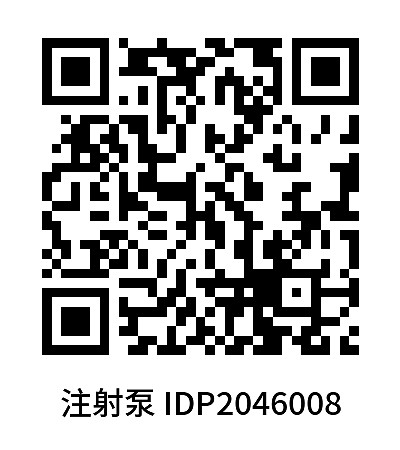
Usage Instructions
Suitable for the daily operation and maintenance management of hospital infusion pumps and other medical equipment, compliant with the "Medical Device Use Quality Supervision and Management Measures."
I. Core Features
1. Real-Time Status Updates
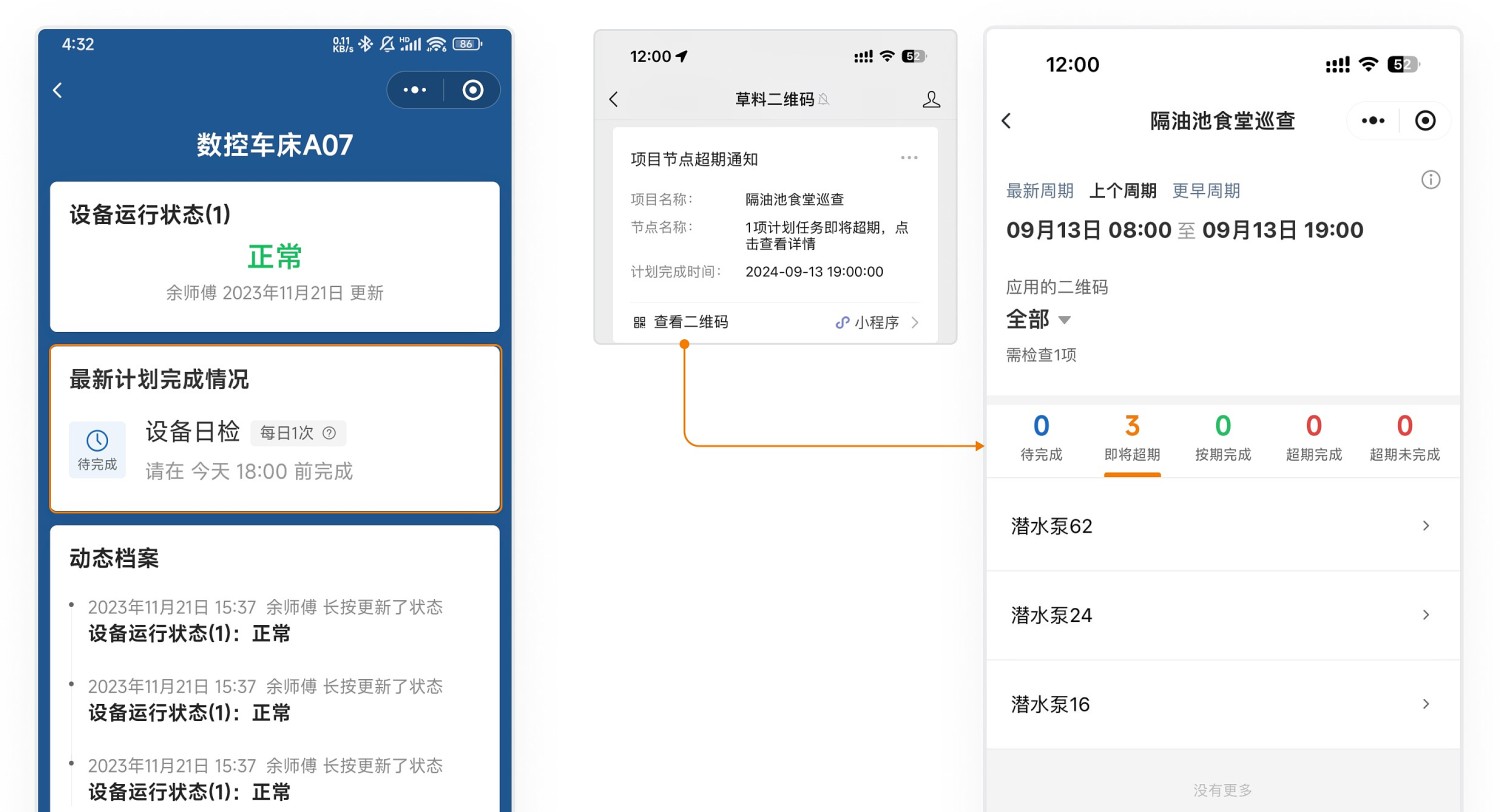
Displays key statuses such as instrument operation, disinfection, and borrowing/returning in real-time, along with the latest update time, to prevent operational errors caused by outdated information.
2. Multi-Dimensional Registration Entries
Provides four types of standardized forms: usage, maintenance, transfer, and disinfection, standardizing equipment management processes and meeting infection control and quality requirements.
3. Equipment Electronic Records
Centrally stores basic information such as serial numbers, models, and activation dates, enabling quick tracing of equipment details and simplifying inspection preparations.
4. Attachment Management
Supports uploading files like operation manuals, allowing on-site scanning to access the latest technical documentation.
II. Usage Process
1. Generate Equipment Management QR Code
- Customize Content: Modify, add, or delete fields and adjust checklist content according to actual usage needs.
- Configure Work Cycles: Set work cycles for infusion pump maintenance, cleaning, and disinfection (e.g., monthly). Receive reminders via official account notifications if tasks are overdue. Plan Management Feature
2. Place or Distribute QR Codes
Recommended materials include adhesive labels or PVC cards for better cost-effectiveness.

3. View and Summarize Management Records
Daily Management: Scan the QR code anytime to access the equipment's dynamic records, view current status, and review historical operation and inspection logs.
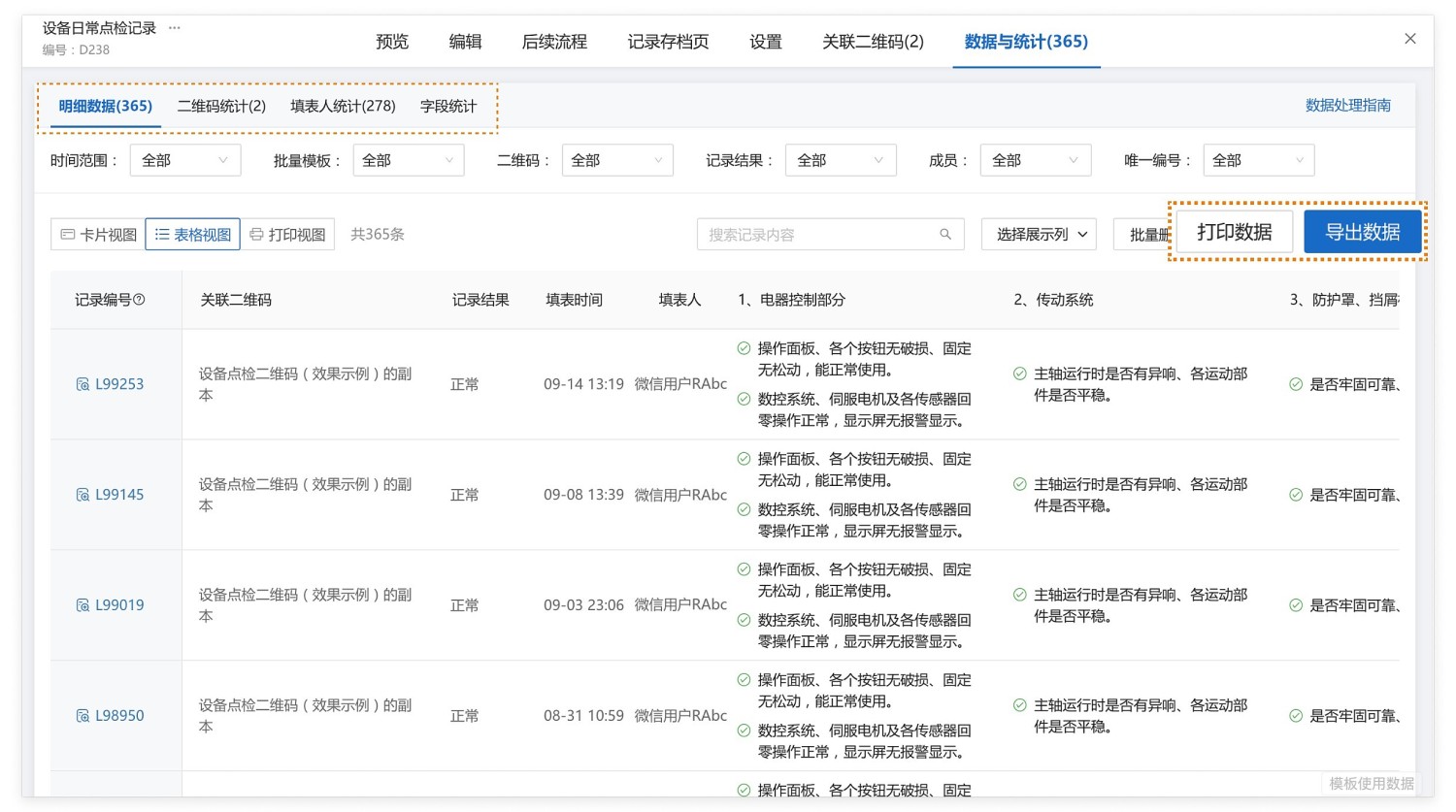
Regular Reviews/Data Archiving: Use the "Data and Statistics" dashboard to monitor usage frequency, maintenance completion rates, repair requests, and average repair times for each pump. Export data to Excel or PDF with one click for paper records or inspection materials.
III. Frequently Asked Questions
1. Is It Free to Use?
Answer: Choose a version based on your actual needs.
- Free Version: No limits on the number of QR codes or data entries. QR codes remain valid long-term, meeting basic usage requirements.
- Flagship Version (¥2,680/year): Offers advanced data management features like bulk exports and customizable export formats. Supports partitioned collaboration for different departments, ideal for large-scale applications.
Learn More: Version Selection Guide
2. How Does CaoLiao Ensure Data Security?
Answer: We employ industry-leading security technologies to protect every user's data.
- Certified by the Ministry of Public Security with Level 3 security classification and passed Alibaba Cloud security penetration tests.
- Trusted by over 10 million enterprises and organizations, including the Winter Olympics Committee, provincial/municipal governments, and large state-owned enterprises.
- Ensures stable and reliable data storage with configurable access permissions and encryption.
Learn More: Data Security Details
3. How to Ensure the Authenticity of Inspection Content?
Answer: Enable anti-fraud features in forms, such as photo watermarks, and enforce time and location stamps. How to Prevent Cheating in QR Code Inspections
4. How to Handle Regular Equipment Inspections?
Answer: Activate the plan management feature to receive official account notifications for overdue inspection tasks. Plan Management Feature