Traceability Information Display
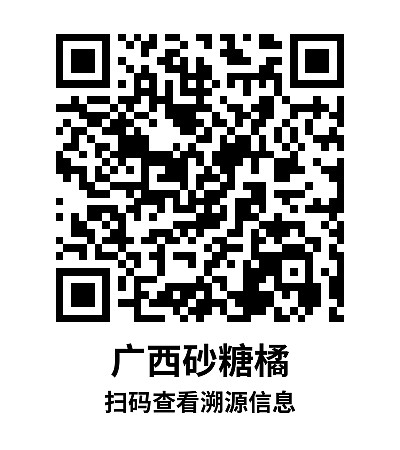
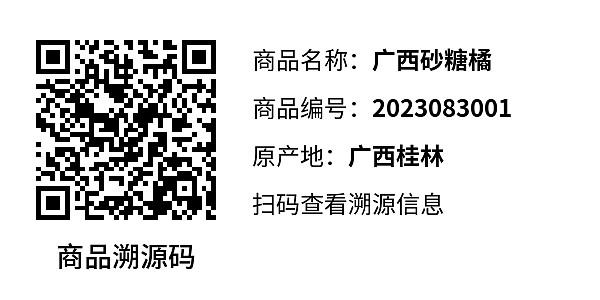
Create introduction QR codes for agricultural and sideline products. Customers can scan the code to view detailed product information, inspection reports, relevant certificates, traceability information, etc.
Basic Information
- Monthly Installations: 23,074
- Monthly Visits: 74,139
- Original Text: https://cli.im/template/detail/121462970
Case Label Images
Usage Instructions
1. Applicable Scenarios
Suitable for products that require displaying traceability information, such as agricultural and sideline products, import and export products, etc. Supports bulk QR codes generation, allowing batch creation of QR codes at once.
2. Core Uses
Multiple Content Combinations: Supports various display formats including text, images, videos, PDFs, etc., for richer presentation effects.
Compatible with Various Apps for Scanning: Whether using WeChat, DingTalk, Douyin, or other apps, scanning the code to view content is easy.
Blockchain Notarization for Sub-codes Content: Retains blockchain records for each product's information, making data more credible and tamper-proof. Learn more
View Full Application Solution
3. Setup Tutorial
1. Use Template
Click "Use Template to Generate Code". You have two options:
- Generate Single Code: Use this method if you want to try it out.
- Modify Template: After modification, fill in the data to generate codes in bulk.
2. Modify Template
All content in the template can be modified. View Tutorial
3. Modify Label Style
Customize the QR code label, supports adding logos, changing layout, etc. View Tutorial
4. Set QR Code Permissions
Set the period of validity for scanning, whether sharing is allowed, etc. View Tutorial
5. Print/Share
Download the QR code, attach it to product packaging, or share it online. View Label Printing and Implementation Guide
6. Manage and View Data
You can always find and modify the QR code in your account workbench; the QR code pattern remains unchanged. You can also view scan data in the workbench. View Tutorial
4. Free Version vs. Paid Version Benefits
1. Free Version
- Available for commercial use
- QR codes are valid long-term
- Unlimited QR code generation
- Unlimited number of scans and visitors
- Can upload images, files, videos; supports standard definition display
2. Paid Version (Suitable for higher requirements and team collaboration)
- Remove the "CaoLiao QR Code" logo; supports watermark-free, high definition images and video playback
- Can set personalized logos and exclusive WeChat Mini Program for the enterprise, presenting a more professional appearance
- Supports multi-person collaboration and permission management (Limited to Advanced edition and above)
View Pricing and Detailed Payment Information
5. Frequently Asked Questions
1. How to combine multiple product codes into one code?
After generating multiple product introduction QR codes, you can use the directory summary function to aggregate products into one QR code. View Tutorial
You can also layout and create your own product directory. View Template
2. Can I add a website link, for example, so customers can click to jump to a purchase page?
Yes, after adding a redirect link, select 'Jump to URL' and paste the website address. View Tutorial