Industrial Equipment Introduction
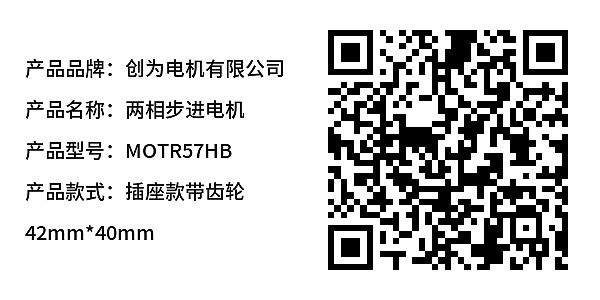
Display equipment parameters, structural diagrams, technical documents, drawings, etc. Customers can scan the QR code to view or download them.
Basic Information
- Monthly Installations: 4018
- Monthly Visits: 27424
- Original: https://cli.im/template/detail/121463040
Case Label Images


Usage Instructions
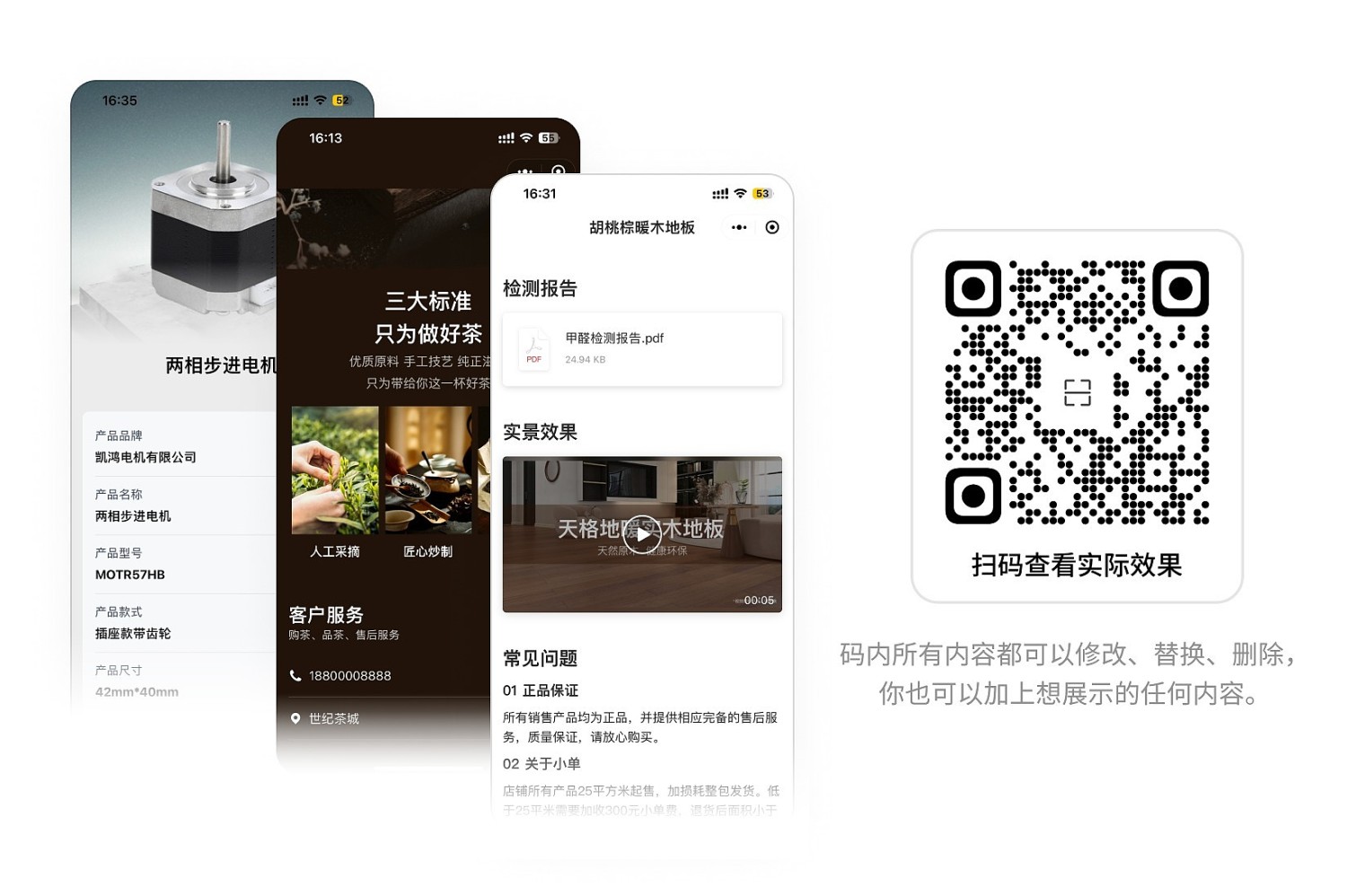
Whether in the sales or after-sales phase, customers can scan the QR code on the product or click the shared Mini Program link to view rich graphic and video content. This helps them understand the product more deeply and facilitates order conversion.
1. Real-time Content Updates, Scan to Get the Latest Information
- Easy Updates: Traditional paper brochures and electronic catalogs are costly and inconvenient to update. Using QR codes for product introductions allows all content to be quickly updated in the CaoLiao workbench without complex operations.
- Instant Access: Customers can scan the existing QR code to instantly view the latest information, ensuring they receive the most up-to-date product materials.
2. Integrated Graphics and Videos for Better Results
- Information Consolidation: Previously, sales personnel needed to send images, files, videos, etc., separately, making the content fragmented and cumbersome for customers to review. Now, rich content similar to a Taobao product detail page can be integrated into a single QR code.
- Convenient Viewing: Customers can scan the code to view all related images, videos, files, etc., providing a better presentation and enhancing the customer experience.
3. Simple Operation with WeChat Scan, Easy to Share
- No Download Required: Customers do not need to download any files or applications. Simply using WeChat to scan the code allows them to view product videos, VR panoramas, and other content, with a simple and intuitive operation.
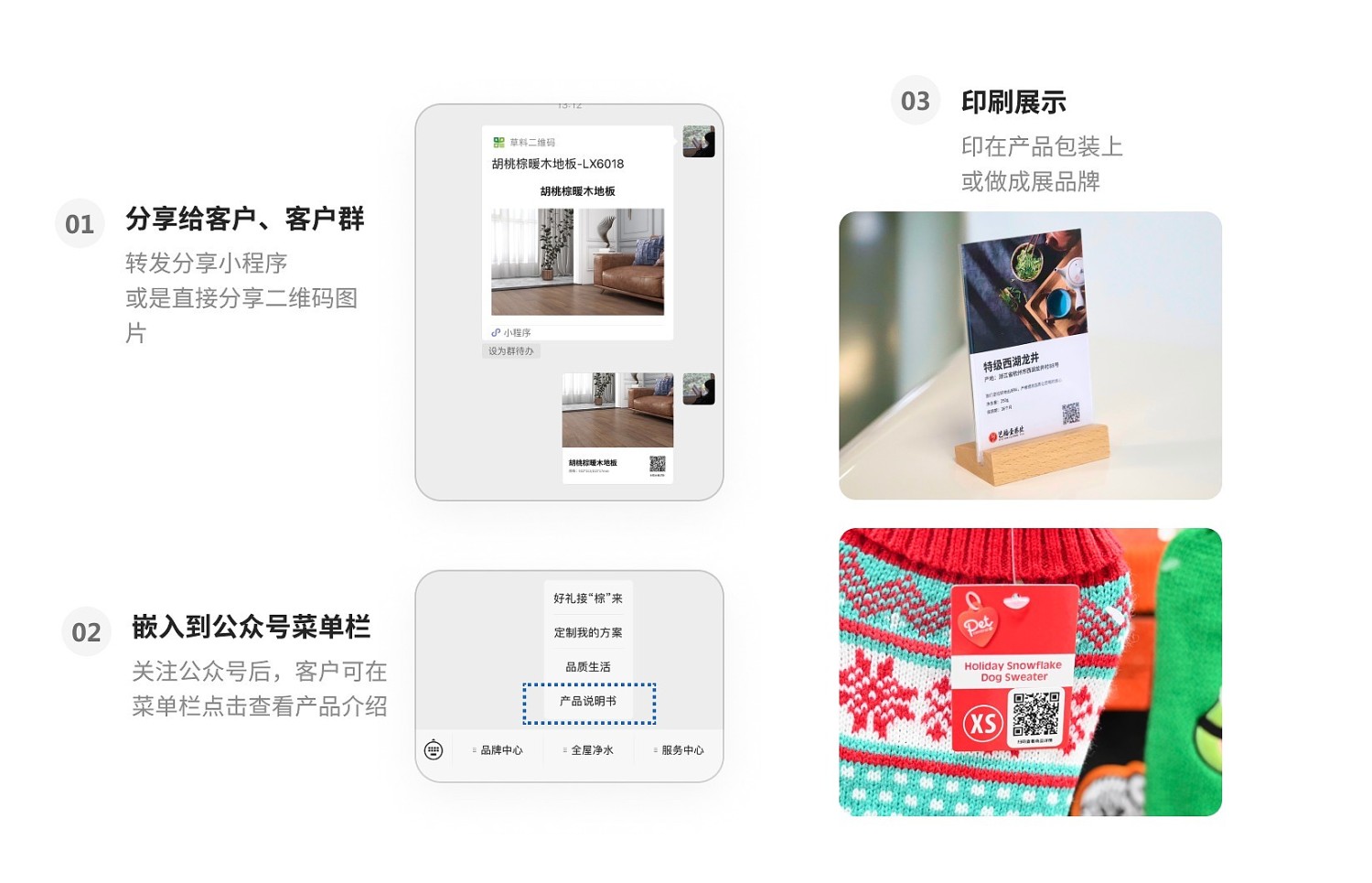
- Easy Sharing: The Mini Program accessed after scanning can be easily forwarded to others or shared on social media feeds. The QR code can also be shared on other platforms to expand the reach and let more people learn about the product.
4. Setup Tutorials
If product types vary significantly, it is recommended to choose "Single QR Code Generation" for higher flexibility. View Tutorial
For products of the same type with only differences in batch numbers or other information, it is recommended to use the Batch Product QR Code Template
*Supports batch uploading of images and instruction manual files, making QR code generation more convenient and faster. View Tutorial
5. Frequently Asked Questions
1. Is it free to use? What are the benefits of paying?
- Free Use: QR codes are valid long-term, with no limits on the number of codes generated or scan counts. View Details
- Paid Use: Commercial license, removal of the CaoLiao logo; no watermark on images and files, enhancing brand image; supports sharing to social media feeds, etc. View Details
2. How can I consolidate many products into one QR code for customers to view?
Generate a directory summary QR code with one click. When product information is updated, the directory QR code updates automatically. View Tutorial