Attendance Check-in
No additional equipment required. Employees can complete attendance check-in directly by scanning QR codes with WeChat. Administrators can view attendance summary data at any time and export it for performance evaluation.
Basic Information
- Monthly installations: 11,065
- Monthly visits: 55,960
- Original text: https://cli.im/template/detail/121462998
Case Label Image
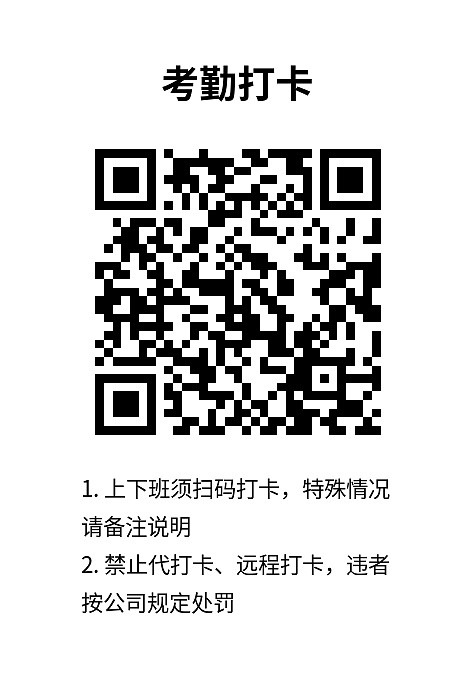
Usage Instructions
Employees can complete check-in by scanning the QR code on-site with WeChat, eliminating the need for time clocks, sign-in sheets, etc., making the process more efficient and accurate.
1. Simple Operation with WeChat Scan
Just scan the QR code with WeChat—no need to download other apps—to complete check-in. The operation is straightforward.
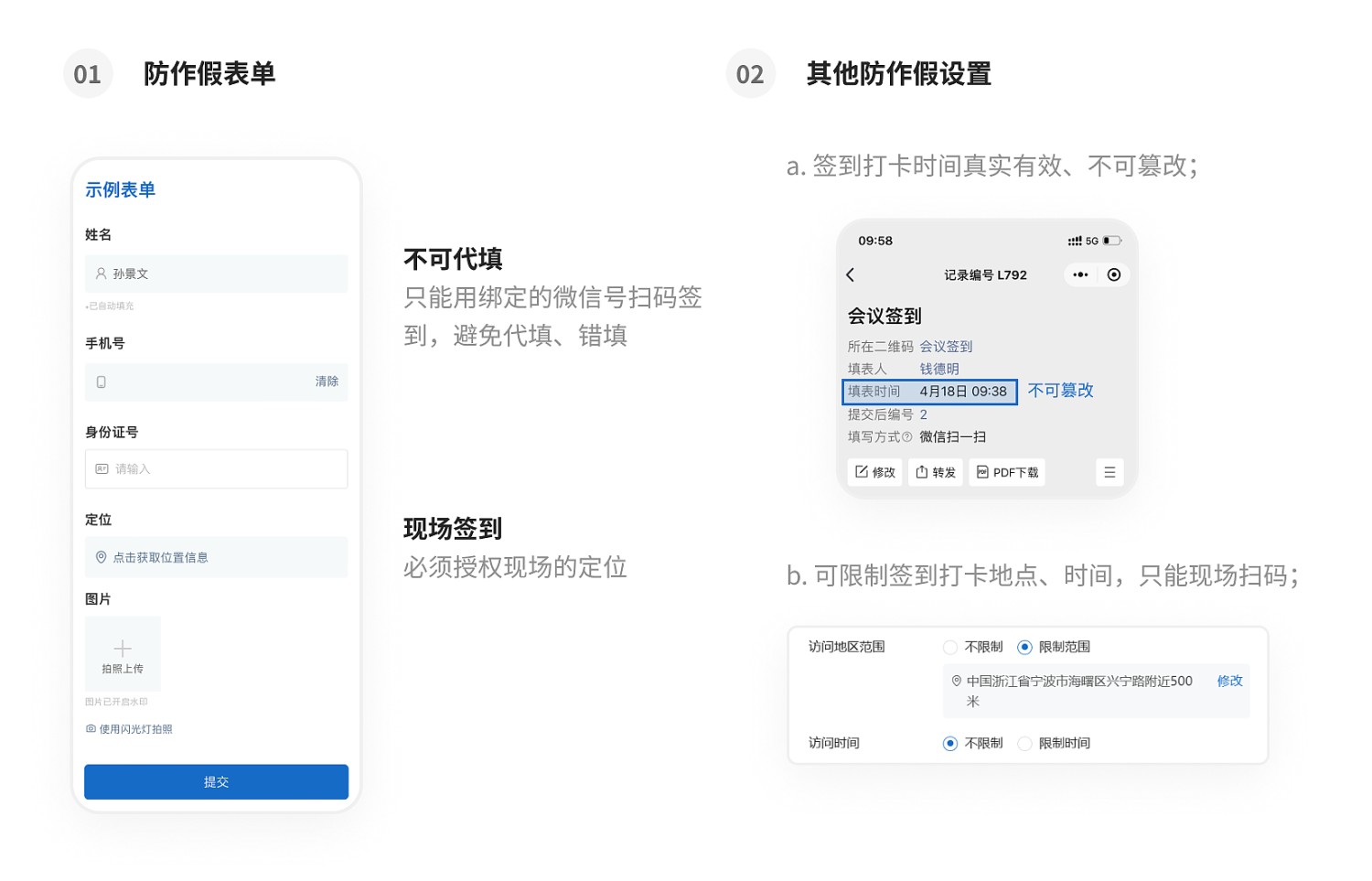
2. On-site Check-in to Prevent Fraud
You can configure the system to only allow check-in via scanning, or restrict check-ins to specific locations, ensuring that employees are physically present when checking in.
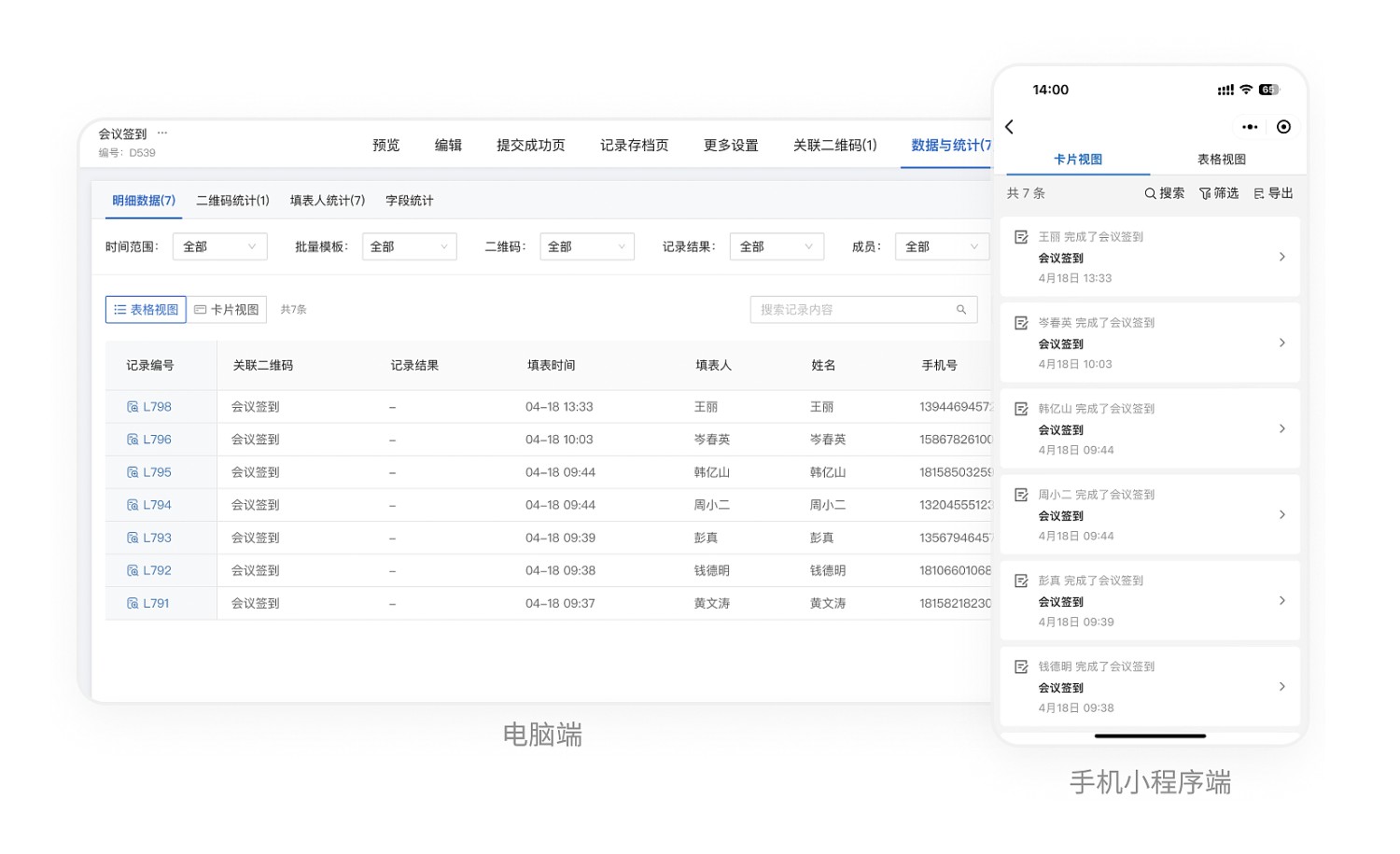
3. View Attendance Statistics Anytime, Export and Archive Records
Administrators can scan the check-in code to view all check-in records, or export the data from the desktop workbench.
4. Steps to Use
- Click 【Use Now】 to generate the QR code.
- Edit the QR code style, download and print it, then post it at the designated location.
- Employees arrive on-site and scan the code to check in.
- Administrators view and export data. View Details
5. Frequently Asked Questions
1. Is there a limit on the number of check-ins for the free version?
The free version does not have a limit on the number of check-ins. However, users below the flagship edition can only export records from the last 180 days. Free Version Introduction
2. Can attendance hours be calculated after filling in both clock-in and clock-out times?
This type of calculation and statistics is not yet supported.
3. How to distinguish check-ins for morning, noon, and evening shifts?
You can add a single-choice component to the check-in form and set shift options. Learn How to Modify Forms