Fire Sandbox Inspection
Daily inspection management for fire sandboxes, created with reference to relevant standards. Supports dynamic updates of inspection records, sandbox quantities, and responsible person information. Suitable for supervision needs in various scenarios such as energy & power, construction, warehousing, etc.
Basic Information
- Monthly Installations: 170
- Monthly Visits: 267
- Original: https://cli.im/template/detail/121463648
Case Label Image

Usage Instructions
1. Applicable Scenarios & Industries
- Suitable for locations requiring fire sandboxes, such as petrochemical plants, warehouses, and logistics centers.
- Created with reference to the inspection requirements for fire sandboxes specified in:
- "XF/T3004-2020 Fire Safety Management for Automobile Gasoline and Gas Filling Stations"
- "SH/T 3218-2022 Technical Standard for Maintenance of Fire Protection Facilities in Petrochemical Industry":
Fire sandboxes or sand pits should maintain an adequate amount of sand, should not store debris, the sand should be kept dry and free from clumping, and free from impurities such as leaves and stones. Auxiliary equipment for firefighting and emergency response, such as sand shovels, sand buckets, and trolleys, should be configured nearby.
Firefighting sand should preferably be dry, fine yellow sand. Inspections should be conducted quarterly to ensure sufficient quantity and dryness. The red coating on fire sandboxes, sand buckets, and fire shovels should remain intact. No other objects should be stacked around them. The surface of the sandbox should have clear identification.
2. Core Features
- Check Fire Sandbox Status Anytime: Displays the latest status (Normal/Abnormal) and the last inspection time in real-time, facilitating quick understanding of equipment condition.
- Equipment Digital File: Records sandbox ID, location, quantity of auxiliary equipment, and responsible person information, enabling digital equipment filing.
- Inspection Record Statistics: Automatically summarizes the number of inspections for the current month/cumulatively, forming a visual data panel.
- Operational Guidance Documents: Supports uploading files (e.g., inspection operation guidance documents) for convenient on-site reference to standard operating procedures.
3. Usage Process
1. Basic Process
The basic process for using QR codes to complete fire sandbox inspections is divided into 4 steps. By following these steps, you can simply set up and use fire sandbox inspection QR codes.

Click to view the Complete Setup Tutorial.
2. Advanced Usage
The following are advanced features available after mastering the basic process, which can be configured as needed.
- Create inspection plans with automatic reminders when nearing deadlines: Click to View
- Define role responsibilities, restricting form filling to inspectors only: Click to View
- Add anti-fake inspection measures: Click to View
- Data visualization statistics and reporting: Sync to Tencent Sheets, Sync to other visualization tools
4. Frequently Asked Questions
1. What is the difference between the Free Version and the Paid Version?
Free Version: Can be used commercially. There are no limits on the number of QR codes, scan counts, or record entries. Suitable for pilot phases or small-scale use.
Paid Version: Unlocks more features, suitable for promotion and use within enterprises. For example:
- Directly push equipment failure notifications to maintenance personnel; administrators can view status anytime, reducing their burden.
- Assign different responsible persons to different equipment for functional management.
- Ability to set personalized logos and enterprise-exclusive WeChat Mini Programs for a more professional presentation.
For a detailed version comparison and purchasing advice, please View Pricing Plans.
2. After generating the QR code, how can I modify the content inside? Will the QR code change after modification?
The content of the QR code can be modified at any time. The QR code pattern remains unchanged, so there is no need to replace it after printing.
Click to view the Modify QR Code Tutorial.
3. Are there inspection templates for other firefighting equipment?
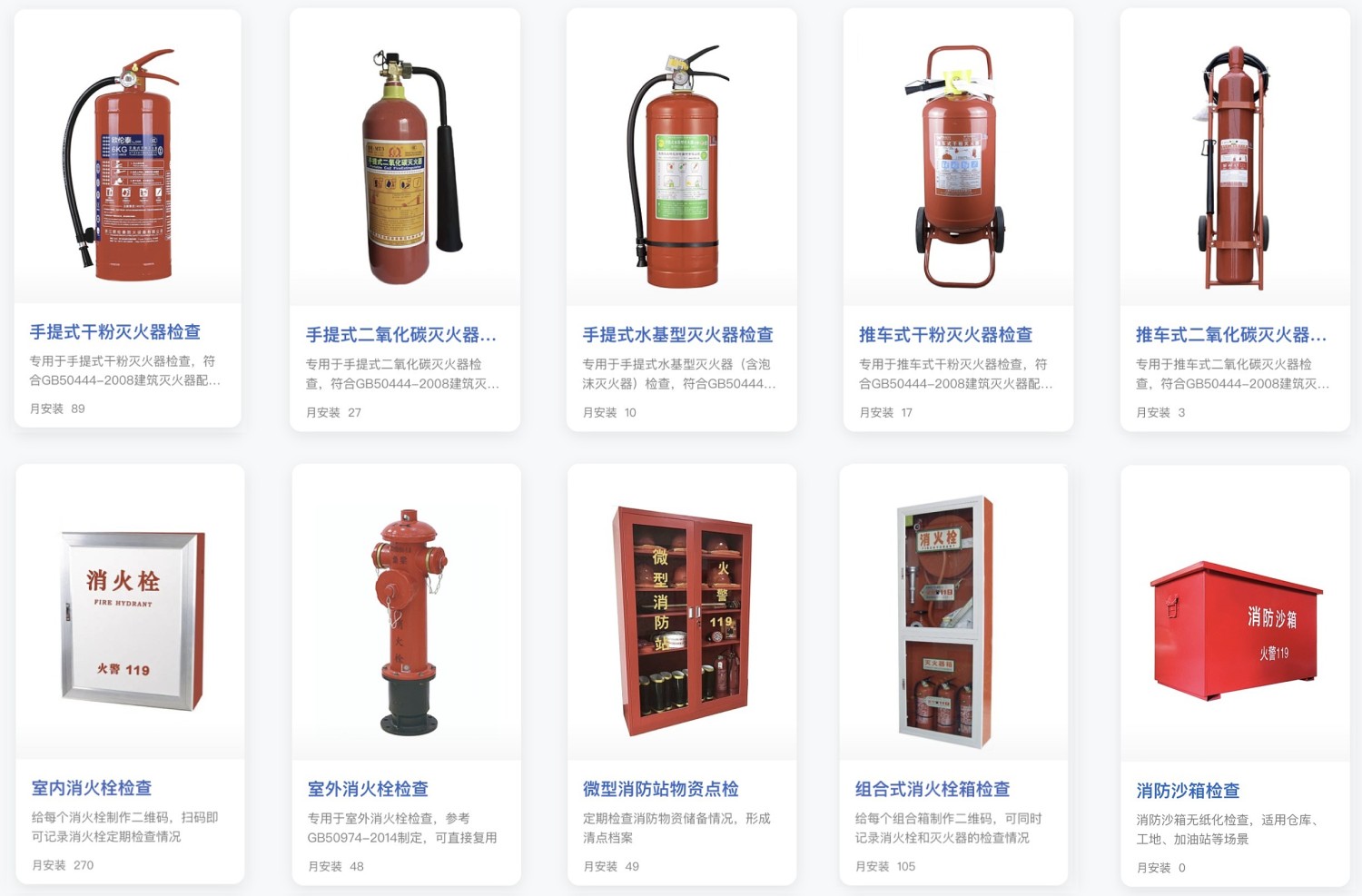
For more types of firefighting equipment, please visit the Fire Safety Category in the template library.