Wet Alarm Valve Inspection
Inspection personnel scan QR codes to record inspection details. Managers can pre-set inspection items to standardize procedures. Data is uniformly viewed in the backend, enabling easy management of multiple fire protection equipment.
Basic Information
- Monthly Installations: 755
- Monthly Visits: 9459
- Original: https://cli.im/template/detail/104403176
Case Label Images



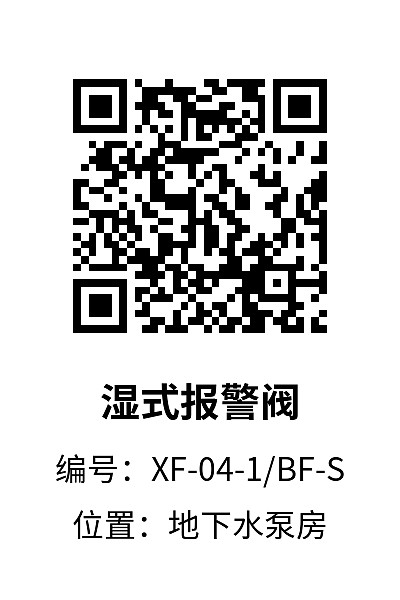
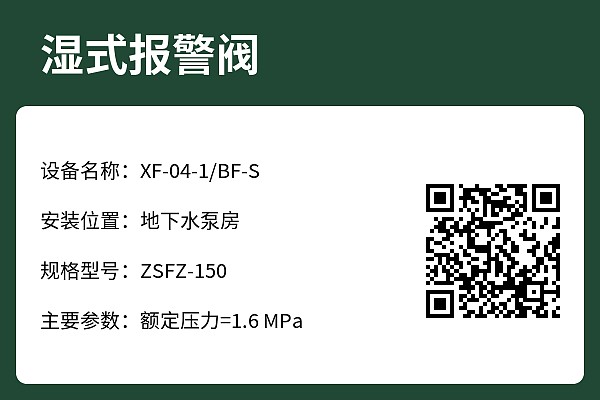
Usage Instructions
Used for wet alarm valve inspection tasks. Frontline operators can scan the QR code via WeChat to access basic equipment information and report inspection details and results by filling out a form. Meanwhile, managers can view backend data at any time to monitor the inspection status.
Main Features
Bulk QR codes generation: One code per device. When managing multiple wet alarm valves, import the equipment ledger to generate a large number of device QR codes at once.
Inspection fraud prevention: Prevent fake inspections by requiring inspectors to take photos during inspections, adding image watermarks, location tracking, and handwritten signatures.
Operation Tutorials
Graphic and video tutorials: Equipment Inspection System Setup Tutorial
Usage Recommendations
This template is free to use. It is recommended to register an account first, modify the template content, and generate a QR code to experience the effect.
The free version can meet basic wet alarm valve inspection needs (supports creating wet alarm valve inspection QR codes, with no limits on the number of codes created, number of inspectors, or number of entries; images in the inspection form do not consume storage capacity). If you have a large number of devices and need to manage permissions and multi-user collaboration, you can choose the paid version. Edition Selection Recommendations