2025 Review of Six Label Creation Tools
Original: https://cli.im/article/detail/2354
Nowadays, labels are not just simple paper prints but have become part of information systems. From QR code labels and product barcodes to asset tags and personnel identification badges, diverse scenarios have given rise to varied label creation needs. This article analyzes six common label creation and management software options: CaoLiao QR Code, DLabel Cloud Label, BYLabel Label Printing, HanCode, JingChen Cloud Print, and BarTender, to help you choose the right tool.
1. CaoLiao QR Code
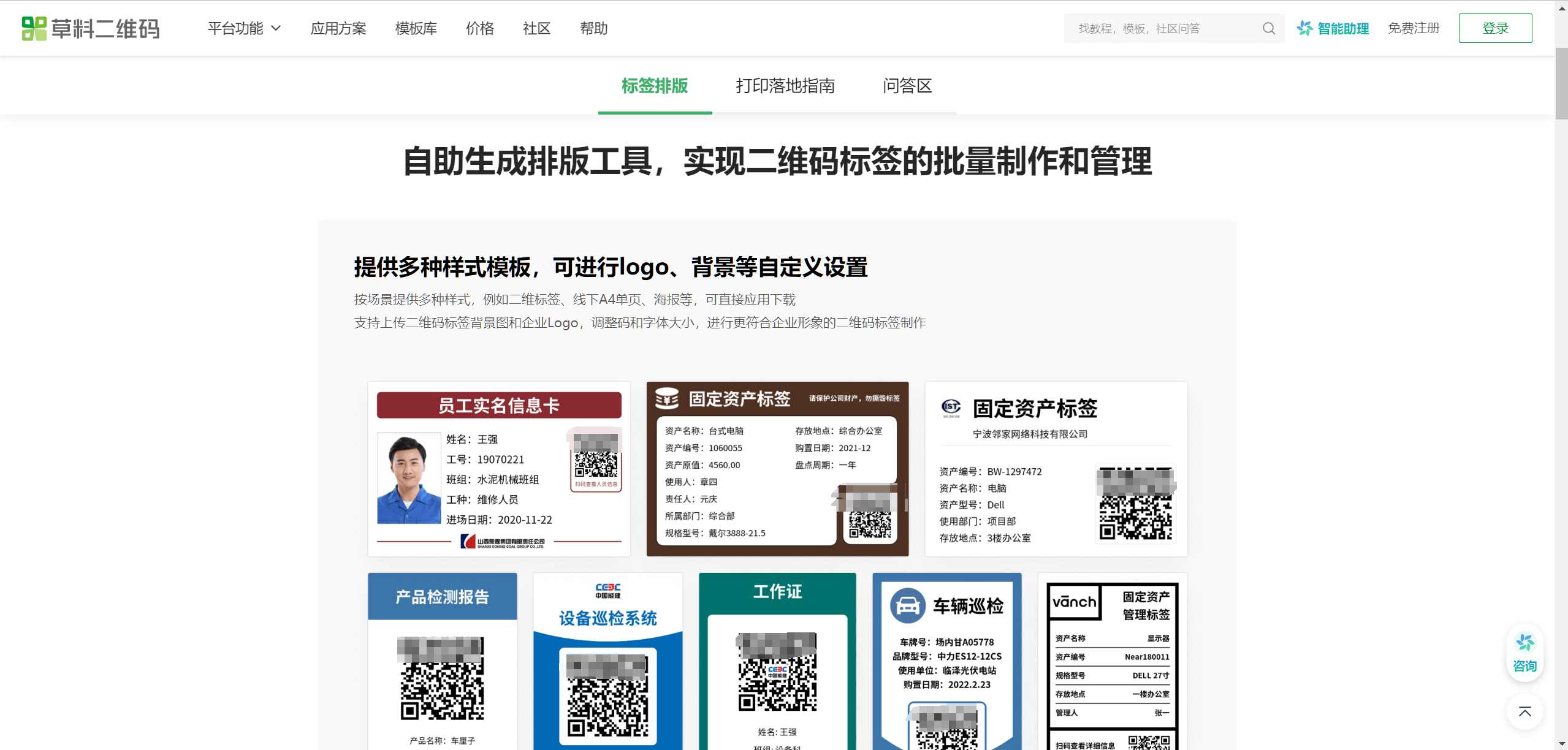
CaoLiao QR Code is a QR code generation and management platform tool, also a no-code platform. While not a traditional label creation software, it offers bulk QR code generation, label layout functions, and accompanying label printing services to help users implement solutions quickly. The label creation tools provided by CaoLiao QR Code are suitable for QR code label needs in various scenarios, such as one-item-one-code labels for personnel, products, assets, and equipment. CaoLiao officially provides over 150 label styles; users simply select the appropriate style, fill in data online, and can generate a large number of QR code labels with different content at once.
Core Advantages
- Bulk generation of one-item-one-code, supporting multiple methods like Excel import, online form filling, API integration with proprietary systems, and web pages for bulk QR code label generation.
- Rich QR code label template styles, adaptable to business scenarios like personnel badges, asset tags, equipment nameplates, and product labels.
- Ability to build a business system using QR code labels as the entry point, even without a proprietary system.
- Save label templates for reuse. Later, you can directly reuse saved styles to create new labels without reconfiguration.
- Online use, no software download required.
Limitations
- Does not support complex print parameter settings or custom label layout styles.
- Does not support generating barcode labels.
Pricing
Bulk QR codes generation and label layout functions are completely free.
Target Users
Users with needs for QR code label generation, management, and application; individuals, teams, and enterprises requiring one-item-one-code management of materials, products, personnel, and equipment through QR code labels. Users who have already built business systems on CaoLiao QR Code and need to generate QR code labels.
2. DLabel Cloud Label
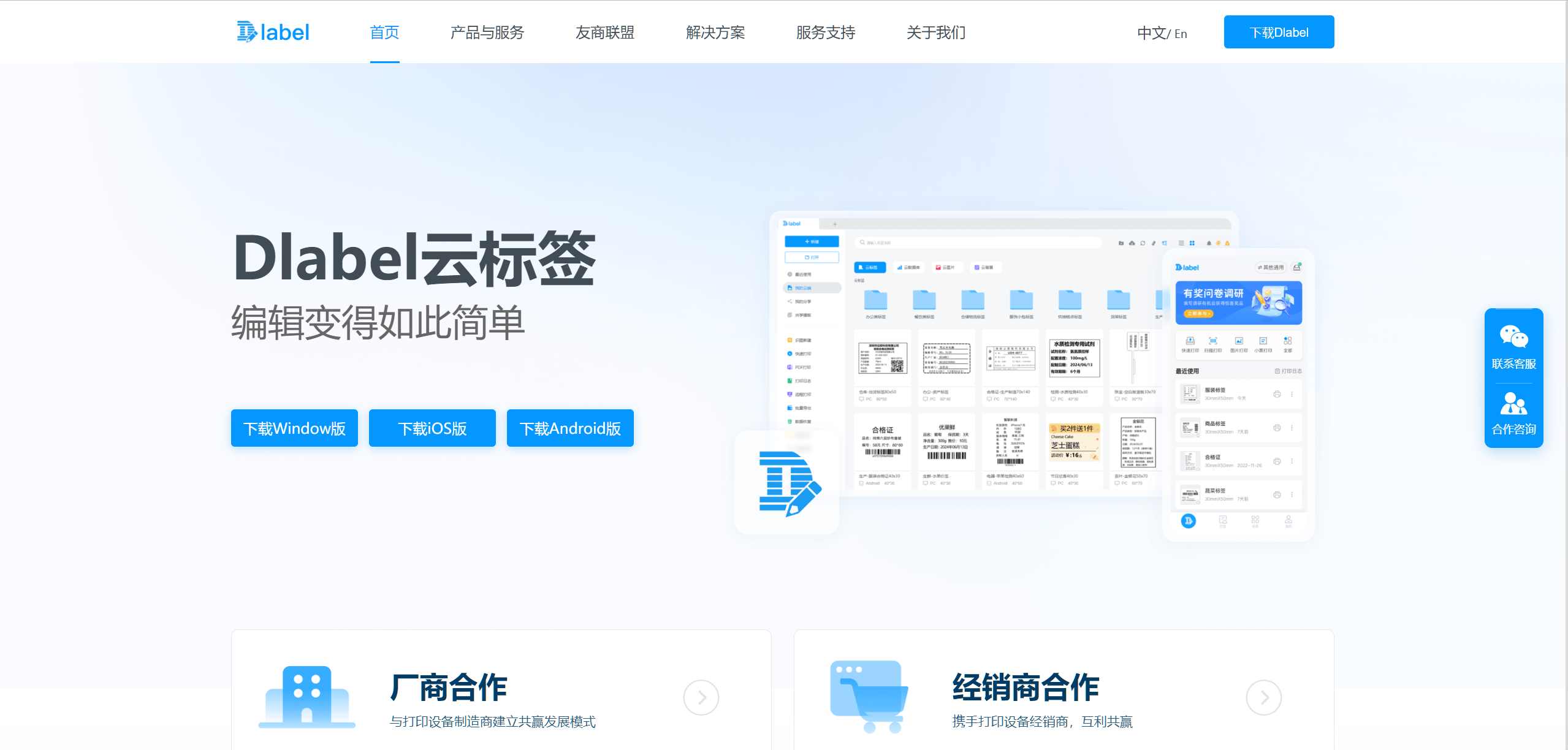
DLabel is a user-friendly, functionally straightforward label printing software that supports the design of common barcodes, QR codes, text, and graphics. It can import data from Excel and is suitable for simple bulk printing needs. It includes professional label templates for industries like apparel, retail, and logistics, which users can select and use directly.
Advantages
- Supports data synchronization across PC, Android, and Apple platforms, enabling remote printing from different locations.
- Supports data import from Excel and txt files, suitable for bulk printing.
- The software is free, suitable for small and micro-enterprises.
Limitations
- Cannot be used online; requires local installation.
- Advanced features (like complex layouts) have a learning curve.
- Limited compatibility with printer types; some users report print driver compatibility issues.
Pricing
Basic features are free; advanced features like creating new views and bulk downloads require payment.
Target Users
Medium and large enterprises, users requiring multi-location collaborative printing and inventory management.
3. BYLabel Label Printing System
BYLabel is a dedicated label printing tool for the Beiyang series of printers. It includes rich label templates, supports label editing of text, barcodes, QR codes, images, and graphics, and can perform counter functions and reference database tables for printing, helping users design various labels. Supports database connectivity for bulk printing.
Advantages
- Built-in rich templates facilitate quick design of various labels.
- Supports custom label sizes and layouts to meet personalized needs.
- Supports database connection, enabling bulk data processing and printing, improving work efficiency.
Limitations
- Only supports Beiyang series printers, relatively narrow application scope.
- Functionality is relatively limited; may not meet some advanced or complex label design requirements.
Pricing
Free and paid versions are available; specific pricing requires consultation with the official provider.
Target Users
Users with Beiyang series printers.
4. HanCode
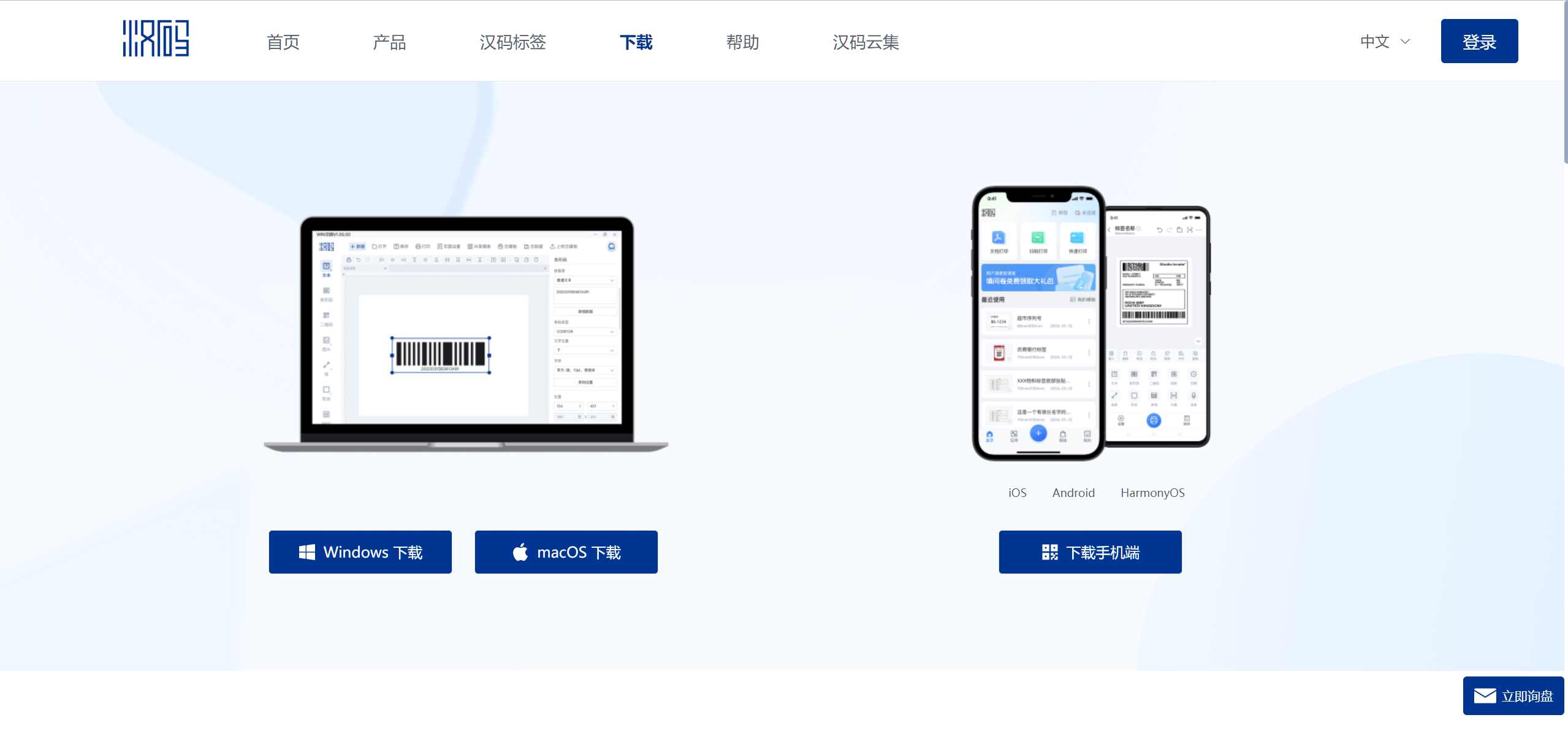
HanCode is a simple and efficient label editing and printing software, specifically designed for different industries, offering rich scenario-based label templates, including address labels, text labels, barcode labels, shipping labels, retail labels, etc. Through simple drag-and-drop, users can quickly design personalized labels.
Advantages
- Supports Bluetooth/WiFi printer connection, suitable for mobile operation.
- Supports online operation, compatible with Windows, macOS, Android, and iOS.
- Allows free adjustment of label size, font, and barcode type.
Limitations
- Cannot customize label background color and font color; QR code styles are limited.
- Single print data volume (3448 rows) may not meet very large bulk requirements.
- Fewer template resources; limited advanced features.
Target Users
Individual merchants, logistics practitioners, individual users, etc., who require low-cost, simple label printing.
5. JingChen Cloud Print
JingChen Cloud Print is a professional barcode and QR code design, creation, and printing APP. It supports multiple data sources and bulk printing, offering rich templates and functions to meet label printing needs across various industries.
Advantages
- Supports voice, image, and scan recognition for quick label generation.
- Label templates are automatically saved and synchronized across multiple devices.
- Supports Bluetooth direct connection to portable printers, suitable for mobile scenarios.
- Supports undo/redo functions to reduce design errors.
Limitations
- Relies on JingChen hardware; non-JingChen printer users require additional adaptation.
- Free version has limited functionality (e.g., template quantity restrictions).
Target Users
Home and office scenarios: Users needing mobile printing and quick printing requirements.
6. BarTender
BarTender is a globally leading software for labels, barcodes, documents, and RFID tags. It provides simple, fast, comprehensive, and efficient label solutions, supports multiple printers, and requires no local hardware or software installation.
Advantages
- Provides rich design templates and graphic tools, supporting complex label design.
- Meets special label standards for industries like healthcare and chemicals (e.g., GS1, HIBCC).
- Supports advanced features like RFID encoding and serialization.
- Compatible with global label standards, suitable for large enterprise needs.
Limitations
- Expensive (2000 RMB+), high learning curve.
- Primarily targets enterprise-level users; low cost-effectiveness for individual users.
Target Users
Large enterprises in manufacturing, pharmaceutical industries, etc., requiring high-precision labels; not suitable for individual users.
7. Selection Recommendations
In choosing a label creation tool, there is no "best," only "most suitable." Select a handy tool based on your business needs, team size, and technical capabilities to make label management more efficient!
- Basic Label Creation: For QR code labels, CaoLiao QR Code is recommended (completely free). For non-QR code labels, like barcode labels, DLabel Cloud Label can be used.
- Mobile Printing Needs: Choose HanCode, which supports multi-platform interoperability, suitable for mobile offices.
- Enterprise-Level Professional Needs: Choose BarTender for industrial-grade solutions.
- BYLabel is only recommended for users of New Beiyang printers.