Exhibit Introduction
Visitors can scan the code to listen to the corresponding audio guide for the exhibit, providing a low-cost alternative to manual or machine-guided tours. Supplementary images and text descriptions can be added, and multimedia content is not limited by the physical space of the sign, allowing visitors to gain a deeper understanding.
Basic Information
- Monthly Installations: 22,608
- Monthly Visits: 62,924
- Original Text: https://cli.im/template/detail/133305
Case Label Images

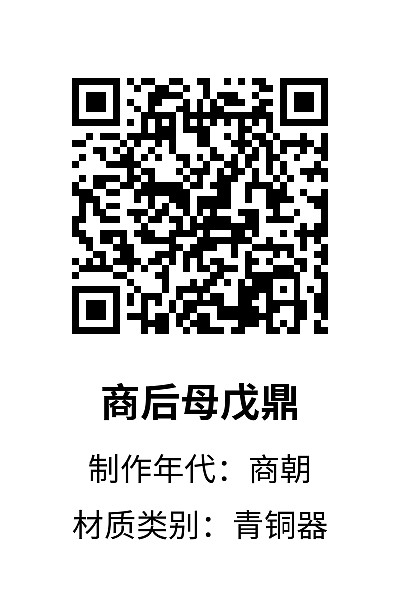

Usage Instructions
This template is suitable for creating exhibit introduction signs and can be modified according to your exhibit content. It is recommended to use the bulk QR codes generation feature to achieve one code per exhibit, input exhibit information, and batch generate exhibit signs.
1. Problems Solved
Traditional museum exhibit introduction sign methods have the following issues:
- Limited Information Capacity: Restricted by the physical space of the sign, only limited text and graphic information can be displayed, unable to provide detailed materials or dynamic content.
- High Update and Maintenance Costs: Once information changes, signs need to be remade and replaced, which is time-consuming and costly.
- Poor Interactivity: Static signs lack interaction with users, who can only passively receive information without the ability to provide feedback.
- Prone to Damage and Loss: Physical signs are easily affected by weather, human damage, and other factors, leading to missing or difficult-to-read information.
Applying the QR code solution:
- Rich Information Capacity: In addition to supporting text and images, QR codes can link to web pages, videos, audio, and other forms of content, expanding the depth and breadth of information.
- Low Cost and Easy Updates: Using CaoLiao QR Codes, information can be updated without replacing physical signs, reducing long-term operating costs.
- Enhanced Interactive Experience: Users can scan the QR code to provide feedback, enhancing user experience and engagement.
- Strong Durability: The QR code itself is digital information and is not easily subject to physical damage. Even if the sign surface is damaged, it can still be used normally as long as the QR code part is clear.
- Data Analysis and Tracking: Feedback information filled out by users through scanning the code is saved in your account and can be viewed at any time.
2. Scan to View All Basic Exhibit Information
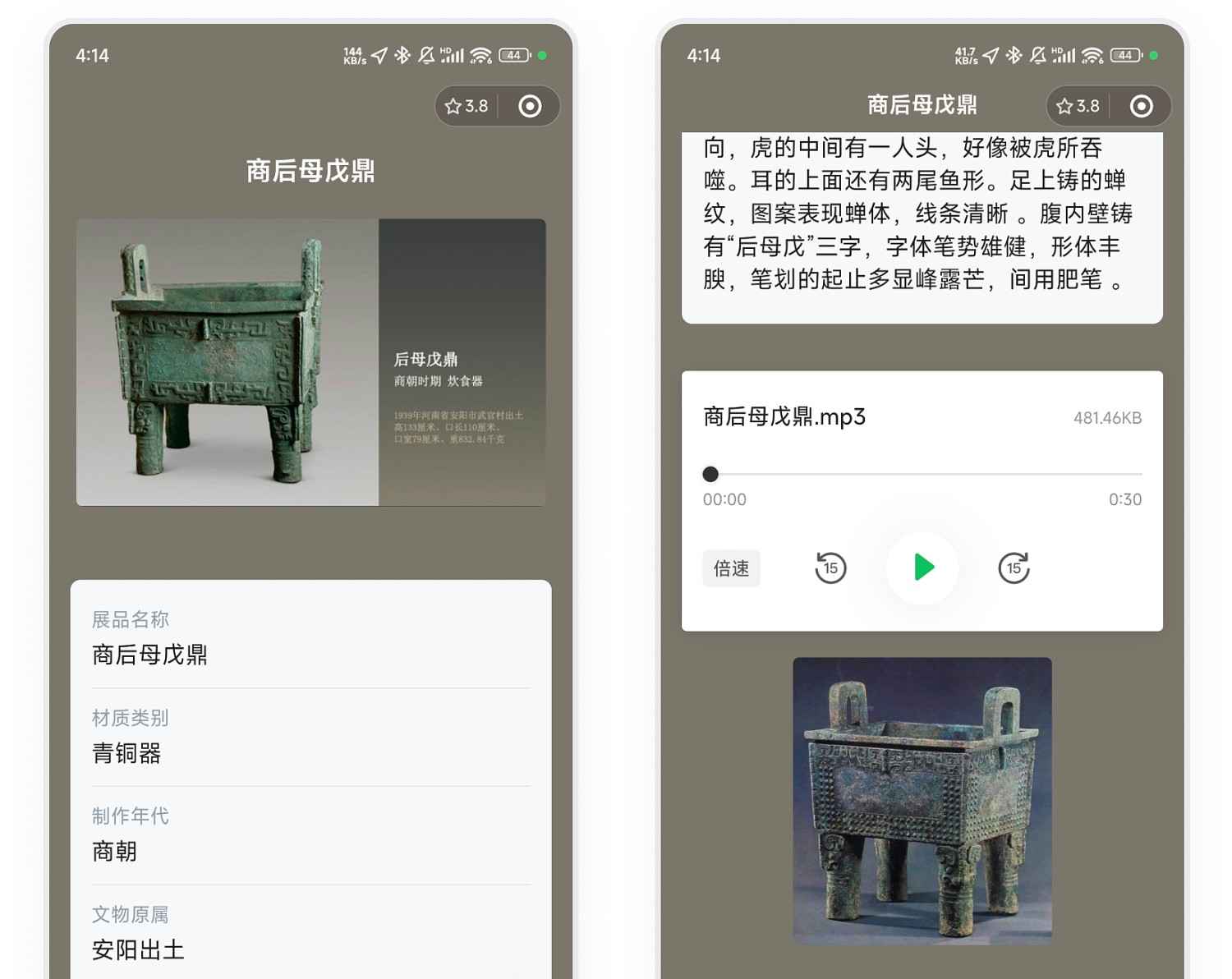
One Code Per Exhibit: Each exhibit corresponds to one QR code. Scanning the code allows viewing the exhibit's basic information, audio and video introductions, and other content.
Note: Forms can be associated within the QR code for collecting feedback or conducting satisfaction surveys, etc. They can be filled out by scanning the code with WeChat. Learn about forms features
3. Efficient Bulk QR Codes Generation
Upload basic exhibit information to batch generate exhibit introduction QR code labels:
- Upload Excel to Generate Codes: If you already have an Excel file with an exhibit information list, you can directly upload it to generate codes, with each row generating one exhibit sign sub-code.
- Bulk Generate Codes via Online Spreadsheet: Fill in data directly in the web-based spreadsheet to generate codes, with each row generating one exhibit sign sub-code. View Tutorial
- Supports Bulk Upload of Images and File Content. View Tutorial
- Video, Audio, and Other Content: Only supports uploading corresponding audio and video content individually after generating the sub-codes.
4. Label Download and Printing
After generating the QR code labels, you can download and print them in bulk.
Recommended Materials:
- Short-term, low budget: A4 Paper + Card Sleeve, Extra Sticky Sticker Paper
- If there is a display stand for placing labels: Acrylic Stand + Art Paper
- Long-term, pursuing high quality: Stainless Steel / Brass / Titanium Gold / Solid Wood, etc.
5. Frequently Asked Questions
1. Is it free to use?
Answer: The template is free to use and supports customizing content and display styles.
If you need to upload audio, video, or a large amount of text and image content, it is recommended to choose the Basic version. During the paid period for the Basic version, 1GB of high-definition, watermark-free storage space is provided; audio and video content can be played long-term, and supports hiding the CaoLiao logo. View version details
2. How long can the generated QR code be used?
Answer: QR codes generated by CaoLiao are valid long-term, with unlimited scan counts and number of users. You can use them with confidence.
3. How to edit the label style?
Answer: After generating the bulk template, you can change the style or edit fields in the Design Library to meet practical application needs. View Tutorial
4. If I can't find a suitable style in the Design Library, can I customize it?
Answer: Custom modification of label styles is currently not supported. The CaoLiao Design Library provides 100+ styles to choose from. If a suitable style is not found, you can export the data and use third-party software for your own layout design. View Tutorial